VEED.IO for Marketing Teams: AI Video Editing in the Browser
Which browser-based tool edits, subtitles, and dubs video without desktop software? VEED.IO, a Video Editing tool, generates AI videos and edits, captions, and translates them in one workspace for marketing teams. Podcast producers who need transcript-based audio editing rather than AI video generation should consider ChatCut instead.
- India 14.6%
- United States 10.4%
- Brazil 6.4%
- Vietnam 2.8%
- Other 65.8%
What VEED.IO Does
For marketing teams, VEED.IO turns a script, photo, or voice recording into a branded, subtitled video without opening a desktop editor. VEED.IO combines AI video generation with a standard timeline editor, so a team can generate a talking-head avatar video from a prompt, then trim, caption, and brand it in the same workspace. Automatic subtitles run under a fair-use limit of 50 hours per month on paid plans, and video translation covers 50+ languages for teams publishing to multiple markets. AI credits reset each billing cycle and do not carry over, so unused allocation is lost at renewal.
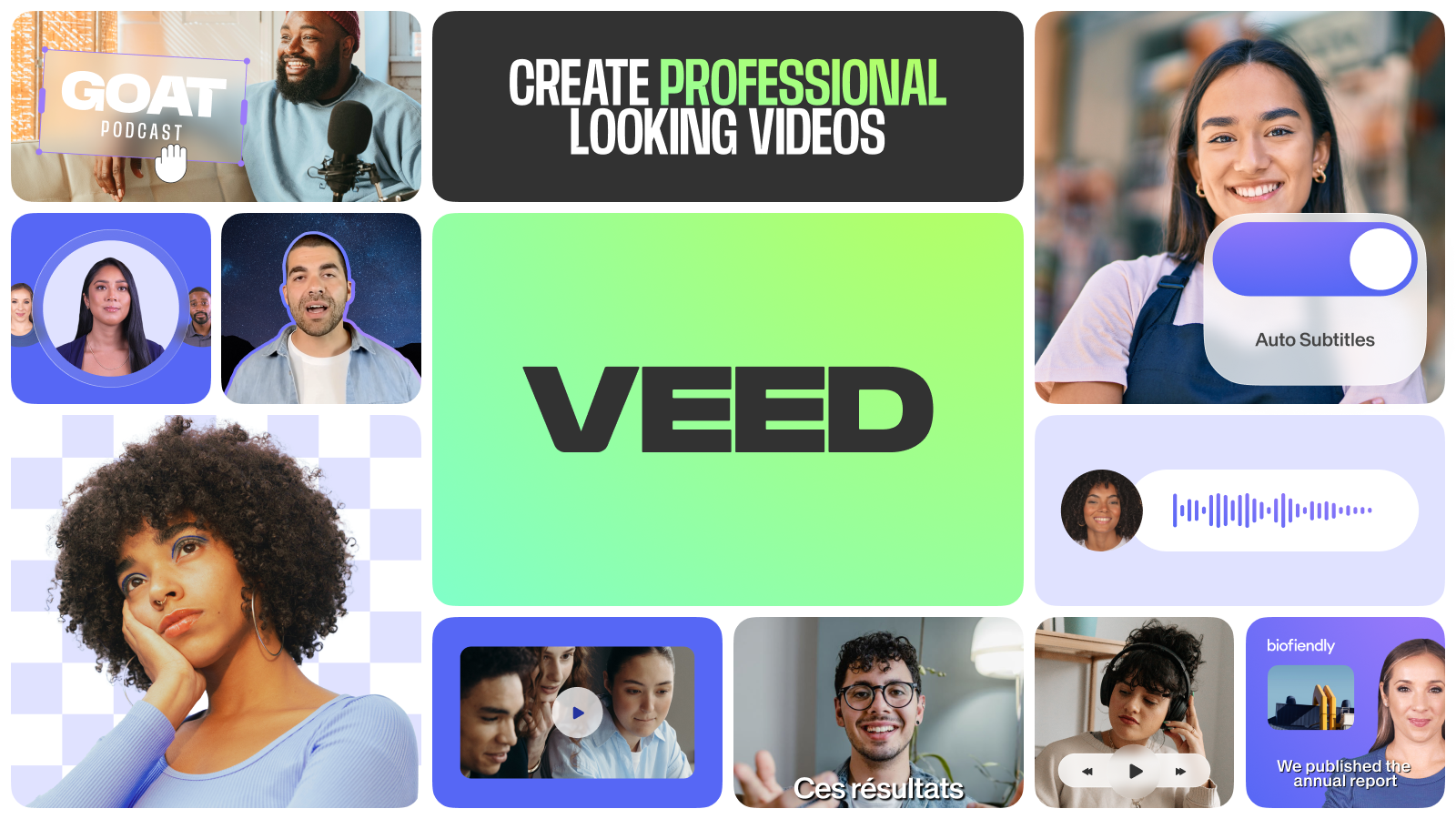

Main Features
AI Video Creation
VEED.IO generates video from a photo, a script, or a voice recording, building a talking-head presenter without filming. It draws on AI credits tied to the active plan, consuming a fixed amount per generated clip. Because output runs straight into the same editor, a generated clip can be trimmed, branded, and captioned without exporting to another application first.
Automatic Subtitles
VEED.IO generates captions directly from spoken audio and lets users adjust styling, timing, and placement before export. Paid plans include unlimited subtitle generation, capped by a fair-use limit of 50 hours per month, so a team running very high volumes could hit that ceiling. Advanced caption styles are reserved for higher-tier plans.
Video Translation
VEED.IO translates subtitles and spoken content into 50+ languages, drawing on the plan’s AI voice allowance measured in hours per year. Translation minutes are counted per target language, so translating one 30-minute video into three languages uses 90 minutes of allowance. That makes multilingual output predictable but finite under a fixed yearly budget.
Brand Kits
VEED.IO stores logos, fonts, and color palettes in a brand kit and applies them automatically across new videos. Pro and higher plans support multiple brand kits, so an agency or in-house team managing several clients or product lines keeps each identity consistent without rebuilding templates from scratch for every project.
Use Cases
-
Create AI videos
Marketing teams use VEED.IO’s AI video generation and brand kits to produce content that looks like their own brand rather than generic AI output, without a filming step, moving from prompt to branded export in one session.
-
Edit videos easily
Content creators open VEED.IO’s browser editor and start cutting, trimming, and adding text without working through onboarding tutorials, using automatic subtitles and the built-in audio and video catalog to finish polish steps in one tab.
-
Produce UGC ads
Growth marketers use VEED.IO’s eye contact correction and noise reduction to clean up raw user-generated submissions before they run as paid ads, turning unpolished footage into creative without a reshoot or studio session.
Best For / Not For
VEED.IO is built for people producing video inside a browser rather than a desktop suite.
That fits Marketing teams publishing branded campaign clips across channels, Content creators who need a fast, tutorial-free editor for regular output, and Growth marketers turning raw UGC submissions into finished, publishable ads. Teams needing transcript-driven audio editing or heavy podcast production are a weaker fit, since that workflow centers on text-based editing rather than VEED.IO’s timeline and AI-generation tools. It also does not fit teams who need unlimited captioning beyond 50 hours a month: VEED.IO enforces that fair-use cap on paid plans, so very high-volume subtitling operations will hit a ceiling other workflows should plan around.
Pricing
VEED.IO’s standard paid tier, Creator, costs $12 per user per month billed annually, with Pro at $22 per user per month billed annually for teams needing translation and multiple brand kits. Both plans are quoted at the annual billing rate; paying monthly costs more per seat.
| Plan | Price | Included |
|---|---|---|
| Creator | $12 / user/month, billed annually | 6,000 Credits · ~1,500 AI Videos |
| Pro | $22 / user/month, billed annually | 18,000 Credits · ~4,500 AI Videos |
Plans are billed per editor seat and charge for every user invited into the workspace. AI credits reset on renewal rather than rolling over, so an unused allocation disappears at the next billing cycle, and higher usage requires moving to a larger credit tier mid-subscription.
Pricing checked 2026-11-13.
Quick Comparison
ChatCut is VEED.IO’s main alternative for transcript-based audio and podcast editing workflows. ChatCut edits video and audio by modifying the written transcript directly, built around podcast-style production. VEED.IO instead offers AI video generation and automatic subtitles in 50+ languages, built for branded marketing output. Choose ChatCut if the core job is editing long-form podcast audio through a transcript. Choose VEED.IO if the job is producing short, branded marketing videos with captions and translations.
Verdict
VEED.IO generates roughly 1,500 AI videos from 6,000 credits on its $12 per user per month Creator plan, pairing that output with a browser editor for marketing teams and content creators. It suits teams producing branded, subtitled, multilingual video without a desktop suite.