
AI Video Generators for Content Creators with ShortMake
Most AI Video Generators tools need separate inputs for script, voice, and visuals; ShortMake runs all three through one AI director, Shorty, from a single idea. Content creators and storytellers get a finished vertical series without juggling multiple apps. Built for episodic shorts — one-off editors may find it narrow.
- United States 35.1%
- France 12.2%
- India 10.7%
- Brazil 8.4%
- Other 33.6%
What ShortMake Does
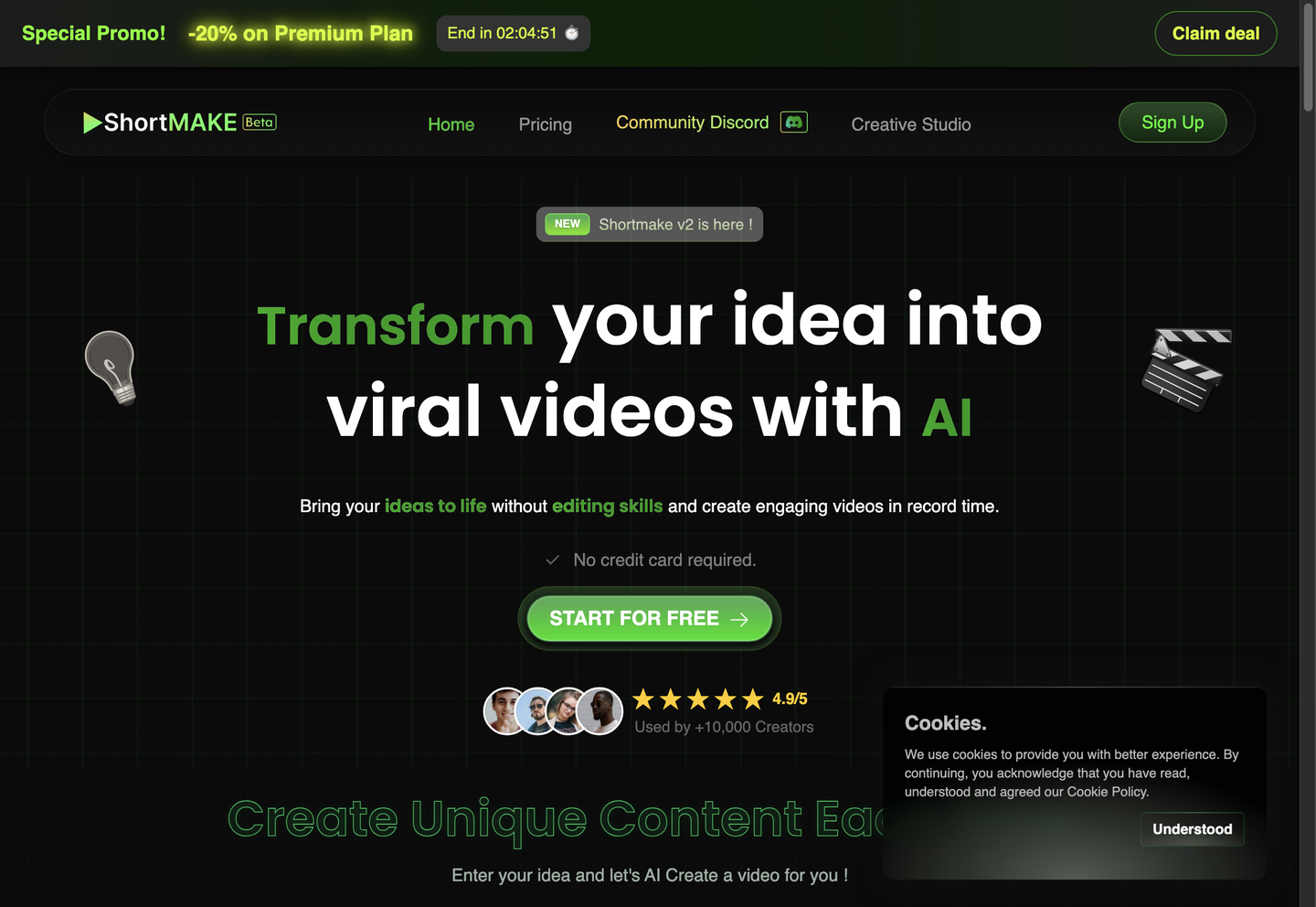
Content creators and storytellers use ShortMake to turn a single idea into a multi-episode short video series inside one browser tab.
ShortMake’s AI director, Shorty, writes the story, builds characters, storyboards scenes, and generates episodes without manual scripting. It adds AI voice-over, generates illustrations or video using Google Veo 3.1, Kling AI, Wan AI, or Sora 2, and applies subtitle styling. Output renders in 9:16 format for TikTok, YouTube Shorts, Instagram Reels, and Snapchat, so one idea becomes a publish-ready clip without a separate editing pass. A built-in Creative Studio lets users adjust scenes before export.
Main Features
AI Script Generation
ShortMake’s AI director, Shorty, writes story, characters, and episode structure automatically from a short prompt, then builds the storyboard without a separate writing step. Scripting and storyboarding happen in one pass, so creators skip the back-and-forth between a chatbot and a notes document before any visuals exist, cutting the planning stage to a single prompt.
AI Voice-Over
ShortMake generates narration with adjustable voice style and emotion, matching tone to each scene’s mood. The Starter plan includes four realistic voices and Pro includes twenty, selectable inside the same interface as script and visuals. Because narration happens in that single workspace, audio does not need exporting to a separate editor for syncing with footage.
AI Image/Character Generation
ShortMake generates illustrations and keeps a character’s face, outfit, and voice consistent across episodes through saved character sheets. Each new episode reuses the same visual profile rather than regenerating a character from scratch. For series work specifically, a recurring character does not need re-drawing or re-prompting every time the story continues, which removes a manual setup step per episode.
Customizable Subtitles
ShortMake applies subtitle styling directly during rendering, adjusting caption appearance without routing the clip through a separate captioning app. Style choices cover font, color, and placement, built into the same export step as voice-over and visuals. Since captions render automatically, a finished clip is caption-ready for platforms that autoplay muted by default, without an extra pass.
Use Cases
-
AI Series Generation
Content creators and storytellers provide a single idea, and ShortMake’s AI director handles story, character design, storyboarding, and episode production across installments. Consistent characters carry across episodes, so a series does not need re-briefing for every new part.
-
Fruit Story Drama Creation
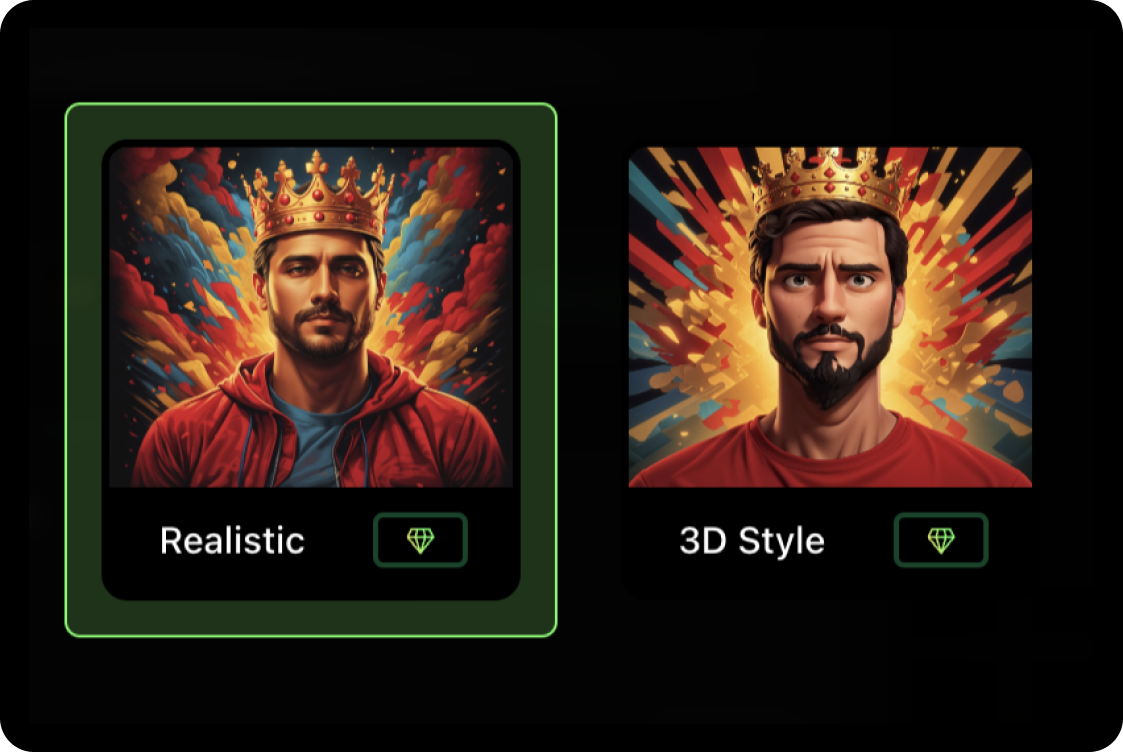
Content creators build mini-series featuring humanized fruit characters with dramatic storylines involving betrayals, secrets, and twists. ShortMake supports styles like fruit drama or 3D rendering, letting a niche comedic format be produced without custom animation work.
-
Multi-Platform Short Production
Content creators and storytellers export the same series in 9:16 vertical format for TikTok, YouTube Shorts, Instagram Reels, and Snapchat. One script and character set covers four platforms, so cross-posting does not require re-editing for each app’s crop.
Best For / Not For
ShortMake is built for people producing ongoing short-form video series rather than one-off edits.
Content creators and storytellers running episodic TikTok or YouTube Shorts formats fit this workflow well, along with content creators building niche comedic concepts like fruit drama series, where consistent characters matter episode to episode. Anyone shipping a single standalone promotional clip gets less value from the character-continuity tooling built into ShortMake.
ShortMake does not publicly document a frame-by-frame manual editing timeline or third-party software integrations, so editors who need precise shot-by-shot control or third-party connections should look at a dedicated editor instead.
Pricing
ShortMake’s standard entry plan, Starter, costs $19.99 per user per month, billed monthly, with a discounted $4 first-month rate, and includes 1,000 credits per month, enough for roughly 10 finished videos.
| Plan | Price | Included |
|---|---|---|
| Starter | $19.99 / user/month, billed monthly · $4 first month | 1000 credits/month (~10 videos) |
| Creator | $23.99 / user/month, billed monthly | 2000 credits/month (~20 videos) |
| Pro | $49.99 / user/month, billed monthly | 4000 credits/month (~40 videos) |
Credits are consumed per video at roughly 100 to 120 per 60-second clip, so a 1,000-credit Starter allocation covers about ten finished shorts before the next billing cycle. The table does not state whether unused credits roll over or what happens once an allowance is exhausted mid-month.
Pricing checked 2026-10-24.
Quick Comparison
Faceless Reels AI is ShortMake’s main alternative for faceless short-form content production. Faceless Reels AI focuses specifically on narrator-free, faceless video formats as its core output. ShortMake instead keeps named, consistent characters across episodes via its character sheet system in Main Features. Choose Faceless Reels AI if the goal is anonymous, voice-only commentary videos. Choose ShortMake if the project needs recurring characters across a multi-episode series.
Verdict
ShortMake generates multi-episode video series with consistent AI characters for $19.99 per month at 1,000 credits, covering roughly 10 finished clips. It fits creators building recurring series formats like fruit drama rather than single standalone edits. Episode consistency is the differentiator here, not raw rendering volume.