AI Commercial Video Production for Brand Teams with KLING AI
Which video tool lets a brand team build commercial footage without a camera crew? KLING AI, a Text to Video tool, generates multi-shot video from text, images, and product photos for brand teams and creative agencies. Filmmakers who need frame-accurate editorial control should consider a traditional NLE instead.
- China 74.5%
- United States 7.2%
- Hong Kong 2.1%
- Taiwan 1.8%
- Other 14.5%
What KLING AI Does
For brand teams and filmmakers, KLING AI converts text prompts, still images, and reference footage into finished video clips without a shoot.
KLING AI runs on Kling 4.0 and Kling Image 3.0, generating video from a written prompt, a single image, or multiple source images combined into one sequence. The Canvas workspace lets users arrange elements before generation, and MCP/CLI access lets an agent trigger Kling programmatically to produce batches of clips rather than one at a time. Audio generates alongside motion, so a clip arrives with synchronized sound instead of a separate audio pass.


Main Features
Kling 4.0
Kling 4.0 is the current generation model behind KLING AI’s video output, handling text-to-video and image-to-video requests with stable motion and synchronized audio. It processes prompts and reference images in one pass rather than requiring separate motion and audio tools, so a single generation step produces a usable clip instead of several linked ones.
Kling Image 3.0
Kling Image 3.0 generates still images from text prompts at what KLING AI describes as cinematic-grade detail, used as source material for video generation or as standalone output. Because images and video share the same pipeline, a frame generated here can feed directly into Image-to-Video without exporting between separate tools.
Canvas
Canvas is KLING AI’s workspace for arranging multiple images, text, and reference elements before running a generation. It lets users lay out a scene’s components visually instead of describing every element in a single text prompt, which gives more control over multi-element composition in Multi-image-to-Video projects.
MCP / CLI
MCP and CLI access let an agent or script call KLING AI’s generation pipeline directly, bypassing the web interface. This lets teams queue batches of video requests programmatically, so producing many variations of a commercial or ad concept does not require manual clicks for each one.
Use Cases
-
Professional Cinematic Short Films
Filmmakers and content creators bring a script or storyboard concept instead of camera equipment. KLING AI’s Kling 4.0 model generates multi-shot video with camera movement and native audio. This lets a short film take shape without scheduling a traditional production.
-
Global Multilingual Video Marketing
Marketing teams and brands need campaign assets localized for several markets at once. KLING AI’s Lip Sync feature matches dubbed voiceovers to on-screen mouth movement across languages. This removes the need for separate re-shoots or dubbing studios per region.
-
AI Commercial Video Production
Brand teams and creative agencies supply product photos, scripts, and visual references instead of booking a shoot. KLING AI combines Image-to-Video and Multi-image-to-Video to assemble commercial footage from those assets. The workflow replaces filming with generation from existing marketing materials.
Best For / Not For
KLING AI is built for people producing video without a camera crew or editing suite.
Filmmakers and content creators building short-form narrative work, Marketing teams and brands localizing campaigns across languages, and Brand teams and creative agencies turning product photos into commercial footage all fit the core workflow.
KLING AI is not built for teams that need a mature collaborative editing suite, predictable unlimited generation, or independently verified enterprise compliance credentials, since none of these are documented on its site.
Pricing
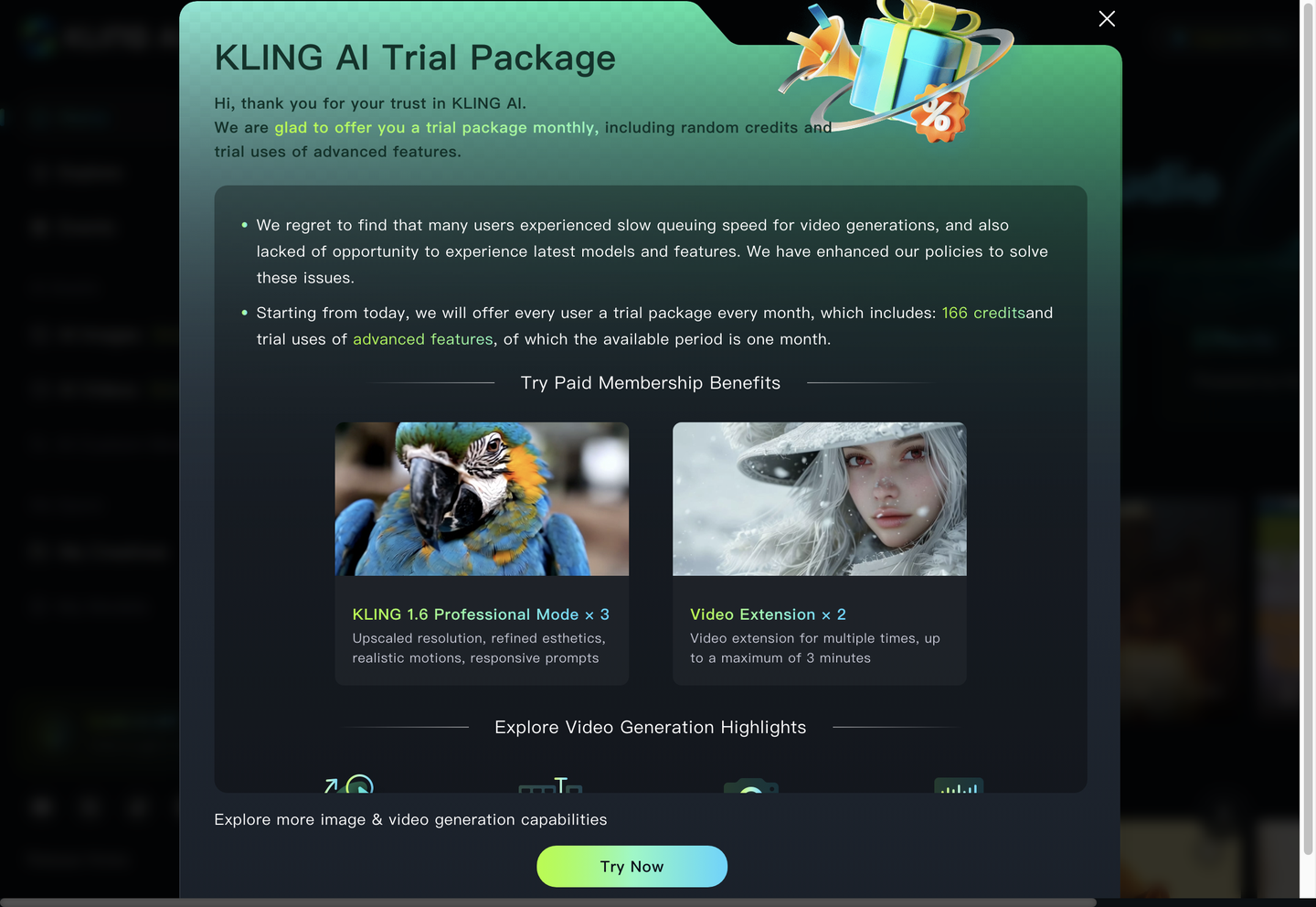
KLING AI offers a Free Tier with limited units for trial use, then three paid unit packages with 20 concurrency, each valid for 180 days.
| Plan | Price | Included |
|---|---|---|
| Free Tier | Free | Basic access with limited units for trial and light usage |
| Standard Package 1 | $500 / units | 3250 units (valid for 180 days) |
| Standard Package 2 | $2000 / units | 13135 units (valid for 180 days) |
| Standard Package 3 | $8000 / units | 53640 units (valid for 180 days) |
Unit cost per package drops as package size increases, but each pack expires after 180 days regardless of remaining balance.
Pricing checked 2026-11-13.
Quick Comparison
Pika is KLING AI’s main alternative for prompt-based video and image editing workflows. Pika runs multiple underlying models, including Seedance 2.5, Veo 3.1, and Wan 3.0, inside one account. KLING AI differentiates with its Canvas workspace for arranging multi-element scenes before generation and native MCP/CLI access for programmatic batch runs. Choose Pika if a team wants model choice within one subscription. Choose KLING AI if the priority is a structured scene-composition workflow and agent-driven batch generation.
Verdict
KLING AI generates commercial footage from product photos and scripts for brand teams and creative agencies, running paid packages with 20 concurrency and units valid for 180 days. Its Canvas workspace and MCP/CLI access support scaled, multi-shot production beyond single-clip generation.