Artbreeder for Concept Artists: AI Image Breeding Tool
A character sheet due tomorrow still needs ten visual variants, and redrawing each one by hand eats the whole evening. Artbreeder is a gene-based portrait and image workspace, a AI Image Generators tool, that blends and adjusts existing images with sliders instead of prompts. Particularly strong at iterative portrait variation — not built for precise, prompt-controlled final compositions.
- United States 55.8%
- Thailand 13.3%
- Germany 5.8%
- Russia 4.4%
- Other 20.8%
What Artbreeder Does
Artbreeder solves the redraw-every-variant problem by letting users breed and adjust existing images instead of starting each one from scratch.
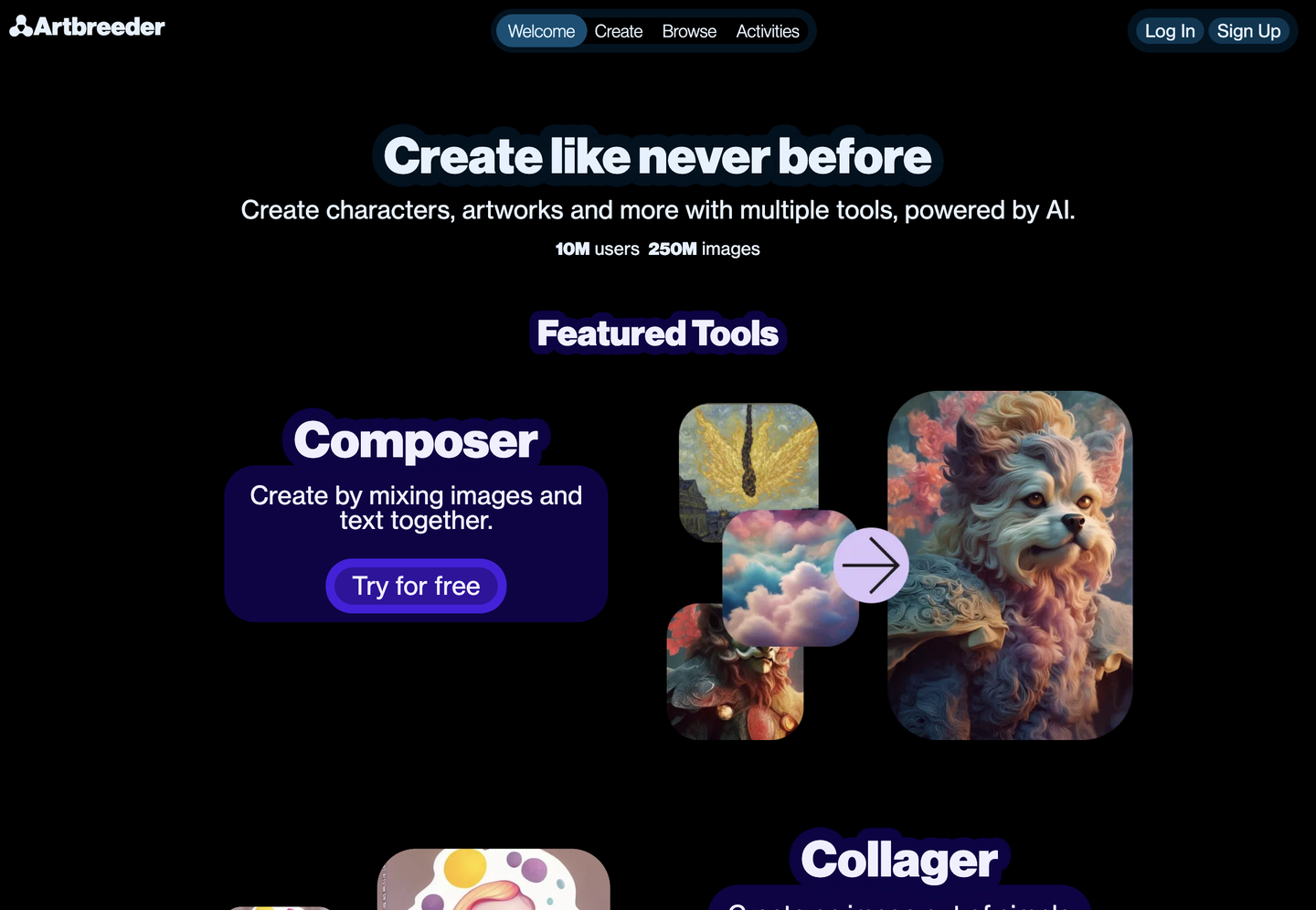
Users upload or pick images, then mix traits between them or move gene sliders for age, gender, color, and style. Splicer handles trait blending, Collage builds compositions from shapes and text, and the community gallery supplies source material to fork and remix. Because adjustments happen on sliders rather than rewritten prompts, exploring ten variants of one face means nudging values, not retyping descriptions.
Artbreeder runs in the browser with no local install required.
Main Features
Splicer
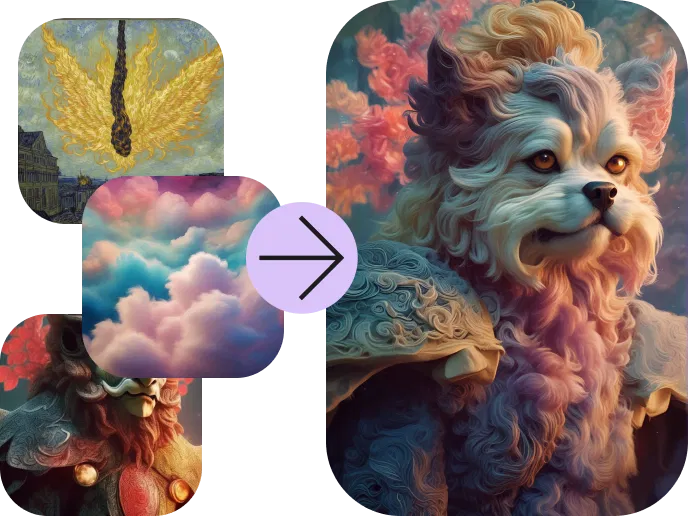
Splicer mixes two or more source images and exposes their shared traits as adjustable genes — age, gender, color, and style among them. Users drag sliders rather than rewrite prompts, so each new variant comes from the same base images with different trait weights, which keeps a character’s core identity recognizable across dozens of edits in Artbreeder.
Collage
Collage lets users arrange simple shapes, images, and text into a rough layout that Artbreeder then renders into a finished image. Because the starting point is a composition sketch rather than a paragraph of description, placement and framing stay closer to what the user actually intended.
Gene Control
Gene Control exposes individual attributes — age, gender, color intensity — as separate sliders on a single image. Moving one slider changes only that trait, so a concept artist can test a character aged up or down without re-rolling the whole face.
Community Gallery
The community gallery lists publicly shared creations that any user can browse, fork, and remix as a starting point for their own splices. Because forked images carry their original gene settings, new users can study and adjust a working result instead of building gene values from zero.
Use Cases
-
Creating character variations
Concept artists create dozens of portrait or character variations during a 1–2 hour ideation session. Artbreeder’s slider-based iteration helps explore alternatives faster than manually redrawing each concept by hand.
-
Developing game concepts
Game-design teams develop 10–50 character or environment concepts by breeding and modifying reference images in Artbreeder. The tool supports rapid visual exploration before a concept moves into final production art.
-
Producing visual references
Writers and worldbuilding teams produce visual references for 5–20 fictional characters or locations using Artbreeder. Public-gallery remixing and image blending help establish a consistent visual direction across a project.
Best For / Not For
Artbreeder is built for people who iterate on existing imagery rather than typing out detailed prompts for a single final render.
Concept artists exploring portrait variants, game-design teams breeding reference images into character or environment options, and writers and worldbuilding teams producing visual references for fiction all fit its slider-driven workflow.
Artbreeder does not publicly document integrations with third-party software, and it offers less precise control over exact subjects and composition than prompt-based tools, so teams needing polished, art-directed final deliverables should look elsewhere.
Pricing
Artbreeder also offers free access with limited credits, and its three paid subscription tiers start at $7.49 per user per month billed annually for the Starter plan, rising to $30.99 per month for the Champion plan with far more yearly credits.
| Plan | Price | Included |
|---|---|---|
| Starter | $7.49 / user/month, billed annually | 1200 Credits/year |
| Advanced | $15.99 / user/month, billed annually | 3300 Credits/year |
| Champion | $30.99 / user/month, billed annually | 8400 Credits/year |
Credits reset at the start of each billing period and do not roll over, so unused allocation on any tier is lost; running out still allows slower, free-tier image generation in Collager, though uploads lose private-mode and Google Drive sync without an active subscription.
Pricing checked 2026-10-23.
Quick Comparison
Consistent Character AI is Artbreeder’s main alternative for keeping one character’s look stable across many images. It focuses specifically on consistent character identity across generated scenes and outfits. Artbreeder instead offers gene-level trait blending through Splicer, letting users mix two source faces rather than lock one. Choose Consistent Character AI if a single character must stay visually identical across a full comic or game. Choose Artbreeder if the goal is exploring many related variants during early-stage ideation.
Verdict
Artbreeder processes gene-based image blending for concept artists and game-design teams, with Starter plans starting at $7.49 per user per month for 1,200 yearly credits. It fits slider-driven exploration better than prompt-precise final rendering. Suited to early ideation, not finished art direction.