
Autoenhance AI: Image Editing for Real Estate Photographers
A real estate photographer shoots a listing at noon and owes the agent polished, listing-ready images by evening. Autoenhance AI, an Image Editing tool, merges the bracketed exposures and corrects color automatically, returning finished photos without manual blending. Autoenhance AI does not edit general-purpose or non-property photography.
- United States 31.9%
- Canada 27.1%
- Germany 8.2%
- Vietnam 5.2%
- Other 27.6%
What Autoenhance AI Does
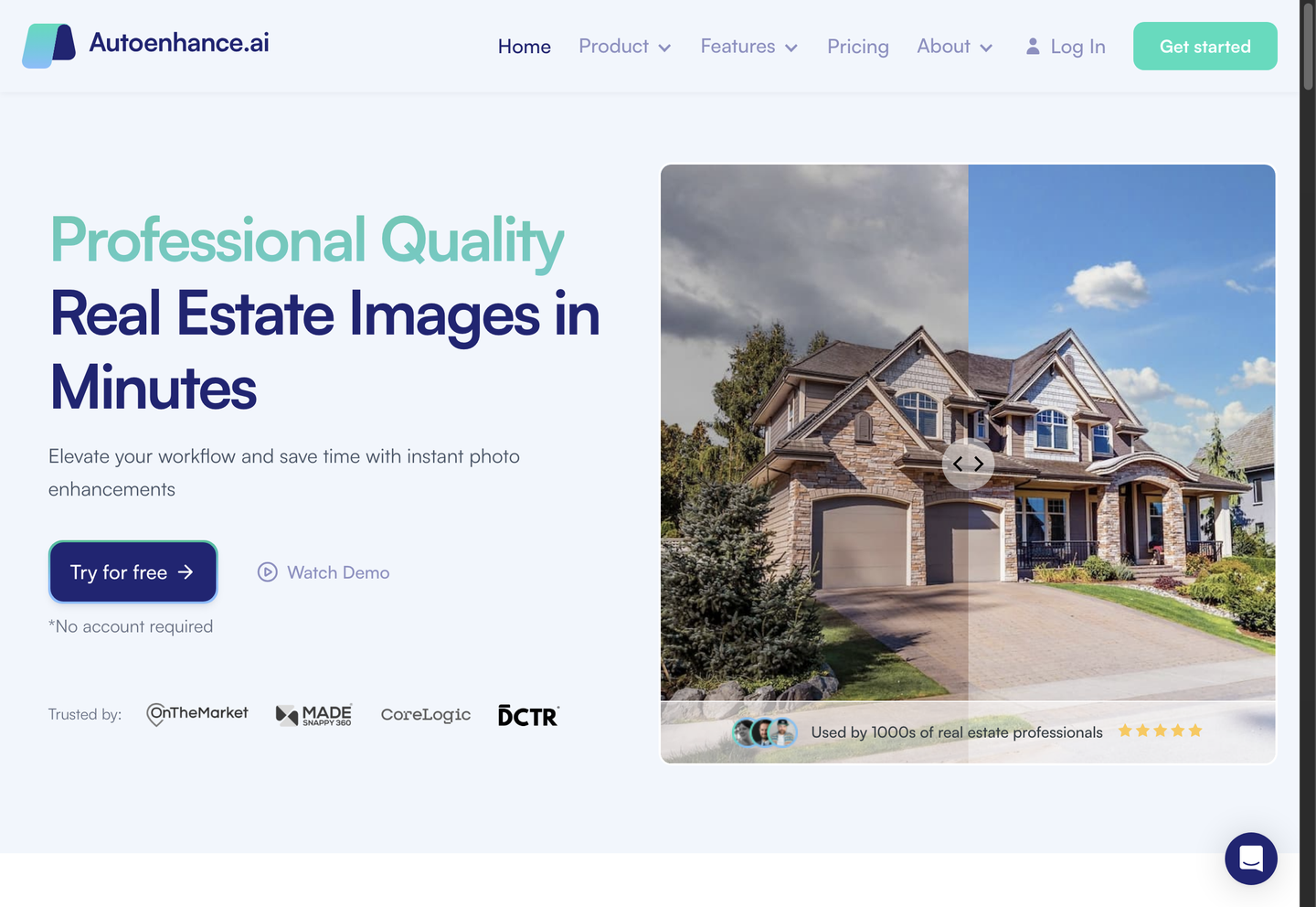
Autoenhance AI automates the repetitive post-production steps that real estate photographers and agencies perform on every listing photo. It runs HDR merging, window pulls, sky replacement, color correction, and perspective correction as automated passes rather than manual edits in Lightroom or Photoshop. Users upload raw or bracketed images, preview the result for free, and download the processed file at 6K resolution once satisfied. The system also includes camera removal for mirrors and reflective surfaces and auto-blurring for license plates and faces, addressing privacy concerns specific to property listings.
Because enhancements apply automatically per image, a single photographer or a media company handling thousands of listings processes photos the same way without individually blending exposures or masking windows by hand.
Main Features
HDR Merging
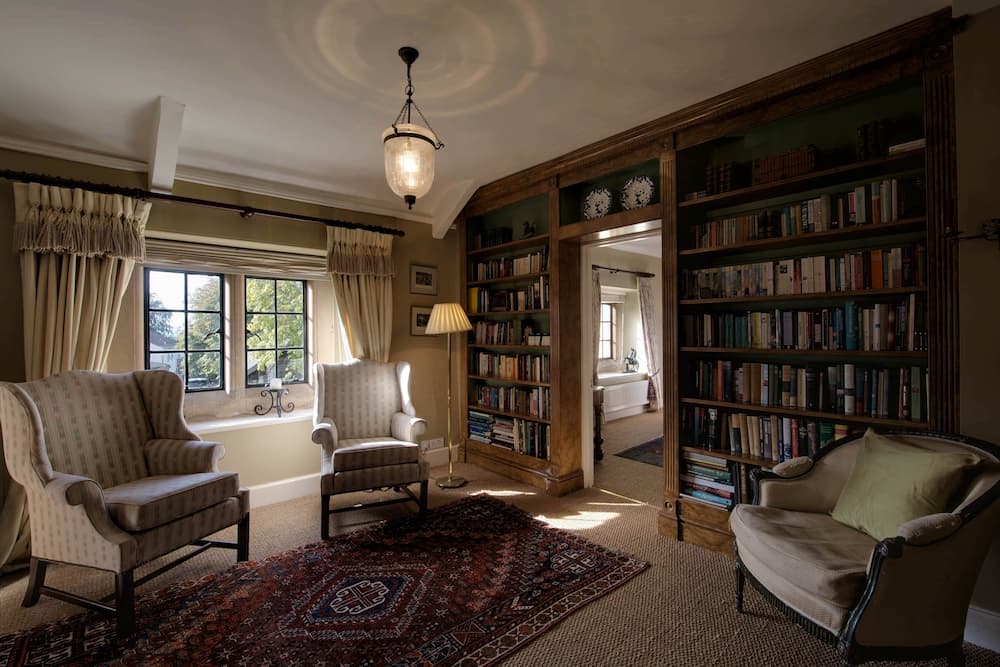
Autoenhance AI combines bracketed exposures into a single balanced, natural-looking image without manual blending in HDR software. The system aligns and merges multiple exposure levels automatically, so photographers no longer stack layers by hand for every interior shot. This removes one of the slowest steps in real estate post-production from the photographer’s workflow entirely.
Window Pulls
Window Pulls detects windows in an uploaded image and applies a precise mask to reveal the outdoor view while keeping interior lighting bright. The tool balances exposure between inside and outside the frame in one pass. Photographers get a listing photo with a visible exterior view without shooting a separate bracket for windows.
Sky Replacement
Sky Replacement swaps dull or overcast skies in exterior shots for brighter alternatives, applied automatically to each uploaded image. Because the replacement runs without manual masking, agencies shooting under inconsistent weather still produce consistent exterior photos across a listing set. This keeps a property’s curb-appeal shots uniform regardless of the day it was photographed.
Perspective Correction
Perspective Correction straightens vertical lines and aligns distorted angles in both interior and exterior shots. Autoenhance AI applies the correction automatically as part of the same processing pass as color and lighting fixes. Listing photos taken on a tilt or from a low angle come back squared off, matching the polished look agents expect from professional real estate photography.
Use Cases
-
Real Estate Post-Production
Real estate photographers upload raw listing shots and need consistent, polished results without outsourcing editing. Autoenhance AI applies HDR merging, window pulls, and color correction automatically. The photographer delivers finished images without sending files to an external editing service.
-
Virtual Tour 360 Enhancement
Virtual tour creators upload 360-degree property images that need the same polish as standard listing photos. Autoenhance AI applies its enhancement pipeline to 360 formats directly. Tour creators avoid processing panoramic images in a separate tool from their standard photo workflow.
-
High-Volume Listing Processing
Real estate media companies handling large photo batches need uniform output across hundreds of properties at once. Autoenhance AI processes images with the same automated settings regardless of volume. Output stays visually consistent across listings shot by different photographers on different days.
Best For / Not For
Autoenhance AI is built for people producing real estate photography at volume who want consistent output without manual editing.
Real estate photographers processing individual shoots and virtual tour creators working with 360-degree formats are the named audiences for this tool. Agencies and media companies handling recurring listing volume also fit the pay-per-image and subscription structure.
Autoenhance AI does not serve general photo editing outside real estate, so portrait, product, or event photographers should look elsewhere for an editing pipeline built around their formats.
Pricing
Autoenhance AI charges $0.29 per downloaded image with no subscription, or $29 per month, billed monthly, for the Essential plan, which includes 100 images and is currently discounted from a standard rate.
| Plan | Price | Included |
|---|---|---|
| Pay per image | $0.29 / image | |
| Essential | $29 / month, billed monthly · $29 Lock in 50% off the Essential Plan for a limited time | 100 images included, additional images at $0.29 each |
Images beyond the 100 included in the Essential plan cost $0.29 each, unused monthly credits roll over one month, and downloaded images are stored for only 45 days.
Pricing checked 2026-11-09.
Quick Comparison
Super Resolution is Autoenhance AI’s main alternative for photographers needing sharper image output rather than real estate-specific edits. Super Resolution focuses on upscaling and detail recovery in low-resolution source files. Autoenhance AI instead runs HDR merging, window pulls, and sky replacement built specifically for property listings. Choose Super Resolution if the job is recovering detail in low-res or old photos. Choose Autoenhance AI if the job is producing listing-ready real estate photos at volume.
Verdict
Autoenhance AI processes real estate listing photos at $0.29 per image or $29 per month for 100 images, delivering 6K enhancements without manual HDR blending. It fits photographers and agencies standardizing property photo output, not general creative editing work.


