AI Image Editing for Photographers with Luminar Neo
Most Image Editing tools require manual masking for sky swaps; Luminar Neo applies one-click AI tools for sky replacement, relighting, and object removal instead. Photographers get automated corrections across desktop, web, and mobile, so Luminar Neo fits batch editing rather than frame-by-frame compositing. Built for fast AI touch-ups — pixel-level compositors will hit its ceiling against Photoshop.
- United States 19.8%
- Germany 11.2%
- China 7%
- Italy 4.7%
- Other 57.4%
What Luminar Neo Does
Photographers and organizations use Luminar Neo to edit, retouch, and composite photos with AI-driven tools across desktop, web, and mobile apps.
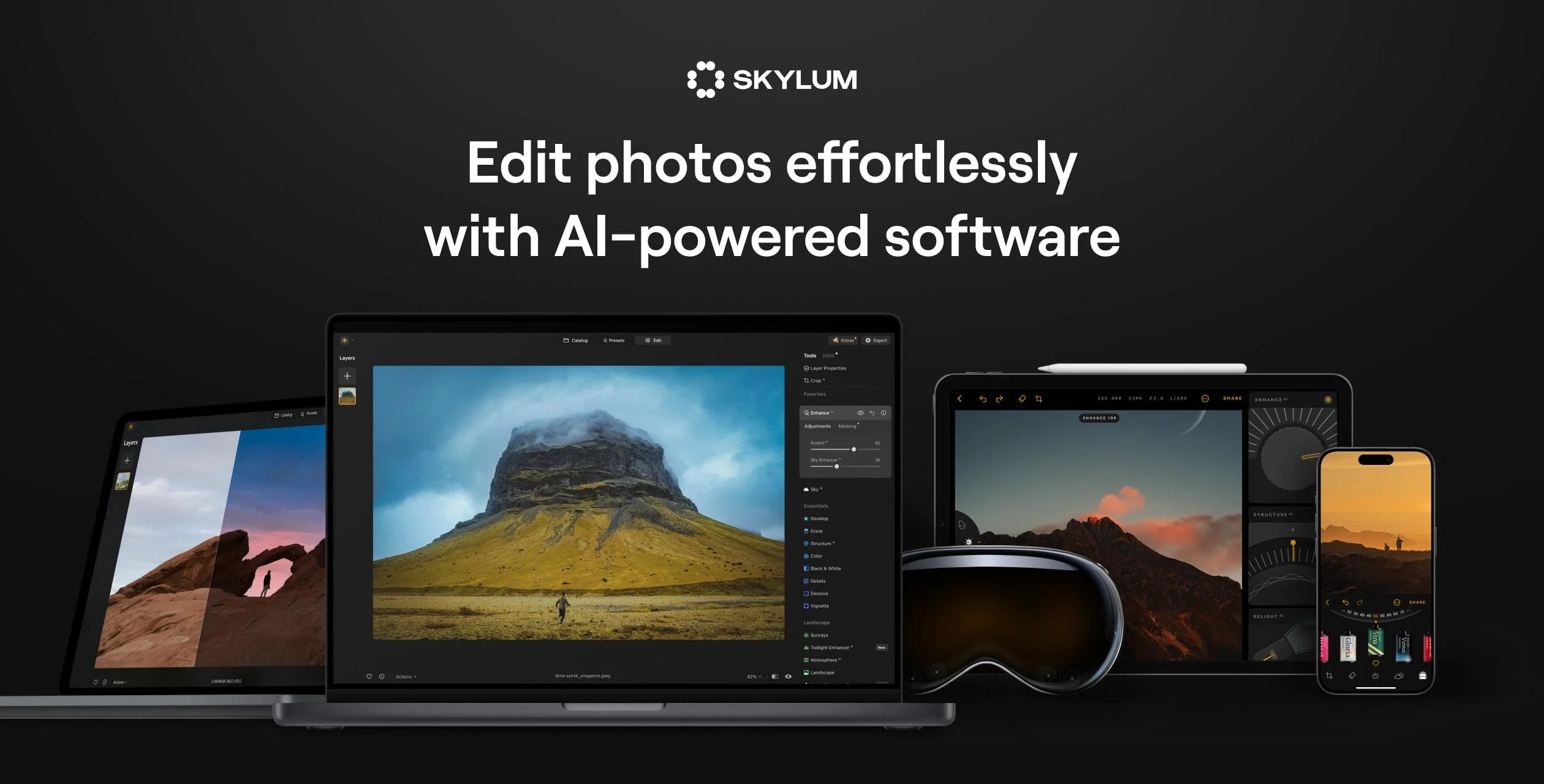
Luminar Neo runs its own RAW processing engine and adds generative tools — GenErase, GenSwap, and GenExpand — for removing objects, swapping elements, and extending image borders beyond the original frame. Enhance AI applies multiple quality corrections through a single control, while Relight AI adjusts foreground and background lighting from estimated image depth. The software works standalone or as a plug-in inside Adobe Photoshop, Lightroom Classic, and Apple Photos, so existing workflows do not require a new application.

Main Features
Generative AI Tools
GenErase removes unwanted objects and fills the resulting gap, GenSwap replaces a selected area with content generated from a text prompt, and GenExpand extends an image beyond its original borders. Each tool runs inside Luminar Neo’s standalone editor or as a plug-in, so a photographer does not switch applications to clean up a frame before export.
Sky AI and Relight AI
Sky AI replaces skies and generates matching reflections in water automatically, while Relight AI adjusts foreground and background lighting using an estimated depth map of the scene. Both run as single-control adjustments rather than manual layer masks, so a landscape or real-estate photographer can balance exposure across a batch of images without rebuilding each composite by hand.
Cross-Device Editing
Luminar Neo runs as a desktop app for Windows and macOS, a browser-based web editor, and a mobile app rated 4.8 out of 5 on the App Store and Play Store. The Cross-device Perpetual License covers all three, so an edit started on a phone during a shoot can be finished on a desktop later without re-importing files.
Integrations
Luminar Neo functions as a plug-in or extension for Adobe Photoshop, Lightroom Classic from version 6 onward, and Photos for macOS, sending an image to Luminar Neo and back without leaving the host application. This lets photographers who already run a Lightroom catalog apply generative edits without migrating their library to a separate program.
Use Cases
-
Photo editing for photographers
Photographers use Luminar Neo across desktop, web, and mobile to enhance photography with AI-powered controls instead of manual retouching. Portrait tools adjust skin, eyes, and body proportions in one pass, so a gallery is processed without opening each frame separately.
-
Editing for organizations
Organizations use Luminar Neo to standardize photo editing across teams that handle large volumes of visual content. Automated Luminar technologies apply the same corrections across batches, so output stays consistent when multiple staff members edit under one license.
-
Wedding and portrait photographers processing hundreds of images
Wedding and portrait photographers processing hundreds of images per event apply Luminar Neo’s Enhance AI and portrait retouching tools to correct skin tone, lighting, and distractions in bulk. This reduces the number of images needing manual adjustment before delivery.
Best For / Not For
Luminar Neo is built for people who edit photos regularly but do not want to build manual layer stacks for every correction. Photographers shooting weddings, portraits, real estate, or landscapes use its AI tools for batch corrections, and organizations managing shared visual content use it to keep edits consistent across multiple staff members working under one license. Luminar Neo offers less manual, pixel-level control than Adobe Photoshop for complex professional compositing and highly customized edits, so studios doing heavy custom retouching or advanced masking work should look elsewhere.
Pricing
Luminar Neo is sold as a one-time purchase rather than a subscription, with the standard Perpetual Desktop License priced at $99, scaling up to $159 for the Max license with mobile and creative-library access.
| Plan | Price | Included |
|---|---|---|
| Perpetual Desktop License | $99 / one-time | |
| Cross-device Perpetual License | $139 / one-time | |
| Perpetual Max License | $159 / one-time |
The table does not show that each license includes one free year of generative-tool updates, after which auto-upgrades renew annually at $33 to $59 depending on plan.
Pricing checked 2026-11-09.
Quick Comparison
Super Resolution is Luminar Neo’s main alternative for upscaling low-quality images beyond normal resizing limits. Super Resolution runs an AI upscaling pipeline built on nightmareai/real-esrgan, focused specifically on enlarging soft or low-resolution photos. Luminar Neo covers the rest of the edit — sky replacement, relighting, and generative object removal — in one application. Choose Super Resolution if the job is only enlarging low-quality images. Choose Luminar Neo if the job also needs retouching, sky edits, and generative fill in one pass.
Verdict
Luminar Neo processes photos through AI-driven sky, lighting, and generative tools for a one-time $99 Perpetual Desktop License, with a mobile app rated 4.8 out of 5 on the App Store. It fits photographers and organizations doing batch AI edits rather than frame-by-frame compositing work.