AI Image Generators for Indie Creators with Gencraft
Gencraft is a AI Image Generators platform that turns text prompts or reference photos into images, short videos, and custom characters. Social media teams use Gencraft to generate campaign visuals without commissioning each asset individually. Gencraft handles fast mobile-first image and short-clip generation, while precise composition control and longer narrative video still need a dedicated editing tool.
- United Arab Emirates 15%
- United States 13.2%
- India 5.9%
- Russia 5.1%
- Other 60.9%
What Gencraft Does
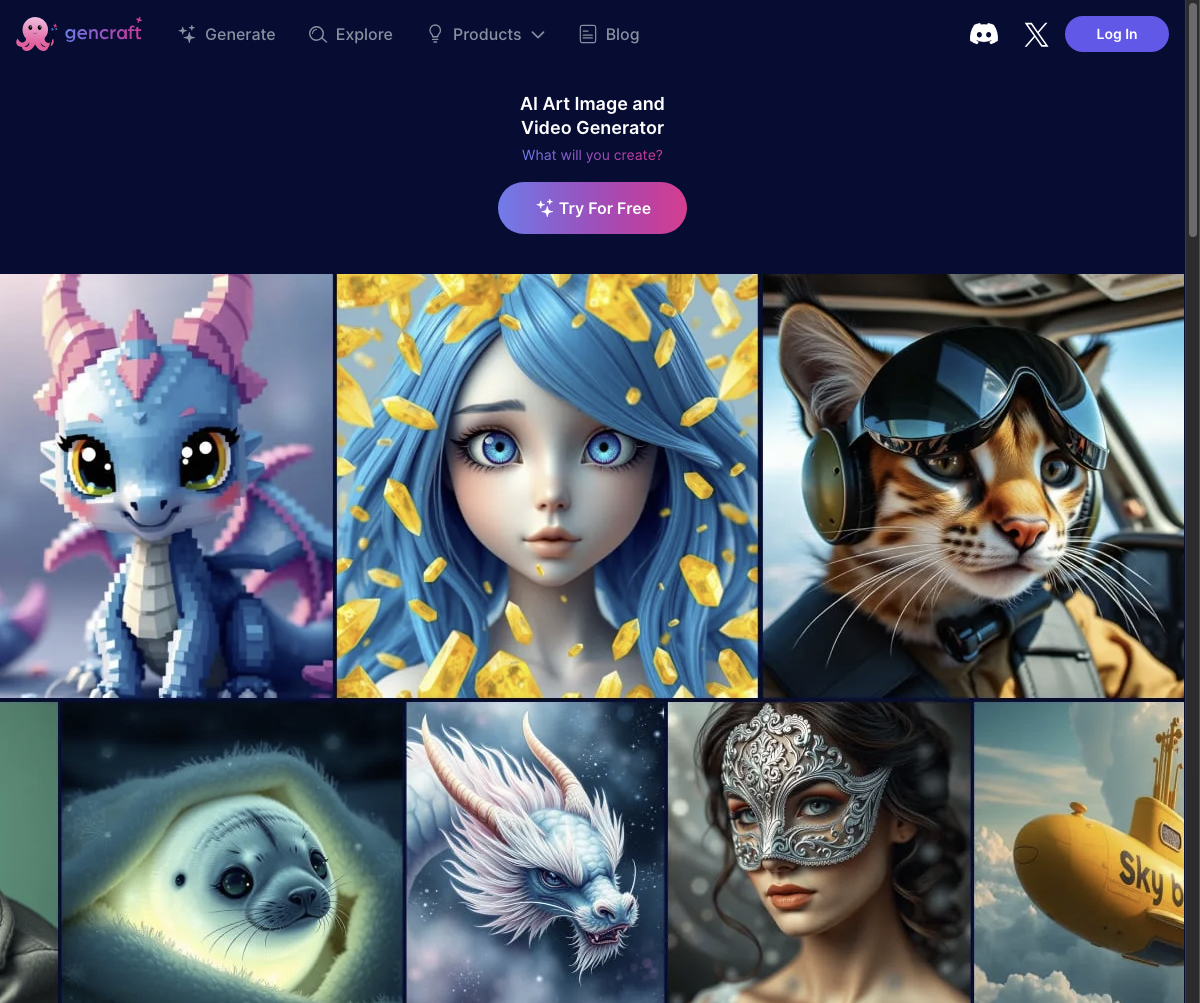
Gencraft converts a written prompt, uploaded photo, or trained style model into finished images, short video clips, or custom characters.
Users pick a preset style, type a prompt or upload a reference image, and Gencraft generates variations in the browser or mobile app. Scene editing lets someone adjust an existing generation with follow-up instructions instead of rewriting the prompt, and Pro accounts can train a model on their own images to keep a consistent look across future generations. Gencraft offers HD and 4K downloads for paid tiers, so output resolution scales with the plan.
Main Features
Text-to-Image Generation
Gencraft generates images from a written prompt across preset styles such as photorealistic, anime, abstract, cartoon, and 3D. The user selects a style and describes the scene, and the model returns multiple variations to choose from. This gives creators a fast way to explore compositions before committing to a direction in other software.
Image-to-Image Transformation
Gencraft accepts an uploaded photo and remixes it into a new visual using a chosen style or prompt. The original image acts as a structural reference rather than a starting document to edit pixel by pixel. This makes it useful for turning a rough sketch or photo into a stylized output without manual retouching.
Custom Model Training (Signature Style)
Pro users upload a set of their own images, and Gencraft trains a custom model that reproduces that specific visual style on new prompts. Once trained, the model generates fresh content that stays visually consistent with the uploaded set. This matters for brand or character work where a single off-model output breaks continuity.
Mobile App (iOS and Android)
Gencraft runs as a native app on iOS and Android alongside its web version, so generation, scene editing, and character creation happen from a phone. Subscriptions purchased in-app follow App Store pricing. This fits mobile creators who shoot and post without ever opening a desktop editor.
Use Cases
-
Creating campaign visuals
Social media teams generate social graphics, variations, and short animated backgrounds with Gencraft instead of commissioning each asset manually. Text-to-image and scene editing cover repeated formats quickly, letting a small team produce multiple campaign visuals without a separate design request for each one.
-
Producing concept directions
Independent designers use Gencraft to explore styles, characters, and compositions before moving a chosen concept into professional design software. Image-to-image transformation and style selection speed up early iteration, so concepts only move into CAD or vector tools once a direction is picked.
-
Making short videos
Mobile creators turn prompts or still images into short clips for posts and visual backgrounds using Gencraft’s text-to-video generation, produced directly in the mobile app. Output stays brief, suiting background loops and posts rather than longer edited sequences.
Best For / Not For
Gencraft is built for people who need quick, style-driven visuals or short clips without a dedicated design or video production workflow.
Three personas stand out: Social media teams producing recurring campaign graphics, Independent designers sketching concept directions before final production, and Mobile creators posting short video content from a phone.
Gencraft offers limited control over composition, seeds, and fine-grained parameters, so professional teams needing precise, repeatable creative direction should look elsewhere; its video output also stays short and basic, ruling it out for narrative video production with camera control.
Pricing
Gencraft offers a Free plan for basic generation, with Custom Training available at $2.99 per purchase, Starter at $3.99 per user per week, and Pro at $9.99 per user per week, both subscriptions billed monthly.
| Plan | Price | Included |
|---|---|---|
| Free | Free | Generate images, edit scenes, build characters, and remix ideas. |
| Custom Training | $2.99 / purchase | |
| Starter | $3.99 / user/week, billed monthly | |
| Pro | $9.99 / user/week, billed monthly |
Daily generation limits on the Free plan vary by source and are not fixed in Gencraft’s own materials, so actual free-tier capacity may shift between visits. Custom Training is a one-time purchase rather than a subscription, separate from the recurring Starter and Pro weekly charges.
Pricing checked 2026-10-23.
Quick Comparison
Nano Banana 2 AI is Gencraft’s main alternative for fast, prompt-driven image generation. Nano Banana 2 AI focuses on rapid single-image generation pipelines built around newer diffusion models. Gencraft instead combines image, short-video, and character generation with custom model training in one account. Choose Nano Banana 2 AI if the priority is fast single-image output. Choose Gencraft if the need spans images, short clips, and a trained signature style.
Verdict
Gencraft generates images, video, and trained styles starting free, with Pro at $9.99 per user per week. It fits social teams and mobile creators over frame-precise video editors.