Haiper: AI Video Generators for Content Creators and Social Media Managers
Short-form video deadlines often outpace what a small marketing or social team can film, edit, and publish in time. Haiper is a prompt-based generation workspace, an AI Video Generators tool, that turns text, images, or video into short clips. Particularly strong at fast text-to-video and image-to-video drafts — not built for long-form, heavily edited production.
- India 27.2%
- United States 19.7%
- Pakistan 7.3%
- Brazil 7.1%
- Other 38.7%
What Haiper Does
Haiper solves the slow path from idea to finished clip by generating video directly from a text prompt, image, or existing clip. It processes the input through its generation models and returns short MP4 output at resolutions up to 720p on paid tiers, or stills up to 4K through Text to Image. Watermark-Free Export then provides a clean download link, so the output can go straight into a feed or ad account without a separate render pass. Haiper covers four input types – text, image, video, and keyframes – instead of a single format.

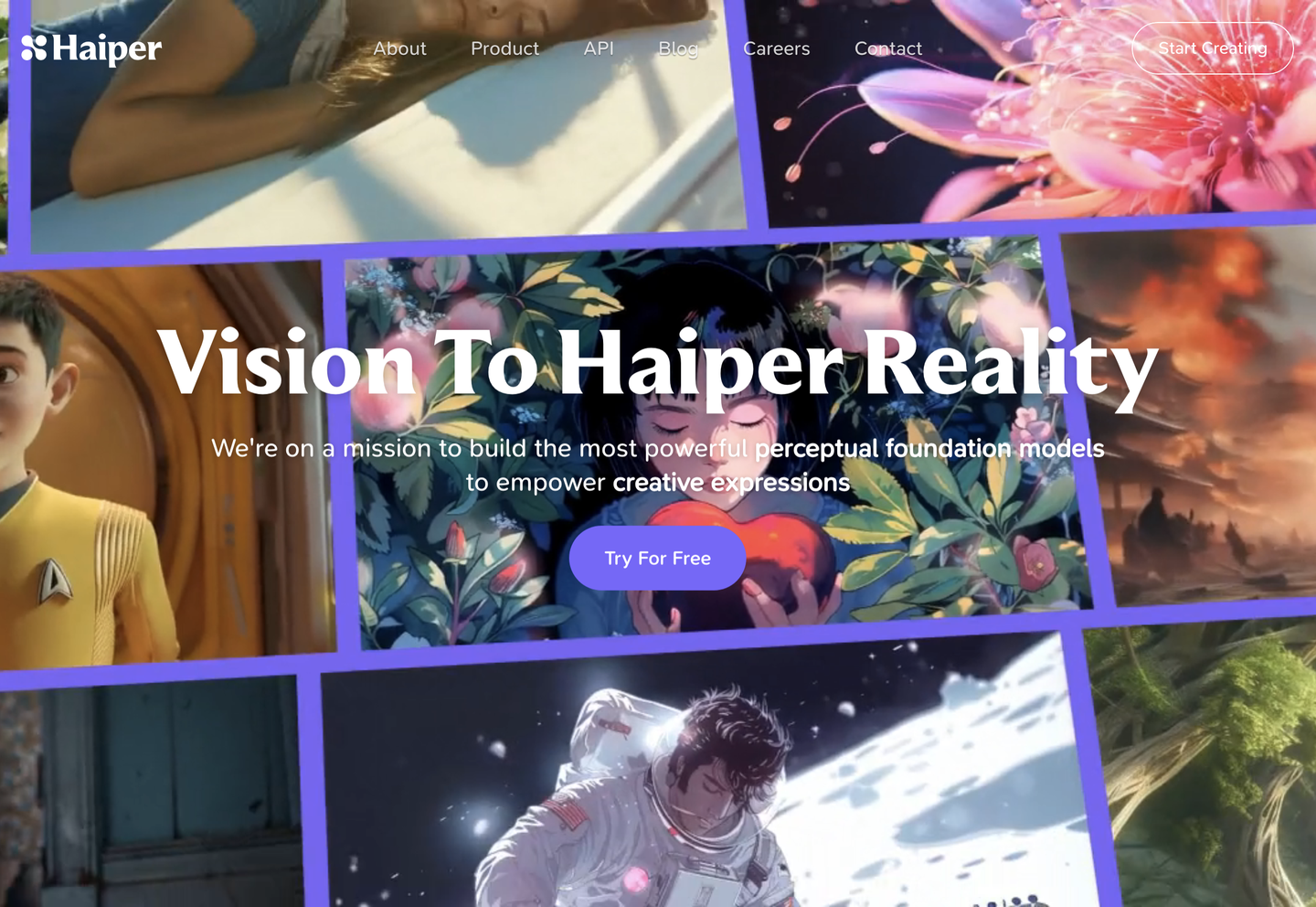
Main Features
Text to Video
Text to Video generates short clips directly from written prompts, producing resolutions up to 720p on the Explorer plan or 540p on the Free tier. Haiper’s model renders motion, framing, and scene composition from a single description, so a draft clip exists without a storyboard-to-shoot cycle. Output remains short-form, which limits use for anything beyond social or promotional cuts.
Image to Video
Image to Video animates a static photo into a moving clip at up to 720p resolution, keeping the original image as the first frame. Haiper applies motion generation to product shots, portraits, or illustrations without a camera or actor, which suits e-commerce teams turning catalog photos into social content. Keyframe or video-to-video follow-up work is needed for stronger visual control.
Keyframe Conditioning
Keyframe Conditioning lets a user specify start or end frames so the generated clip follows a defined composition rather than a random interpretation of the prompt. Haiper uses those anchor frames to guide motion and transition, which gives marketing teams repeatable control over how a product or scene opens and closes. It is available on the Explorer plan, not the Free tier.
API Access
API access exposes Haiper’s text-to-video, image-to-video, and text-to-image models through a REST endpoint, letting developers call generation directly from their own application instead of the web interface. This is the only integration path Haiper lists, so teams building automated pipelines depend entirely on this single connection rather than native plugins for editing or publishing tools.
Use Cases
-
Short-form social media video creation
Content creators and social media managers use Haiper to generate eye-catching text-to-video clips for TikTok, Instagram Reels, and YouTube Shorts. Text to Video and Watermark-Free Export apply here, so clips post directly without extra editing for brand marks.
-
Marketing and advertising video production
Marketing professionals generate product videos, promotional clips, and ad creatives from text or static images using Haiper’s Text to Video and Image to Video tools. Keyframe Conditioning lets them lock composition across campaign variants before approval.
-
Visual prototyping and storyboarding
Filmmakers and creative directors use Haiper to create rough video concepts and storyboards from text descriptions before committing to a full shoot. Text to Image and Text to Video generate quick visual references for pitching ideas to collaborators.
Best For / Not For
Haiper is built for people producing short, prompt-driven video content on tight production timelines.
Content creators and social media managers use it for daily TikTok and Reels output, marketing professionals generate product and ad clips from text or images, and filmmakers and creative directors storyboard pitches before committing to a shoot. E-commerce teams and product marketers animate catalog photos into short clips for product pages.
Haiper caps video output at 1080p even on paid tiers and keeps clips short, so production studios needing 4K, long-form footage, or detailed editing controls should look elsewhere.
Pricing
Haiper offers a Free plan with 10 daily credits and 300 non-expiring credits, and an Explorer plan priced at $8 per user per month, billed annually, for 720p output.
| Plan | Price | Included |
|---|---|---|
| Free | Free | 10 daily credits, 300 non-expiring credits, Text to video 540p, Image to video 540p, Text to image 720p |
| Explorer | $8 / user/month, billed annually | Expanded credit bundle, Text to video 720p, Image to video 720p, Video to video 720p, Keyframe conditioning 720p |
The table does not list the Creator plan’s custom price, and Haiper does not publish what happens when free credits run out mid-project.
Pricing checked 2026-10-24.
Quick Comparison
Kling 4.0 is Haiper’s main alternative for higher-resolution, longer-form AI video generation. Kling 4.0 advertises higher-resolution output and longer clip durations than Haiper’s 720p cap. Haiper counters with lower published API pricing at $0.05 per second and simpler credit-based plans. Choose Kling 4.0 if a project needs longer, higher-resolution footage for production use. Choose Haiper if the job is short social clips on a tight budget.
Verdict
Haiper generates text-to-video and image-to-video clips up to 720p on the $8 per user per month Explorer plan, so social and marketing teams get short-form drafts without a production budget. It fits quick-turnaround content, not long-form or 4K work.