
Guidde: AI Video Generators for Customer-Facing Teams
Which tool turns a screen recording into a narrated how-to video without a script or editor? Guidde does: a AI Video Generators tool that converts captured workflows into AI-narrated step-by-step guides for customer-facing teams. Enterprise IT teams needing full audit logs and custom contracts should consider the Enterprise plan or a dedicated compliance platform instead.
- United States 42.2%
- India 7.1%
- United Kingdom 4.6%
- Egypt 3.6%
- Other 42.4%
What Guidde Does
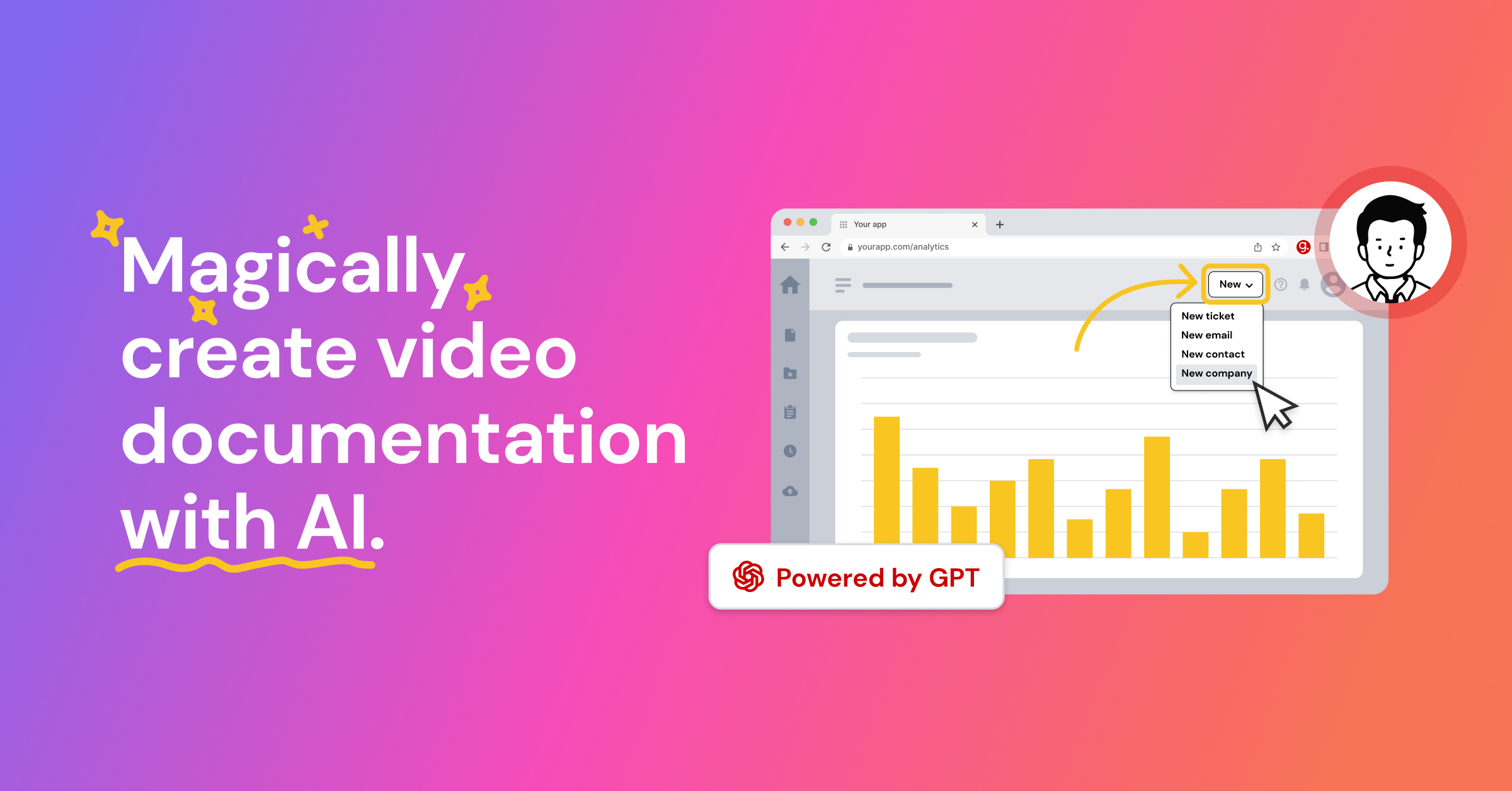
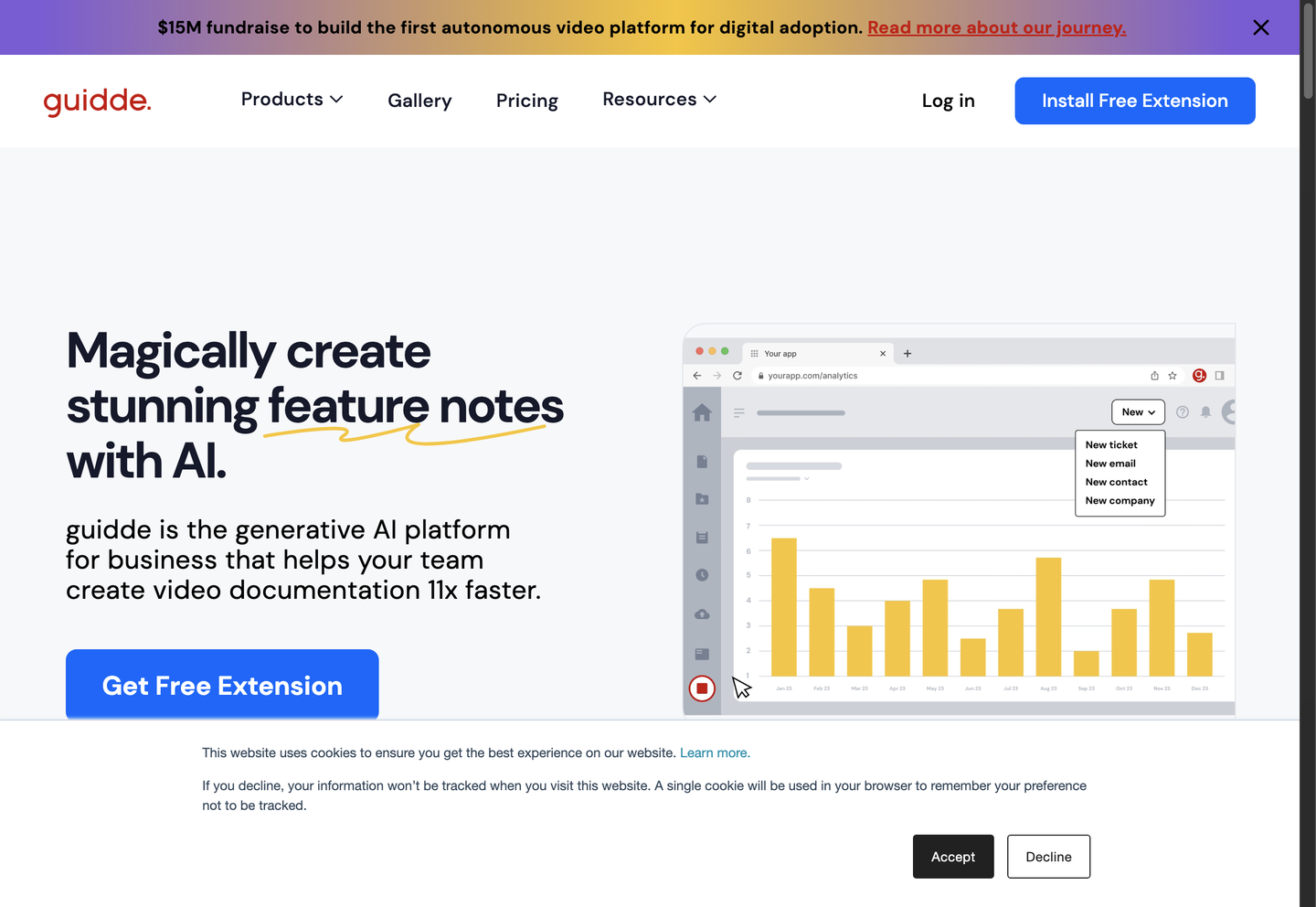
Guidde captures a workflow through its browser extension or desktop app, then auto-generates a narrated video guide with captions and highlights, so nobody has to script, record, or edit by hand.
Guidde’s AI writing assistant builds a storyboard from the captured steps, adds an AI voiceover from its voice library, and layers in captions and highlights automatically. Teams can also feed existing PDFs, PowerPoint decks, or Word documents into Guidde to convert static documentation into video. Magic Redaction blurs passwords and other sensitive on-screen data before a guide is shared.
Main Features
AI-Generated Guides
Guidde turns a raw screen or desktop recording into a structured, step-by-step guide with AI-written narration and auto-generated captions. The AI writing assistant organizes the captured steps into a storyboard before adding voiceover, so a creator does not have to write a script or record audio manually before publishing.
Interactive Demos
Any Guidde capture can become a click-through demo where viewers navigate hotspots themselves instead of watching passively. Every click is logged, feeding the Analytics and Insights dashboard on the Business plan, so teams can see which steps users get stuck on rather than guessing from support tickets alone.
Document-to-Video Conversion
Guidde converts existing PDFs, PowerPoint decks, and Word documents directly into narrated video, available from the Business plan up. This removes the need to recapture a live screen recording when documentation already exists in slide or text form, so legacy training material gets a video version without redoing the source work.
Enterprise Security & Compliance
Guidde is SOC 2 Type II compliant and offers SSO and SCIM through Okta, Microsoft, and OneLogin on the Enterprise plan, alongside Magic Redaction for PII and content review with version control. These controls govern who can capture, edit, and publish internal process video at organization scale.
Use Cases
-
Train Customers Faster
Customer-facing teams need product explainers ready before a launch, not months later. Guidde’s capture and AI narration build customer-facing training content quickly, then deliver it as a shareable link wherever users already look for answers.
-
Accelerate Onboarding
L&D teams juggling compliance deadlines use Guidde to slash production time on onboarding modules while still meeting documentation requirements. Document-to-video conversion and content review features turn existing policy decks into narrated guides, resulting in faster, more efficient onboarding for new hires.
-
Capture High-Impact Product Demos
Product teams preparing for a sales call or go-live date capture a working demo directly from the browser or desktop app. Guidde’s AI voiceover and interactive demo mode build the walkthrough from that single capture.
Best For / Not For
Guidde is built for teams that document recurring software workflows and need video output without running a full production process, from screen capture to voiceover to export.
Customer-facing teams, support teams, and L&D teams get the most direct use from Guidde’s capture-to-video pipeline, document conversion tools, and shareable links for knowledge bases.
Guidde’s free tier caps output at 25 videos with a visible watermark and no export to PPT or PDF, which rules it out for anyone needing polished, unbranded customer-facing material at scale without upgrading to a paid plan.
Pricing
Guidde offers a free plan at $0 for up to 25 how-to videos, with the first paid tier, Pro, priced at $19 / creator/month, billed annually.
| Plan | Price | Included |
|---|---|---|
| Free | Free | Up to 25 how-to videos, Work with any web app, Record a voiceover, Shareable with link, Transitions & Soundtracks, Screen Walkthrough with cursor effects |
| Pro | $19 / creator/month, billed annually | Unlimited how-to videos, Remove Guidde watermark, Brand kit, Export videos, PPTs & PDFs, Blur sensitive information |
| Business | $39 / creator/month, billed annually | Unlimited text-to-voice generation, Work with any web & desktop app, Turn PDFs, PPTs and Docs to video, Interactive demos, Advanced video privacy controls, Analytics and Insights |
Pricing checked 2026-10-24.
Quick Comparison
Veevid is Guidde’s main alternative for teams prioritizing general-purpose AI video generation over workflow capture. Veevid focuses on prompt-based video creation rather than screen-capture documentation workflows. Guidde wins on document-to-video conversion and Magic Redaction, built specifically for internal process and training content. Choose Veevid if the goal is standalone creative video output from prompts. Choose Guidde if the team needs to turn existing software workflows and documents into training video.
Verdict
Guidde captures screen workflows and converts documents into AI-narrated video for customer-facing and L&D teams, with Pro priced at $19 / creator/month, billed annually. Interactive demos and Magic Redaction set it apart from basic screen recorders. It fits teams documenting recurring workflows, not one-off creative video projects.