Live Translation for Event Organizers with Maestra
Which tool lets conference attendees follow a live speaker in their own language without hiring interpreters? Maestra does: a Video Translation tool that captions and translates speakers in real time for event organizers. Video producers who need deep timeline editing beyond subtitling should consider a dedicated video editor instead.
- United States 11.5%
- India 7.9%
- Mexico 6%
- Colombia 4.8%
- Other 69.8%
What Maestra Does
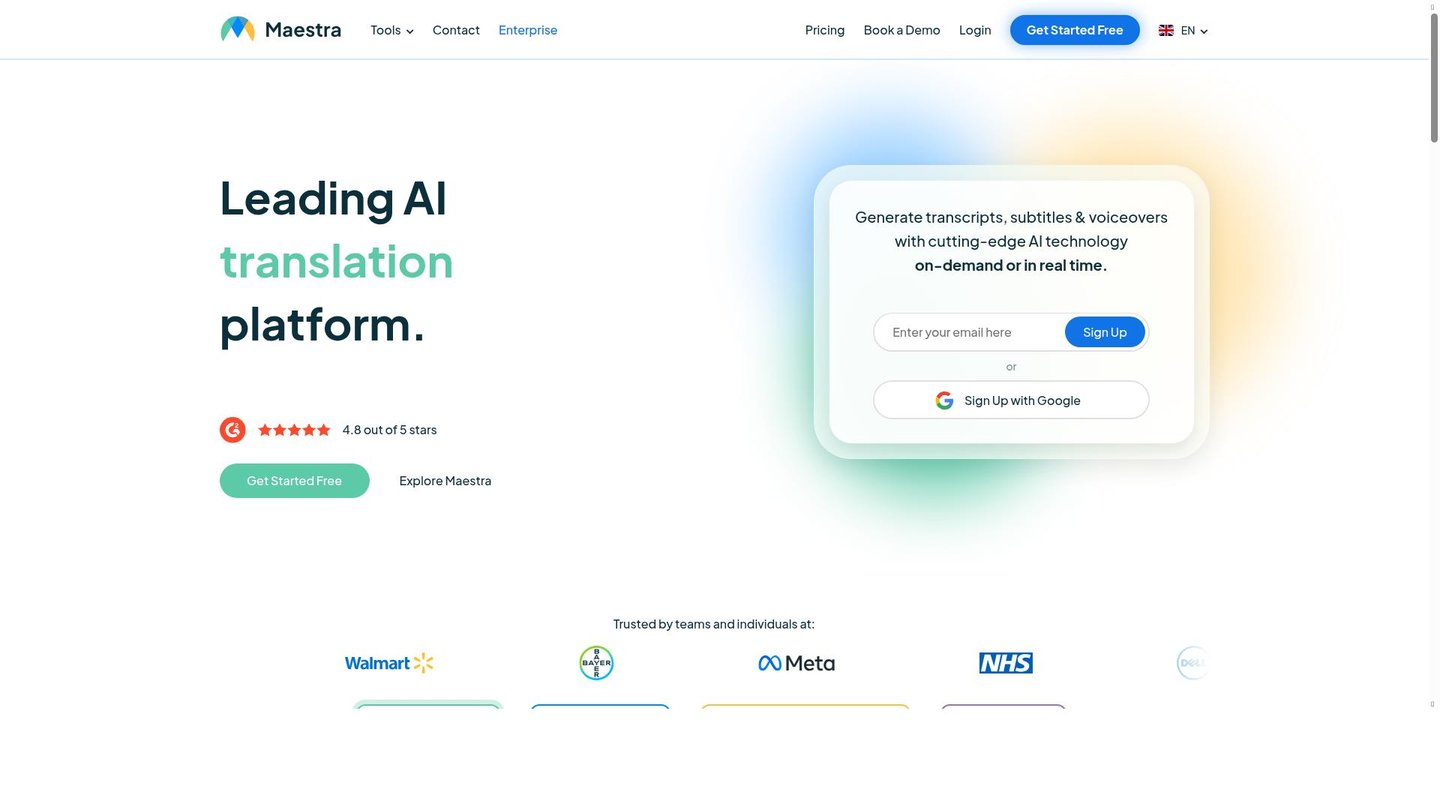
Maestra processes audio and video into transcripts, subtitles, voiceovers, and live translated captions across 125+ languages without separate tools for each format.
Maestra Studio handles uploaded files for transcription, subtitling, translation, and dubbing, while Maestra Live runs the same engine on real-time speech for meetings, conferences, and broadcasts. Attendees scan a QR code and read captions in their own language in a browser, so no interpreter booth or app install is required. A custom dictionary locks in specialized terminology before processing starts.
Main Features
Live Translation
Maestra Live captions and translates each speaker as they talk, streaming output to a browser link or QR code so attendees follow along on their own devices. It connects to Zoom, Microsoft Teams, Google Meet, OBS, and vMix. Sessions support multiple languages at once, which removes the need for a separate interpreter per language.
Automated Transcription
Maestra converts uploaded audio or video into text across 125+ languages, billed by credits or monthly minute allotments. A custom dictionary preserves names and jargon during conversion, and an AI summary condenses long recordings, so reviewers can scan a summary before reading the full transcript.
Subtitle Generation
Maestra generates editable subtitles for video and can translate them into a second language within the same job. Higher tiers add subtitle import, a translation glossary, and DeepL translation, so teams with existing style guides can keep consistent terminology across translated versions.
AI Voiceover
Maestra turns a script or translated transcript into a voiceover using professional AI voices or a cloned voice, with lip-sync available as an add-on at $2/minute on higher plans. Voice cloning minutes are metered separately from standard voiceover minutes, so usage against each pool is worth tracking.
Use Cases
-
Multilingual event management
Event organizers running conferences with non-native-speaking attendees use Maestra Live for real-time captioning and translation across multiple languages per session. A dedicated room link and QR code mean no app download is required for attendees.
-
Content transcription
Content creators feed audio and video files into Maestra for automated transcription in 125+ languages. A custom dictionary and AI summary handle specialized vocabulary and long recordings, cutting manual review before publishing.
-
Video production voiceovers
Video producers generate voiceovers from scripts using Maestra’s professional AI voices or voice cloning. Translated voiceover output lets a single script reach multiple language markets without rebooking a voice actor for each one.
Best For / Not For
Maestra is built for people running multilingual spoken content, live or recorded, across events, publishing, and video production teams.
Event organizers running conferences and recurring sessions, Content creators producing podcasts or video libraries that need transcripts, and Video producers localizing scripts into multiple language voiceovers all fit the stated use cases and verified audiences for the product.
Maestra lists no free plan on its pricing page, so solo users testing the product before committing start at a paid tier. Teams needing frame-accurate timeline editing rather than subtitling or transcription should look elsewhere.
Pricing
Maestra Live starts at $15 per user/month billed annually for the Personal plan, scaling to $799 per day for one-time multi-room events.
| Plan | Price | Included |
|---|---|---|
| Maestra Personal | $15 / user/month, billed annually | Unlimited use, each session up to 15 min |
| Maestra Meetings | $39 / user/month, billed annually | Unlimited use, each session up to 75 min |
| Maestra Organizations | $359 / month, billed annually | Unlimited use, each session up to 3 hours |
| Maestra Events | $799 / day | No session limits |
Monthly billing costs more than the annual rates shown, and separate Transcription, Subtitle, and Voiceover product lines carry their own credit and minute-based pricing outside this table.
Pricing checked 2026-11-13.
Quick Comparison
Wavel AI is Maestra’s main alternative for turning scripts or slide decks into finished dubbed videos. Wavel AI builds dubbed video output directly from text or PPT input in one pass. Maestra covers live event interpretation with QR-code attendee access, which Wavel AI does not offer. Choose Wavel AI if the job starts from a script or deck with no live component. Choose Maestra if the work involves live multilingual sessions or recorded transcription alongside voiceover.
Verdict
Maestra processes speech into live translated captions for up to 50 viewers on its Organizations plan at $359/month, covering events without separate interpreter hires. It suits event organizers and content teams needing transcription, subtitles, and voiceover under one vendor. Teams needing advanced video editing should look elsewhere.