
Circleback: AI Meeting Assistant for Professionals
How does a professional search their own past meetings for a single answer? Circleback does: a AI Meeting Assistants tool that transcribes, summarizes, and makes conversations searchable for professionals and teams. Enterprises needing HIPAA sign-off on lower tiers should consider Fellow instead.
- United States 46.5%
- Japan 32.5%
- Germany 2.7%
- Brazil 1.8%
- Other 16.5%
What Circleback Does
Circleback records meetings across Zoom, Google Meet, Microsoft Teams, and Slack huddles, then converts the audio into notes, action items, and a searchable archive. Circleback identifies each speaker by name, supports over 100 languages, and lets users ask questions against every past conversation rather than re-watching recordings. It also drafts emails and pushes extracted data into connected apps such as Notion, HubSpot, and Salesforce, so follow-up work does not require copying details by hand between tools.
Circleback also exposes an API, MCP, and CLI on every plan, including Free, so meeting data can feed custom scripts or internal dashboards without a developer plan upgrade.
Main Features
Meticulous, organized notes
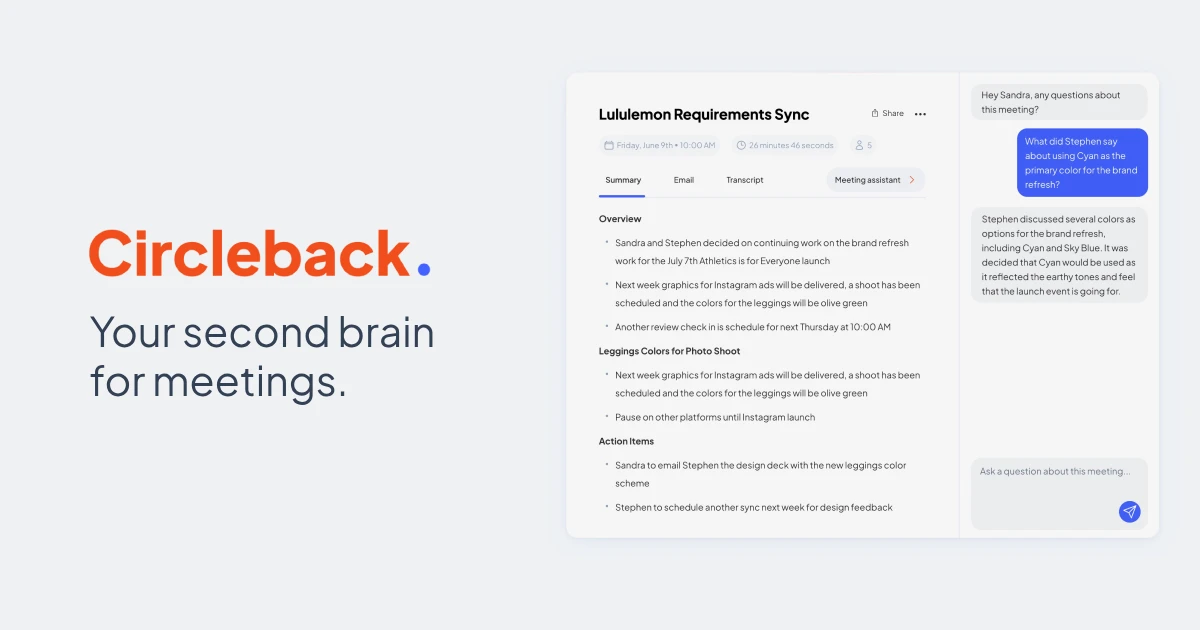
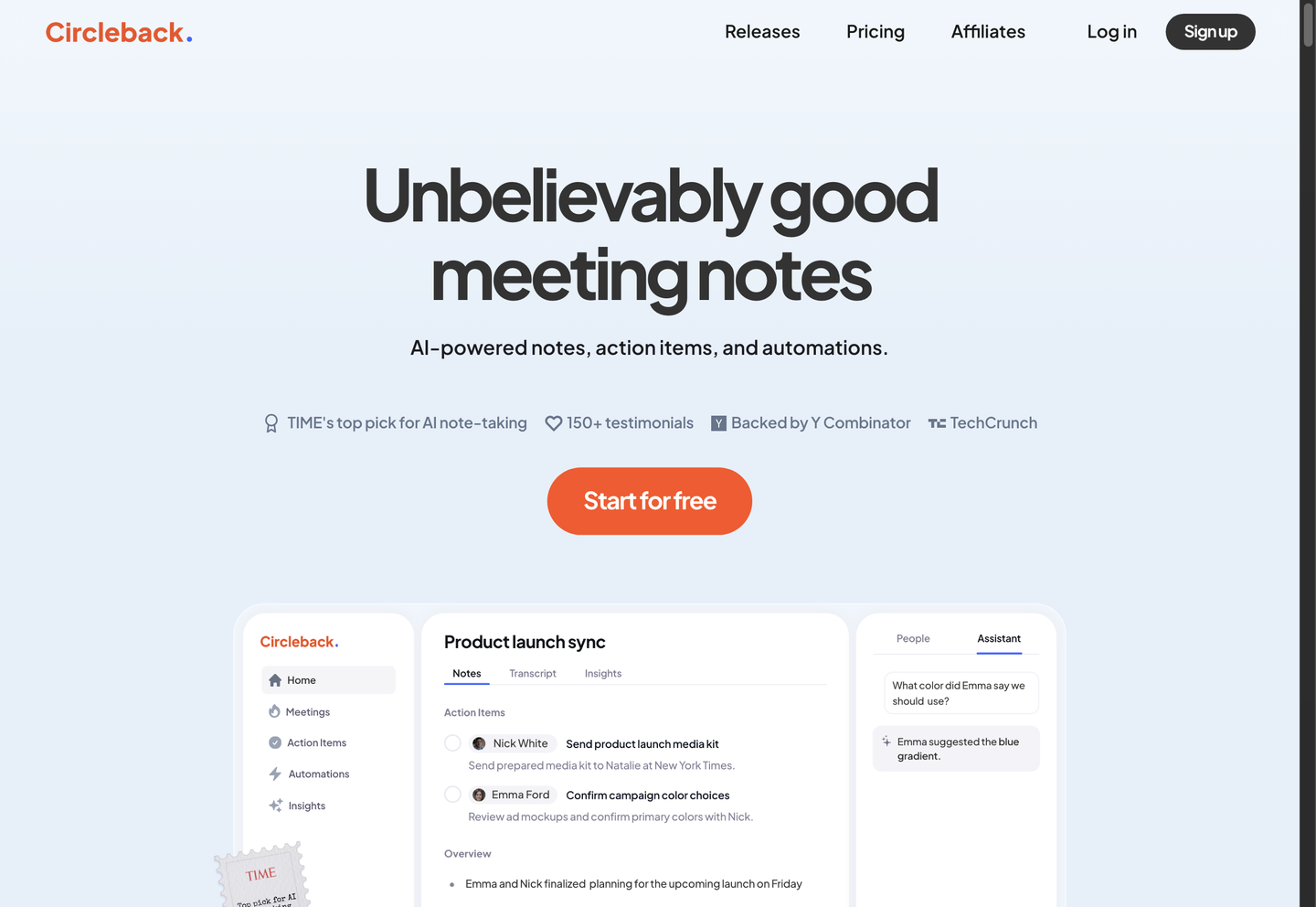
Circleback generates structured meeting notes automatically after a call ends, organizing discussion points without manual formatting. Notes are written in a consistent template each time, which means teams reviewing multiple meetings do not have to adapt to a different layout or missing sections from one recording to the next.
Turn meetings into action
Action items are automatically captured, assigned, and organized after every meeting, pulling owner names and deadlines directly from what was said. Because assignment happens without a manual tagging step, follow-ups surface in Circleback’s record even when no one explicitly wrote them down during the call.
Search across all your meetings
Circleback lets users ask questions and get answers drawn from every conversation on record, rather than searching one transcript at a time. This turns scattered meeting history into a single queryable source, so finding what a client said three weeks ago does not require reopening that specific recording.
Enterprise Security & Compliance
Circleback’s Enterprise plan adds single sign-on via SAML or OIDC, SCIM provisioning, invoice/PO billing, and HIPAA compliance. Business and Enterprise tiers also add custom data retention and admin roles. Teams handling regulated health data get a compliance path, while smaller teams on Free or Pro operate without these controls.
Use Cases
-
Meeting notes automation
Professionals who sit through back-to-back calls use Circleback to capture and organize notes automatically during the conversation. Speaker-labeled transcription and structured note templates mean attendees can focus on talking instead of typing summaries afterward.
-
Action item tracking
Teams running recurring standups or client calls rely on Circleback to assign and organize action items the moment a meeting ends. Automated capture removes the gap where follow-ups get mentioned verbally but never written down anywhere.
-
Workflow automation
Teams connected to Notion, HubSpot, Salesforce, or webhooks use Circleback’s automations to push meeting data into the apps they already run. Integration with favorite apps means updates land in the CRM or project tracker without a separate data-entry step.
Best For / Not For
Circleback is built for people who spend most of their working day in meetings and need those conversations turned into usable records.
Professionals handling client calls, consultations, or interviews, and Teams running recurring standups or sales calls that need action items assigned automatically, are the core audience.
Circleback’s Free plan limits meeting and recording history to just 30 days, so organizations needing long-term archival or audit trails without upgrading to Pro or above will find it restrictive.
Pricing
Circleback’s Free plan costs $0 per user with a 30-day meeting and recording history cap, while Pro runs $15 per user/month billed annually.
| Plan | Price | Included |
|---|---|---|
| Free | Free | 30-day meeting and recording history |
| Pro | $15 / user/month, billed annually | unlimited meeting history, 1 year of recording storage |
| Business | $25 / user/month, billed annually | 2 years of recording storage, unlimited teams |
| Enterprise | $35 / user/month, billed annually | unlimited recording storage, priority support |
Business and Enterprise add unlimited free viewer seats for teammates who only read shared notes, and monthly billing runs higher than the annual rates shown above.
Pricing checked 2026-11-03.
Quick Comparison
Fellow is Circleback’s main alternative for teams needing CRM-linked meeting notes across Google Meet, Zoom, and MS Teams. Fellow pairs transcription with direct CRM field updates and transcript redaction for compliance-sensitive teams. Circleback counters with bot-free desktop capture, mobile and Apple Watch apps, and built-in API, MCP, and CLI access on every plan. Choose Fellow if CRM field automation and redaction are the priority. Choose Circleback if in-person meetings and programmatic data access matter more than CRM-native writeback.
Verdict
Circleback transcribes meetings in over 100 languages and processes them into notes, action items, and searchable history for professionals, starting at $0 with a 30-day record limit. Teams needing longer retention or compliance controls move to Pro, Business, or Enterprise at $15-$35 per user/month.