Cogram for Architects and Planners: AI Meeting Documentation
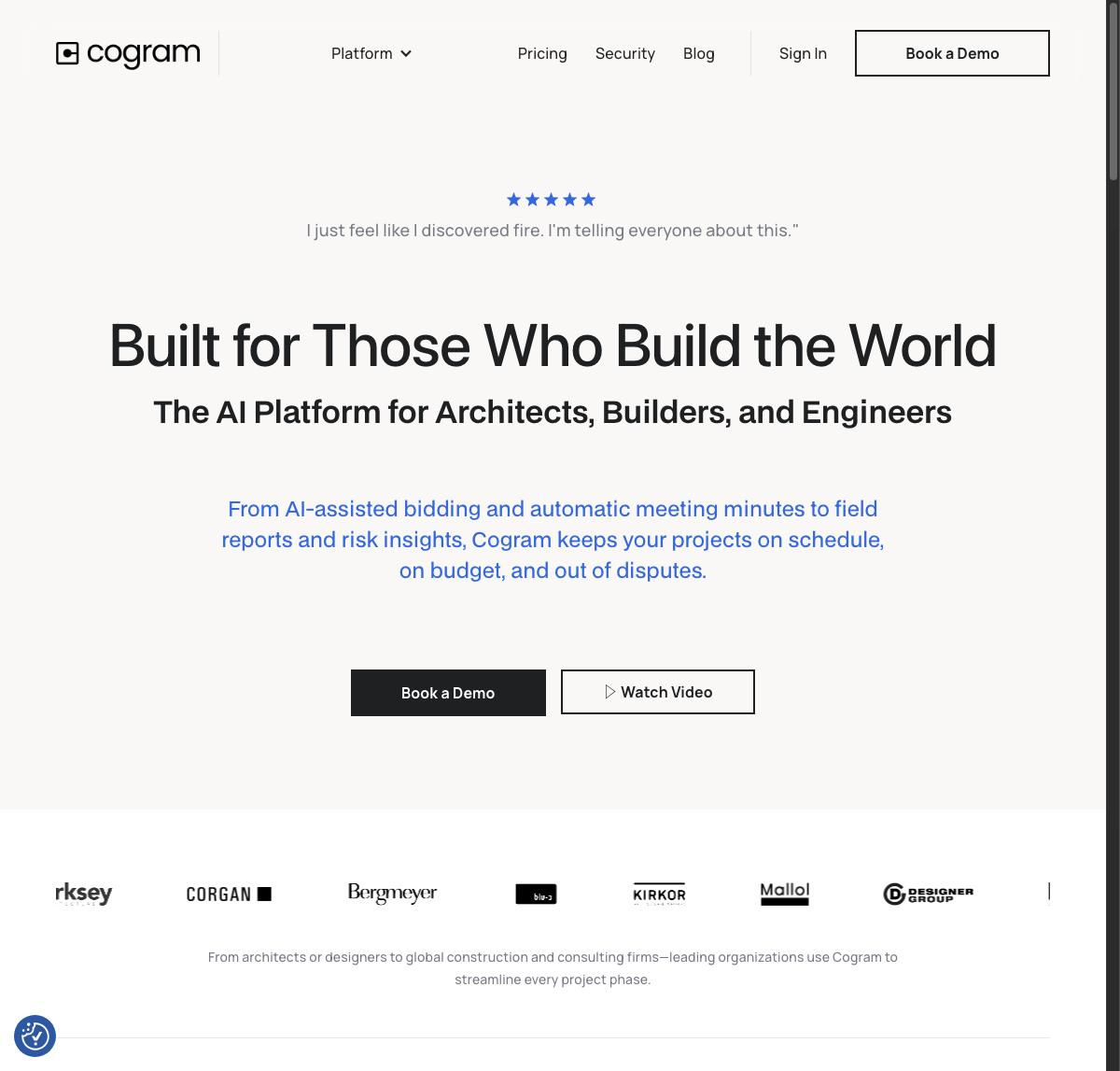
Site notes and emails pile up faster than teams can log them. Cogram, a AI Meeting Assistants tool, drafts minutes, field reports, and RFI records from meetings and emails. Strong at AEC documentation, not built for general meetings — teams needing a general-purpose tool should consider Fellow instead.
- United States 64.7%
- India 20.6%
- Peru 9.4%
- Germany 5.3%
What Cogram Does
Cogram solves the backlog of meeting notes, field reports, and correspondence by turning spoken input and raw text into structured records using firm templates.
Cogram drafts meeting minutes from virtual and in-person conversations, writes field reports from spoken observations and photos, and files project emails into searchable records. An AI project agent answers questions across meetings, emails, documents, RFIs, and submittals, so staff query one system instead of searching folders. RFI and submittal logging integrates with Procore, and meeting capture connects to Microsoft Teams, Outlook, Zoom, and Google Meet, tying records to tools firms already use.

Main Features
AI meeting minutes
Cogram records virtual and in-person meetings and drafts minutes using the organization’s own templates rather than a fixed format. Action items and decisions are extracted automatically from the transcript. Because the output follows a firm’s existing template, minutes land in the format staff already expect, cutting the reformatting step after every meeting.
Field reports
Field and site staff speak observations and attach photos, and Cogram assembles a structured field report in the firm’s own template. Reports can connect to Procore or Autodesk Construction Cloud. Because drafting happens from spoken notes rather than typed forms, reports can be produced on site instead of back at a desk.
RFI and submittal management
Cogram logs and reviews RFIs and submittals with a workflow integrated into Procore. Items are tracked from creation through response rather than scattered across email threads. Because logging stays tied to Procore, project teams keep one system of record instead of reconciling two tools after the fact.
Enterprise Security & Compliance
Cogram is SOC 2 Type II certified and states it does not train AI models on customer data. Access controls include SSO and role-based permissions. For firms handling confidential client correspondence and project drawings, these controls determine whether Cogram can be deployed at all, not just whether it is convenient.
Use Cases
-
Streamlining project work
Architects and planners managing multiple active projects use Cogram to log meetings and correspondence as they happen. Meeting minutes and email filing apply directly to this work, keeping documentation current instead of being reconstructed from memory after the fact.
-
Achieving consistent results
Engineering teams managing recurring project documentation use Cogram to keep records in a consistent format across jobs. Meeting minutes and field reports draw on the same templates every time, so documentation stays comparable across sites rather than varying by author.
-
Contractor coordination on active sites
General and specialty contractors producing field reports and RFIs throughout a build use Cogram’s Procore-integrated logging to keep site records tied to one project file, reducing duplicate entry across separate tools and systems.
Best For / Not For
Cogram is built for people documenting active construction and design projects rather than running general corporate meetings or sales calls.
Architects and planners, engineers, and general or specialty contractors managing recurring meetings, field visits, and project correspondence across multiple active jobs are the intended users.
Cogram publishes no customer counts or case studies, and its team pricing is custom rather than listed, so firms comparing total seat cost against other AEC tools must contact sales before budgeting, and solo practitioners with only occasional meetings may find the $79 monthly floor too high for light use.
Pricing
Cogram charges $79 per user per month, billed monthly, for the Individuals plan, which includes AI meeting minutes, field reports, and the project agent after a 14-day free trial. No free tier exists beyond the trial period, so ongoing use requires a paid plan.
| Plan | Price | Included |
|---|---|---|
| Free Trial | Free | 14 days free |
| For Individuals | $79 / user/month, billed monthly |
Teams & Firms pricing is per-seat and modular, built from products such as Email Management, RFI & Submittal Management, and SSO integrations, so the final cost depends entirely on which modules a firm selects. The table does not show per-seat minimums or whether unused modules can be dropped mid-contract, details only available after contacting Cogram’s sales team directly, and the per-seat rate does not appear anywhere on the public pricing page.
Pricing checked 2026-11-03.
Quick Comparison
Fellow is Cogram’s main alternative for general corporate meeting documentation and action-item tracking. Fellow focuses on recurring team meetings with agenda templates and one-on-one tracking across departments. Cogram instead integrates RFI and submittal logging directly with Procore for construction-specific workflows. Choose Fellow if the primary need is cross-department meeting cadence and agendas. Choose Cogram if the work involves field reports, RFIs, and AEC project documentation tied to Procore or Autodesk.
Verdict
Cogram processes meetings, field notes, and emails into structured records for architects, engineers, and contractors at $79 per user per month. SOC 2 Type II certification and Procore integration suit firms with existing construction workflows; general-purpose meeting needs are better served elsewhere.