
Unlocking Efficiency with Amie: The AI Tool Revolutionizing Meetings
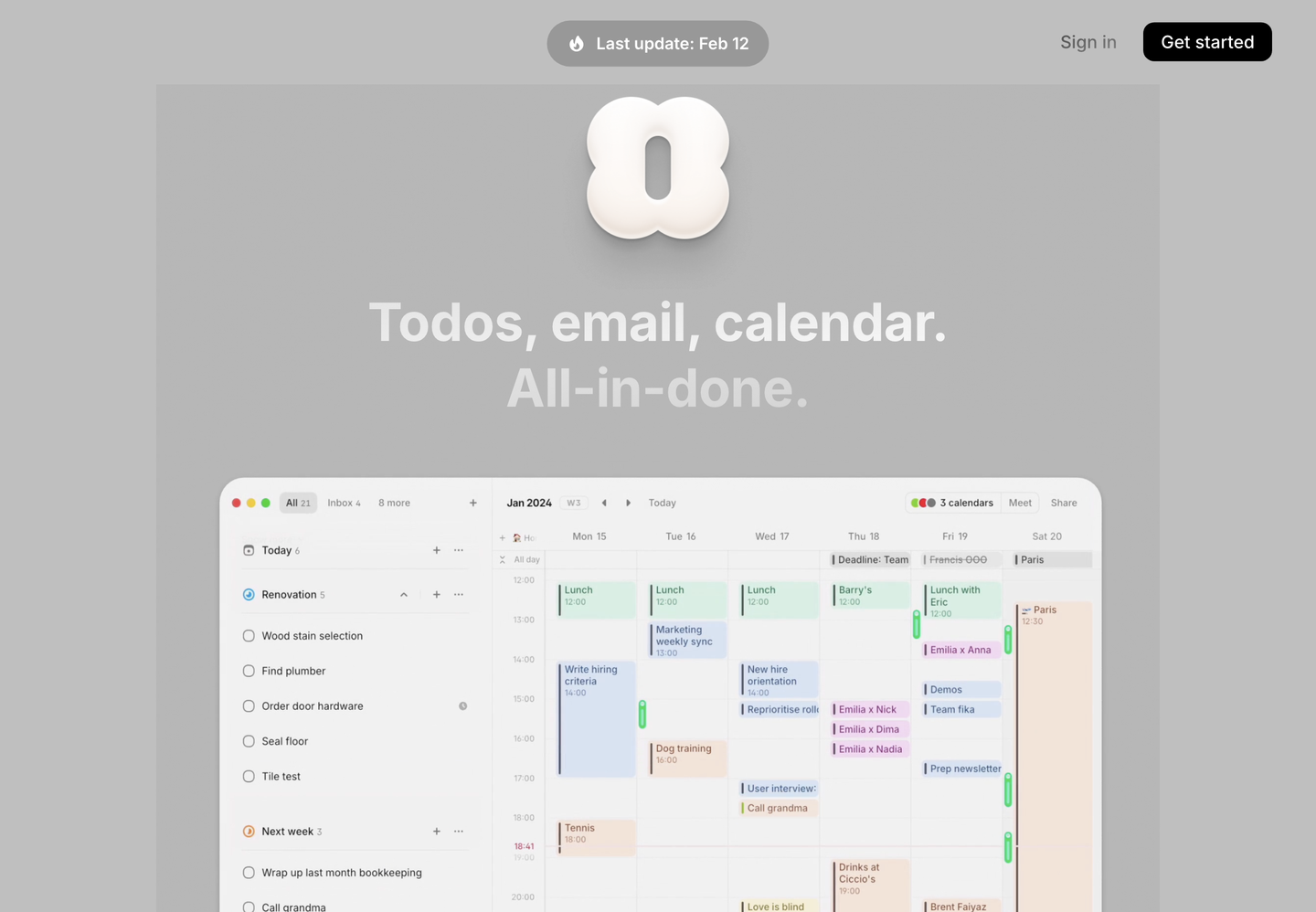
Amie is an innovative AI tool designed to streamline meeting management and productivity. By integrating into your existing workflows, Amie helps automate tasks like note-taking and follow-up communications. With its user-friendly interface and seamless integrations, Amie is a valuable asset for teams looking to enhance collaboration and reduce administrative burdens.
- United States 21.6%
- India 7.8%
- Canada 6.8%
- Germany 5%
- Other 58.8%
About Amie
Amie is built around the idea of making meetings more productive and efficient. It acts much like a personalized version of tools like ChatGPT, but with a focus on capturing and summarizing meeting content. This makes it easier to share meeting notes and action items without manual effort. Amie supports multiple languages and provides discreet recording options, making it ideal for both in-person and virtual meetings.
One of Amie’s standout features is its capacity to integrate with popular productivity tools. This allows users to sync action items and summaries directly into platforms like Notion or Slack. Additionally, Amie’s ability to recognize different speakers during meetings helps maintain clarity and organization in its summaries. Overall, Amie aims to reduce the time spent on post-meeting tasks, freeing up more time for strategic work.

Features of Amie
Amie offers a range of features that make it an indispensable tool for teams and individuals seeking to optimize their meeting processes.
- Unlimited Recordings: Amie allows users to record meetings without limits, providing comprehensive coverage of all discussions.
- Speaker Recognition: It identifies and remembers different speakers, enhancing the clarity of meeting summaries.
- Multi-Language Support: Currently supporting multiple languages, with more languages expected in the future.
- Custom Templates: Users can define their own summary formats, ensuring consistency across different team communications.
- Gmail Integration: Amie helps send follow-up emails using your writing style, automating email communication.
In addition to these key features, Amie provides seamless integration with various tools like Notion and Slack, allowing users to push summaries and action items directly into these platforms. This integration capability makes it easy to manage tasks and follow-ups without needing to switch between different apps. Moreover, Amie’s focus on adapting to your writing style ensures that automated communications are personalized and professional. Overall, Amie’s features work together to enhance meeting productivity and automate routine tasks.
Amie is a powerful tool for anyone looking to streamline their workflow, especially in meeting environments. Its ability to capture and summarize discussions efficiently, along with its customizable features, makes it a valuable asset for teams seeking to optimize their productivity. By integrating Amie into your workflow, you can significantly reduce administrative burdens and focus more on strategic tasks.