
Code-Based Prototyping and UI/UX Design with UXPin
Designers hand off flat mockups, and engineers rebuild every hover state and conditional flow from scratch. UXPin is a code-backed prototyping workspace, a UI/UX Design tool, that turns components into interactive, logic-driven prototypes for product and UX teams. Particularly strong at behavior-rich prototyping with variables and conditional logic — not built for quick, low-fidelity sketching.
- United States 15.9%
- India 8.9%
- Mexico 5.1%
- Japan 3.8%
- Other 66.4%
What UXPin Does
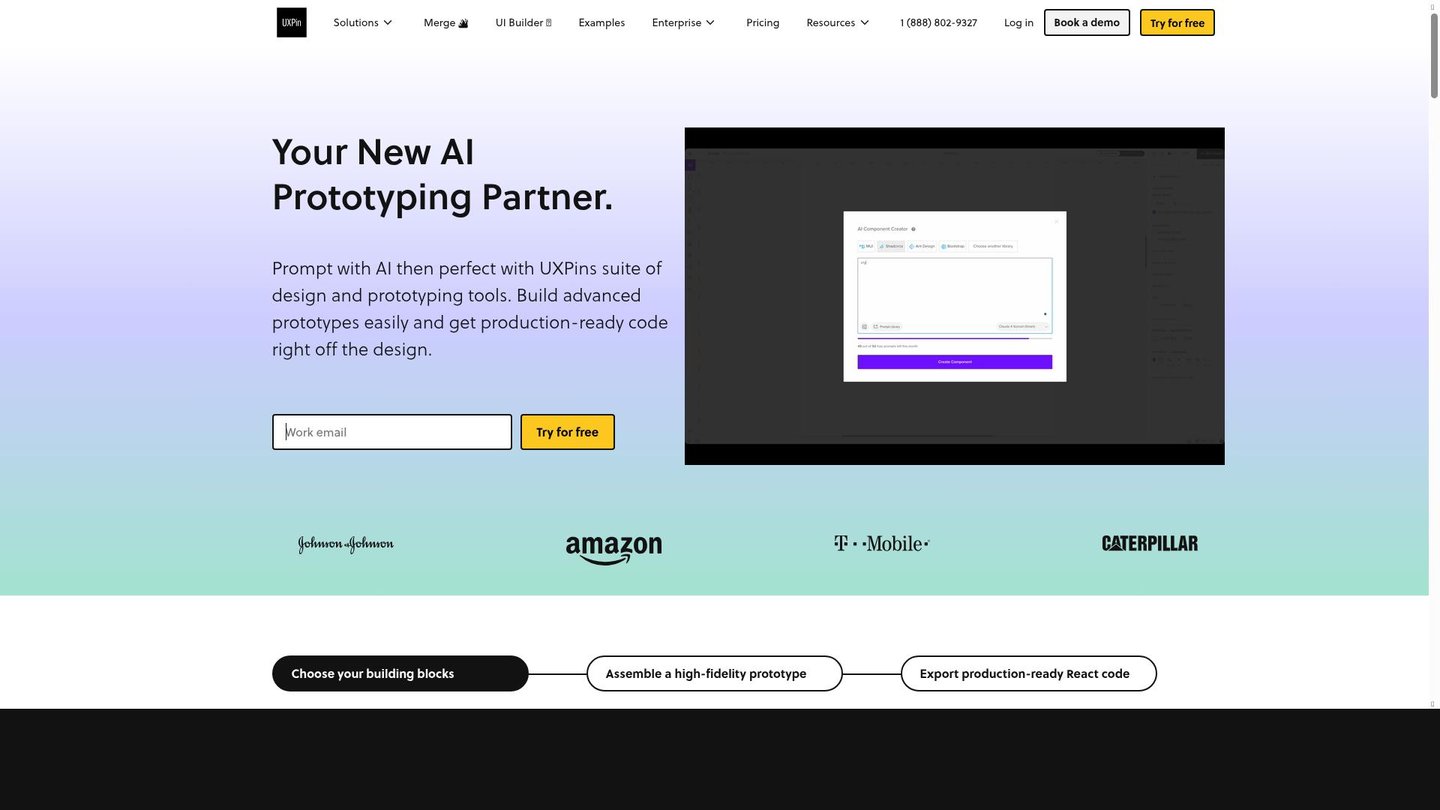
UXPin solves the design-to-engineering gap by letting teams build prototypes out of code-backed components instead of static shapes. Designers assemble screens from libraries like MUI, Tailwind UI, Bootstrap, or Ant Design, then attach variables, expressions, and conditional logic so a prototype actually branches and reacts like a working product. Interactive states (hover, disabled, error) are modeled directly on components, and the output can sync to Storybook or Git repositories. This keeps the prototype closer to what engineering will ship, so fewer behaviors need to be reverse-engineered from a static screen during handoff.
Main Features
Interactive Prototyping
UXPin builds clickable, high-fidelity prototypes that simulate real product flows rather than static click-through screens. It combines components, transitions, and real interactions into a single test surface. Because the prototype behaves closer to the shipped product, usability issues surface before a single line of production code is written.
Variables and Expressions
Designers attach variables and expressions to components so content, values, and states change based on user input inside the prototype. This mirrors how data-driven interfaces actually behave, rather than hard-coding one fixed screen per state. The result is a prototype that can be tested like software, not just viewed like a slide.
Conditional Logic
UXPin lets designers define rules so a prototype’s path changes depending on user actions or input values, modeling branching flows such as login errors or multi-step forms. Logic is set directly on components without separate scripting. That means flow validation happens in the design tool, before engineering commits to building the wrong branch.
Code-Backed Libraries
Built-in coded libraries, including MUI, Tailwind UI, Bootstrap, and Ant Design, give designers components that already map to real code, or teams can sync their own Git repository. Storybook integration connects UXPin components to coded libraries directly. This narrows the gap between the design file and the component the engineer actually ships.
Use Cases
-
Agile UX in the Enterprise
UX teams running Agile cycles need design work that keeps pace with sprint cadence. T. Rowe Price uses UXPin to scale Agile UX, relying on conditional logic and reusable components to keep design artifacts aligned with fast-moving development cycles.
-
Prototyping complex interactions
Design teams validating multi-step flows need more than static screens. BlazeMeter uses UXPin’s variables and conditional logic to prototype complex interactions, which lets the team validate user flows before any development work starts.
-
Shipping better products faster
Product teams under release pressure need prototypes that catch flow problems early. LiquidPlanner uses UXPin’s advanced prototyping, including code-backed components and states, to move from design to shipped product with fewer handoff surprises.
Best For / Not For
UXPin is built for teams that need prototypes to behave like real software, not just look like one.
UXPin fits UX teams managing multi-step flows, design teams validating interactions before engineering starts, and product teams under release deadlines who need handoff artifacts closer to production code.
UXPin’s free plan restricts users to two active prototypes and 50 AI credits, so teams running multiple concurrent projects or relying heavily on AI generation will outgrow it quickly; solo designers wanting a lightweight sketching tool should look elsewhere.
Pricing
UXPin’s Core plan costs $29 per user/month billed annually, with a free tier available and a Growth plan priced at $40 per user/month billed annually for larger teams that need design systems and Storybook integration.
| Plan | Price | Included |
|---|---|---|
| Free | Free | 50 AI credits, 2 active prototypes |
| Core | $29 / user/month, billed annually | 250 credits/month + 100/seat, Unlimited prototypes |
| Growth | $40 / user/month, billed annually | 600 credits/month + 100/seat, Everything in Core |
Monthly billing runs higher than the annual rates shown above, and once the monthly AI credit allocation runs out, extra credits must be purchased separately in fixed blocks rather than rolling over from the next cycle. Enterprise pricing is custom and quoted directly by UXPin’s sales team rather than published on the pricing page.
Pricing checked 2026-11-09.
Quick Comparison
Whimsical is UXPin’s main alternative for early-stage flow mapping and lightweight collaborative sketching. Whimsical combines boards, flowcharts, and wireframes in one workspace for fast, low-fidelity planning. UXPin instead supports variables, conditional logic, and code-backed libraries for prototypes that simulate real product behavior. Choose Whimsical if the team needs quick flow diagrams and mind maps for early brainstorming. Choose UXPin if the team needs interactive, logic-driven prototypes that map closely to production code.
Verdict
UXPin supports conditional logic, variables, and code-backed libraries like MUI and Tailwind UI starting at $29 per user/month billed annually, giving UX and product teams a prototype format closer to shipped code. It fits teams prioritizing behavior-rich testing over quick sketching.