
UX Pilot: UI/UX Design for Product Designers
Which UI/UX design tool builds full screen flows without starting from a blank canvas? UX Pilot, a UI/UX Design tool, generates wireframes, high-fidelity screens and multi-screen flows from prompts, sketches or PRDs for product designers. Teams needing certified data compliance should consider Userbit instead.
- India 17.3%
- United States 15.3%
- Brazil 4.9%
- Indonesia 3.7%
- Other 58.8%
What UX Pilot Does
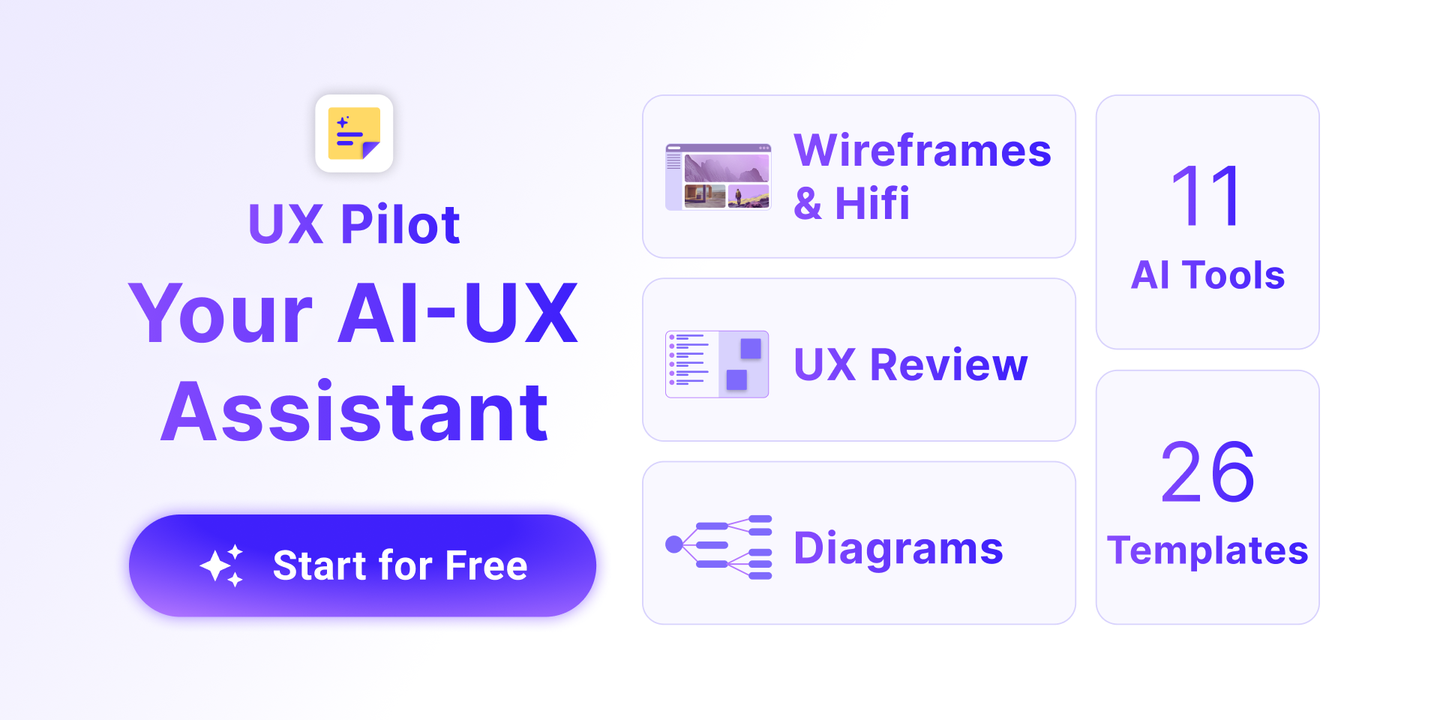
For product designers, UX Pilot turns prompts, screenshots, PRDs or reference websites into wireframes, high-fidelity screens and connected flows without manual component placement. UX Pilot generates structured wireframes based on current UX patterns, then converts them into on-brand screens with one click. It runs design review and predictive heatmaps to flag layout issues early, and accepts a reference image or existing website as input via its website cloner. Designs export to Figma or ready-to-build code, so handoff skips rebuilding screens from scratch, while credits reset daily or monthly depending on plan.

Main Features
Smart Rapid Wireframing
UX Pilot’s Smart Rapid Wireframing auto-generates structured wireframes from a prompt, sketch or PRD, applying current UX layout conventions instead of starting from a blank grid. It produces low- to high-fidelity variants in one pass. A designer starts from a structured draft instead of placing every container and label by hand, cutting setup time before styling begins.
One Click Hi-Fi Generation
UX Pilot’s One Click Hi-Fi Generation converts an existing wireframe into a polished, on-brand high-fidelity screen with a single action. The feature maps spacing, typography and color decisions onto the wireframe structure already approved, keeping visual design and layout review as two separate, checkable steps rather than one blended pass. This separation lets a reviewer approve structure before color and type decisions are locked in.
Predictive Heatmaps
UX Pilot’s Predictive Heatmaps estimate likely user attention across a generated interface before any user testing occurs. The feature flags areas that may draw or miss attention based on layout patterns such as button placement and content density. Designers get a data point to weigh against stakeholder opinion during design review, instead of guessing which section needs another iteration.
Export Ready to Build Code
UX Pilot’s Export Ready to Build Code sends finished screens to Figma for team collaboration or outputs implementation-ready code for developers. Export to Figma and code export are both included starting on the Pro plan, not on Free. A team can move from a generated screen to an editable file or a shippable component without re-entering the design in a second tool.
Use Cases
-
UX Conception
Product designers starting from a sketch or an imported PRD use UX Pilot to ideate and visualize initial screens. Wireframing and hi-fi generation turn that input into a reviewable draft quickly.
-
Design Quality Refinement
Product designers evaluating an existing layout apply UX Pilot’s design review and predictive heatmaps to check hierarchy and attention flow. The output highlights weak areas before user testing, giving a concrete list of revisions.
-
UX Journey Flow
Product designers mapping a full product need every screen in a user journey connected and consistent. UX Pilot’s screen flows generate each step together, so the full flow is refined as one unit instead of screen by screen.
Best For / Not For
UX Pilot is built for product designers who need wireframes, screens and flows generated from a brief rather than built component by component.
Product designers working on multi-screen apps, and product builders moving from idea to prototype without a dedicated design team, use UX Pilot to get screens and flows without building each one manually.
UX Pilot runs on a credit system that limits heavy iteration within a billing cycle, and it publishes no verified SOC 2 or ISO 27001 certification, so teams with strict compliance review requirements should look elsewhere for now.
Pricing
UX Pilot’s Free plan costs $0 and caps usage at 13 screens per day, while the first paid tier, Pro, costs $19 per month billed annually for up to 125 screens.
| Plan | Price | Included |
|---|---|---|
| Free | Free | Up to 13 screens per day, 80/day credits |
| Pro | $19 / month, billed annually | Up to 125 screens, 750 credits |
| Teams | $31 / user/month, billed annually | Up to 150 screens/user, 900 credits/user |
UX Pilot’s free credits reset daily with no rollover, and the table does not show what happens once a paid plan’s monthly credit allowance runs out mid-cycle.
Pricing checked 2026-11-09.
Quick Comparison
Motiff is UX Pilot’s main alternative for generating production-ready UI from text prompts and PRDs. Motiff focuses on turning screenshots and wireframes directly into editable, production-grade UI components. UX Pilot adds predictive heatmaps and design review on top of generation, which Motiff does not list. Choose Motiff if the priority is producing polished components straight from existing screenshots. Choose UX Pilot if the team also wants attention estimates and review feedback built into the same workflow.
Verdict
UX Pilot generates wireframes, hi-fi screens and full journey flows for product designers, with Pro unlocking 125 screens and Figma export at $19 per month. It fits teams producing many screens from a brief rather than one polished hero screen.


