AI Chat Assistants for Browser Workflows with MaxAI
MaxAI is a AI Chat Assistants browser extension that reads webpages, PDFs, and messages and answers in a sidebar. Content creators use MaxAI to draft long-form blog articles without leaving the page they are researching. MaxAI handles inline chat and rewriting well, while deep enterprise workflow automation still needs a dedicated platform.
- United States 60.1%
- Japan 12.7%
- France 9.5%
- Indonesia 7.9%
- Other 9.8%
What MaxAI Does
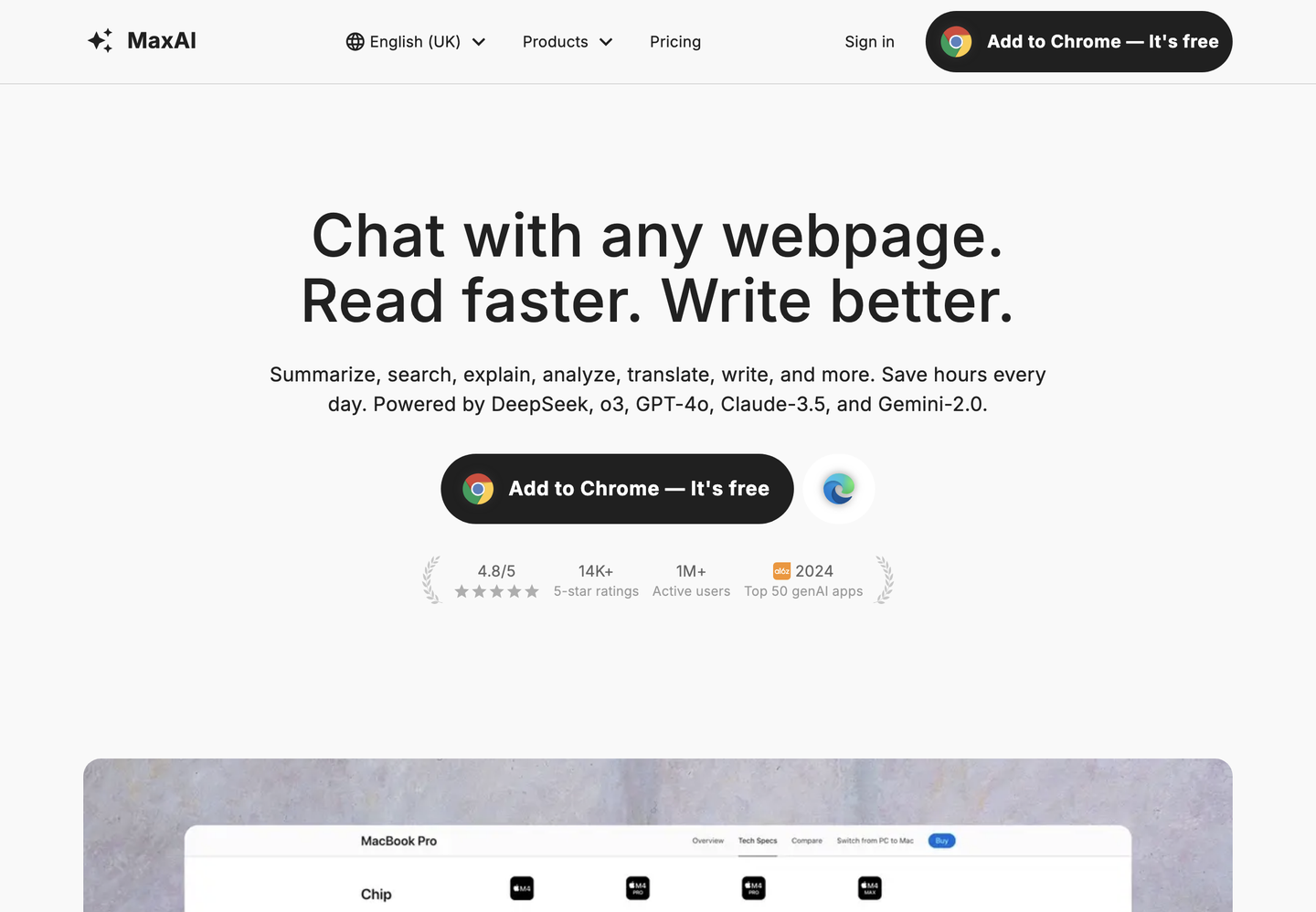
MaxAI turns any webpage, PDF, email, or image into a chat context and returns summaries, rewrites, or replies inside a browser sidebar.
The extension adds an AI sidebar to Chromium browsers so a user can ask about the open page instead of copying text into a separate chat window. MaxAI routes questions to multiple AI models, including free and Pro tiers of fast and reasoning models, so the choice of model depends on the task rather than a single fixed engine. It also generates images from text prompts and drafts replies on email and social platforms directly where the text box already is.
Because it runs as a sidebar rather than a standalone app, MaxAI stays active across Gmail, Outlook, LinkedIn, and other sites a person already has open during a workday.

Main Features
AI Sidebar
The AI sidebar opens alongside any webpage, so a user can ask questions without switching tabs or opening a separate chat application. MaxAI keeps the sidebar context tied to the active page, which means a question about an article or email thread does not require re-explaining what the page contains.
Top AI Models
MaxAI gives access to multiple AI models, from fast free options to Pro-tier reasoning models, inside one interface. A user compares answers from different models without maintaining separate subscriptions or tabs, which is useful when one model’s output needs a second opinion before it is used.
Contextual AI
Contextual AI lets MaxAI answer questions about the webpage, PDF, or document currently open, without the user copying and pasting text into a prompt. This removes the manual step of extracting content before asking a question, so research and document review happen on the same screen as the source.
Image Generation
MaxAI generates images from text prompts as part of the Pro plan, covering models such as GPT-Image-1, DALL·E 3, and FLUX variants. A user drafting a blog post or social asset can produce an image without opening a separate design or generation tool.
Use Cases
-
Drafting blog articles
Content creators bring a topic or outline and use MaxAI’s AI sidebar and rewrite tools to draft long-form articles and fix tone or grammar inline. The sidebar stays open while editing, so the article is written and revised on the same page without exporting drafts elsewhere.
-
Summarizing research
Researchers use MaxAI’s Contextual AI to summarize YouTube videos and explain complex concepts directly from the source page or video. This replaces manual note-taking across multiple open tabs, so a researcher collects insights from several sources without switching applications.
-
Translating articles
Translators use MaxAI’s bilingual translation to view a foreign-language article and its translation side by side, in-page. The side-by-side layout removes the need to copy text into a separate translator tool, which keeps the original formatting and context visible during the work.
Best For / Not For
MaxAI is built for people who read, write, and reply across many websites in a single workday rather than inside one application.
This includes Content creators drafting and rewriting articles, Researchers summarizing videos and documents, and Translators working with foreign-language pages. Each group benefits from the sidebar staying active on the page they are already using.
MaxAI limits the free plan to 3 Pro chats per day and caps file uploads, so teams needing unlimited high-volume document processing or compliance-grade audit trails should look elsewhere.
Pricing
MaxAI offers a Free plan at $0 per member per month and a Pro plan at $12 per member per month when billed annually, with a monthly option at $30.
| Plan | Price | Included |
|---|---|---|
| Free | Free | Unlimited Free chat, 3 Pro chats per day, Limited file uploads |
| Pro | $12 / member/month, billed annually | Unlimited Free chat, Unlimited Pro chat, Higher file upload limits, Image generation, Team member management |
The table does not show the monthly Pro price of $30 for those who skip annual billing, a difference worth checking before committing to a plan.
Pricing checked 2026-10-25.
Quick Comparison
Elicit is MaxAI’s main alternative for research-heavy document and literature work. Elicit focuses on extracting structured data from academic papers and building literature review tables. MaxAI instead works across any webpage, email, or social platform through its browser-based AI sidebar. Choose Elicit if the work centers on systematic literature reviews across many papers. Choose MaxAI if the work spans general browsing, writing, and replying across multiple sites daily.
Verdict
MaxAI processes webpages, PDFs, and messages into chat answers and image generation for content creators and researchers at $12 per member per month on the Pro plan. It fits people who work across many sites rather than one document system. Teams needing enterprise-scale document pipelines should look further.