
Zoom: AI Meeting Assistants for Teams
Which meeting tool turns scattered Zoom calls into agendas, follow-ups, and status updates automatically? Zoom, a AI Meeting Assistants tool, uses agentic search and task delegation through ZoomMate to do this for teams. Organizations running heavy automation across many unrelated apps should consider Zapier instead.
- United States 36.5%
- Japan 8.6%
- Indonesia 5.5%
- Ukraine 4%
- Other 45.4%
What Zoom Does
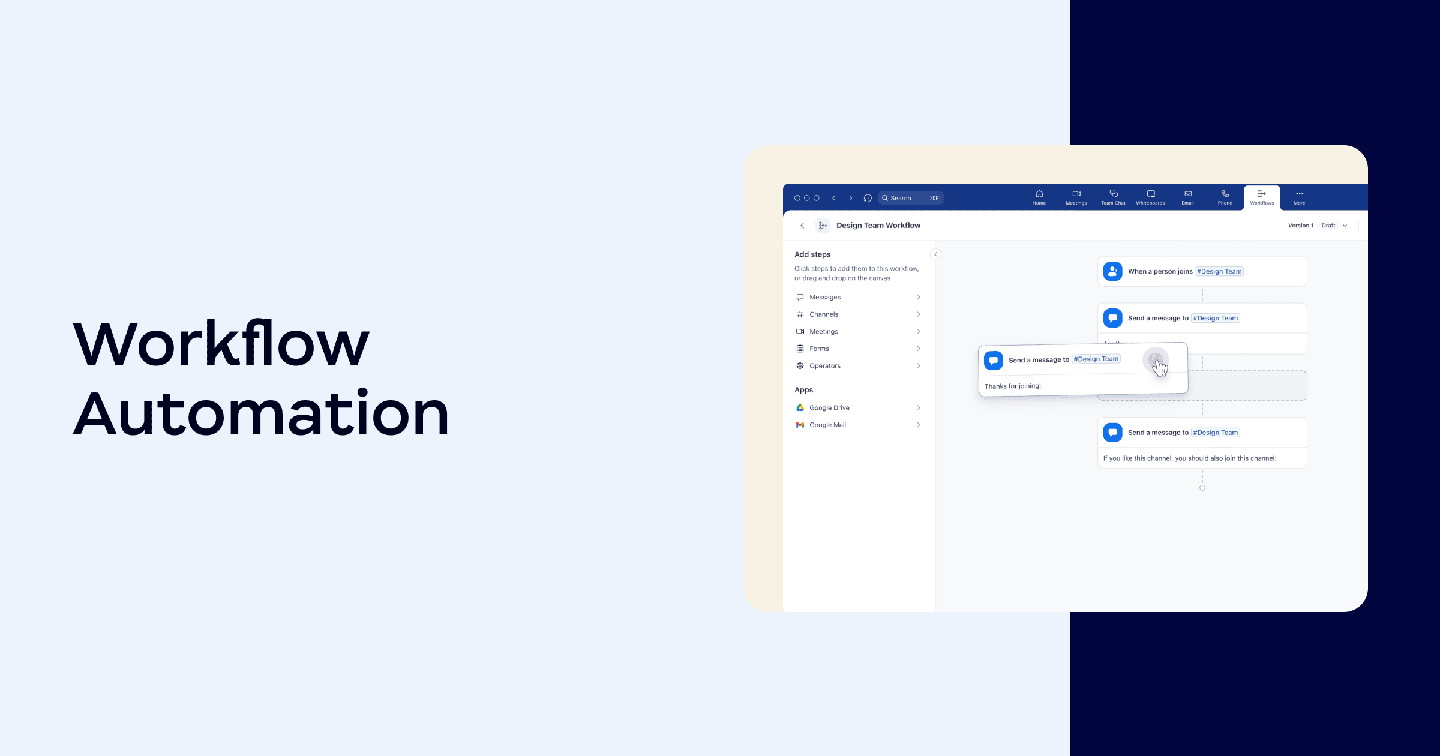
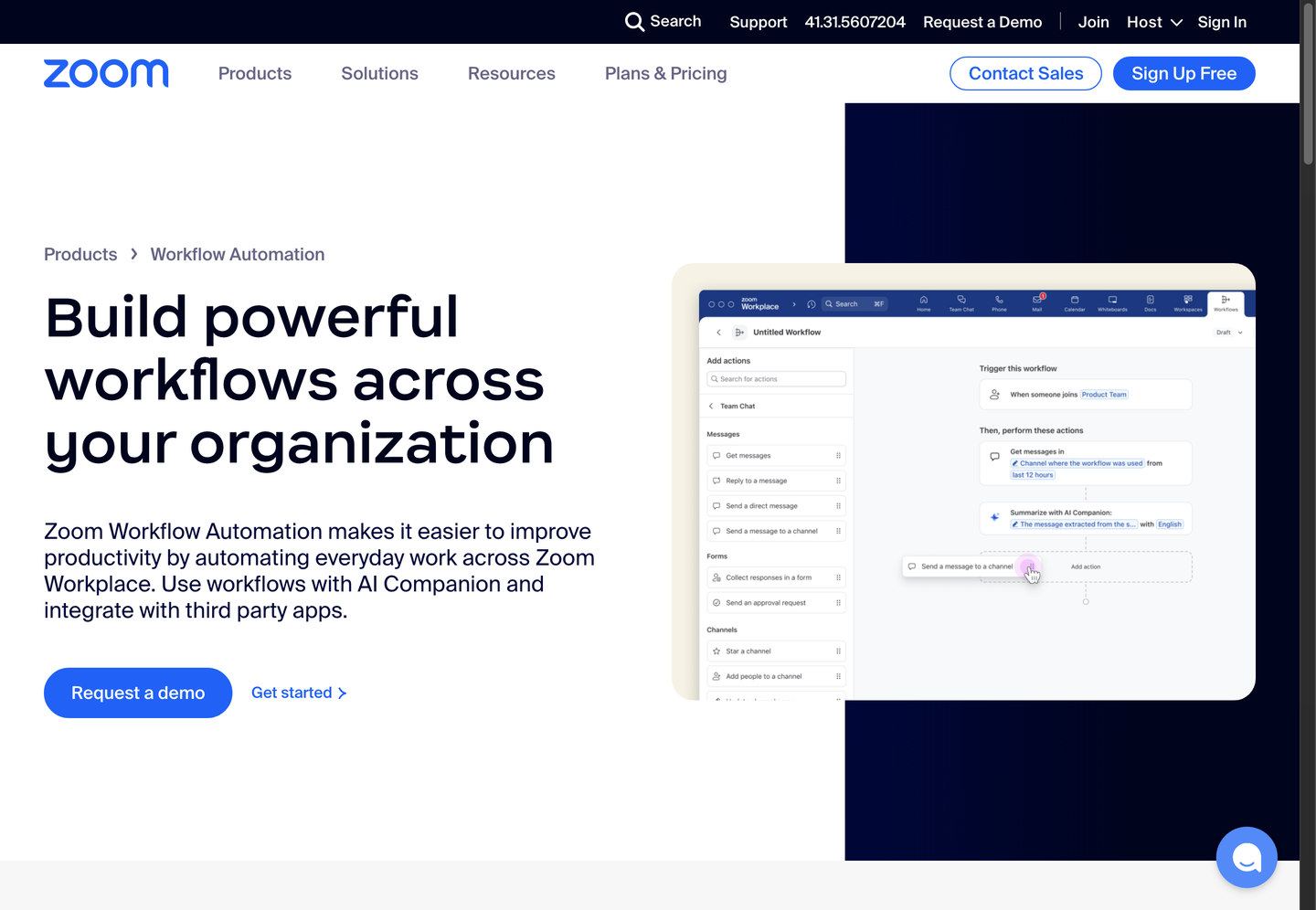
Zoom turns meeting conversations and app data into agendas, documents, and follow-up actions without manual note-taking. ZoomMate’s agentic search surfaces decisions and details from past conversations and connected apps, then delegates tasks such as building a slide deck, drafting a document, or sending follow-up emails. The AI Productivity Suite adds Slides, Sheets, Paper, and Canvas for turning that output into deliverables, while Voice Translator provides live audio translation during Meetings. Zoom bundles these as “capabilities that move work forward” inside Zoom Workplace, so teams using Zoom Meetings and Chat get agenda-building and automation without adding a separate app.
Main Features
Agentic search
Zoom’s agentic search scans past conversations and connected apps to locate decisions and details that would otherwise require manually scrolling through chat history or recordings. It works across meeting transcripts and linked data sources. The result is that prep work for a new meeting pulls from prior context automatically, instead of someone re-reading old threads first.
Delegate tasks
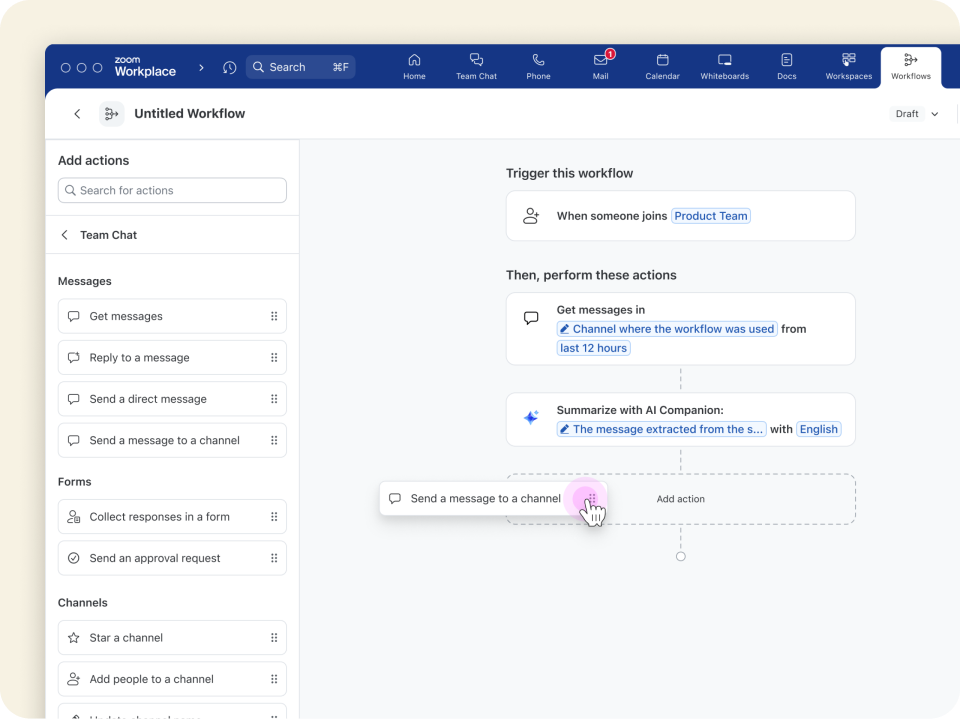
Zoom lets users hand off concrete work items to ZoomMate: structuring a meeting agenda, building a slide deck, generating a document, sending follow-ups, or running research. Each task runs as a defined action rather than a generic chat response. This moves routine meeting admin off a person’s task list and into an automated step inside the same platform.
AI Productivity Suite
The suite bundles Slides, Sheets, Paper, and Canvas, giving ZoomMate output a place to land as an editable deliverable rather than a plain text summary. Documents and decks generated from meeting content stay inside Zoom’s own tools. Teams that already draft materials in Zoom avoid exporting notes into a separate word processor or spreadsheet app.
Voice Translator
Voice Translator provides live audio translation during Zoom Meetings, converting spoken language in real time rather than after the call. It operates directly within the meeting interface. For teams running calls across languages, this removes the need for a separate interpretation service or post-call translated transcript.
Use Cases
-
Creating meeting agendas
Teams preparing for a recurring call use Zoom’s ZoomMate to build the agenda and gather prep materials from past interactions automatically. Agentic search pulls relevant context from prior meetings. The meeting starts with documented context already assembled instead of a blank agenda.
-
Automating meeting tasks
Teams handling post-meeting admin use Zoom to automate tasks like Salesforce updates and follow-up emails after a call ends. Task delegation runs these as configured actions rather than manual entry. Post-meeting processes complete without someone logging into each connected system separately.
-
Managing incident resolutions
Teams responding to an active incident use Zoom to coordinate communication and task management during resolution. ZoomMate’s task delegation and agentic search surface relevant history and route next steps. Issues move through resolution with fewer manual status checks between responders.
Best For / Not For
Zoom is built for organizations that already run meetings, chat, and documentation inside Zoom Workplace and want those conversations turned into structured output. Teams coordinating recurring status meetings, project management tasks, and incident response fit the documented use cases directly, since ZoomMate’s agentic search and task delegation operate on data already inside Zoom Chat and Meetings. Zoom publishes no standalone pricing or run-volume figures for its workflow automation outside Workplace plans, so teams needing broad automation across many unrelated third-party apps rather than Zoom’s own ecosystem will find Zoom limited and should look elsewhere.
Pricing
Zoom offers ZoomMate Basic at $0 USD, a free tier bundled with Workplace Basic that includes limited ZoomMate features, while the full ZoomMate plan costs 14.5 CHF per user per month, billed annually, and includes 2,200 AI credits plus unlimited AI note-taking.
| Plan | Price | Included |
|---|---|---|
| ZoomMate Basic | Free | Limited ZoomMate features included with Workplace Basic |
| ZoomMate | 14.5 CHF / user/month, billed annually | Includes 2,200 AI credits, unlimited AI note-taking, and more |
AI credits are capped at 2,200 per month under the paid ZoomMate plan, and Zoom does not publish what happens once that allotment is used or whether unused credits roll over. Zoom’s pricing page defaults to US dollar display, though the ZoomMate plan itself is billed in Swiss francs.
Pricing checked 2026-11-03.
Quick Comparison
Fellow is Zoom’s main alternative for meeting notes paired directly with CRM updates. Fellow pairs transcription with CRM field updates and transcript redaction across Google Meet, Zoom, and MS Teams. Zoom wins for teams already inside its ecosystem through the AI Productivity Suite, which turns meeting output into editable Slides, Sheets, and Canvas documents natively. Choose Fellow if a team runs meetings across multiple video platforms and needs CRM-focused notes. Choose Zoom if the team already standardizes on Zoom Workplace for meetings, chat, and documents.
Verdict
Zoom processes meeting conversations into agendas, documents, and follow-up tasks for teams, with the paid ZoomMate tier priced at 14.5 CHF per user monthly and capped at 2,200 AI credits. It fits organizations already standardized on Zoom Workplace rather than those needing broad cross-app automation.