
Reshot AI: Transform Photos with AI Precision
Looking to elevate your online image? Reshot AI offers a game-changing solution for photo editing with artificial intelligence. For example, professionals can create polished headshots by adjusting facial expressions and backgrounds in seconds. This tool saves time and delivers stunning results for personal branding or content creation. In particular, it’s perfect for anyone needing high-quality visuals without expensive photoshoots. Let’s explore how Reshot AI can redefine your photo game.
- United States 35.5%
- United Kingdom 11.9%
- India 9.8%
- Brazil 7.4%
- Other 35.5%
About Reshot AI
First, let’s dive into what Reshot AI is. This innovative tool is an AI-powered photo editor designed to enhance images, especially portraits. It tackles the challenge of perfecting photos by offering precise control over facial features. Whether you’re fixing a smile or changing eye direction, Reshot AI simplifies the process using advanced algorithms.
Moreover, it serves a wide range of users. For instance, marketers rely on Reshot AI to craft eye-catching profile images for LinkedIn campaigns. Similarly, YouTubers use it to design engaging thumbnails that boost click-through rates. Essentially, anyone seeking professional-grade visuals without complex software finds value here. The tool’s intuitive interface ensures quick edits for all skill levels.
Lastly, how does it work? Users upload a photo, and Reshot AI’s technology analyzes facial elements. Then, with 3D controls, you tweak head tilt or expressions effortlessly. As a result, edits that once took hours now take under a minute. This efficiency makes it a must-have for busy creators.
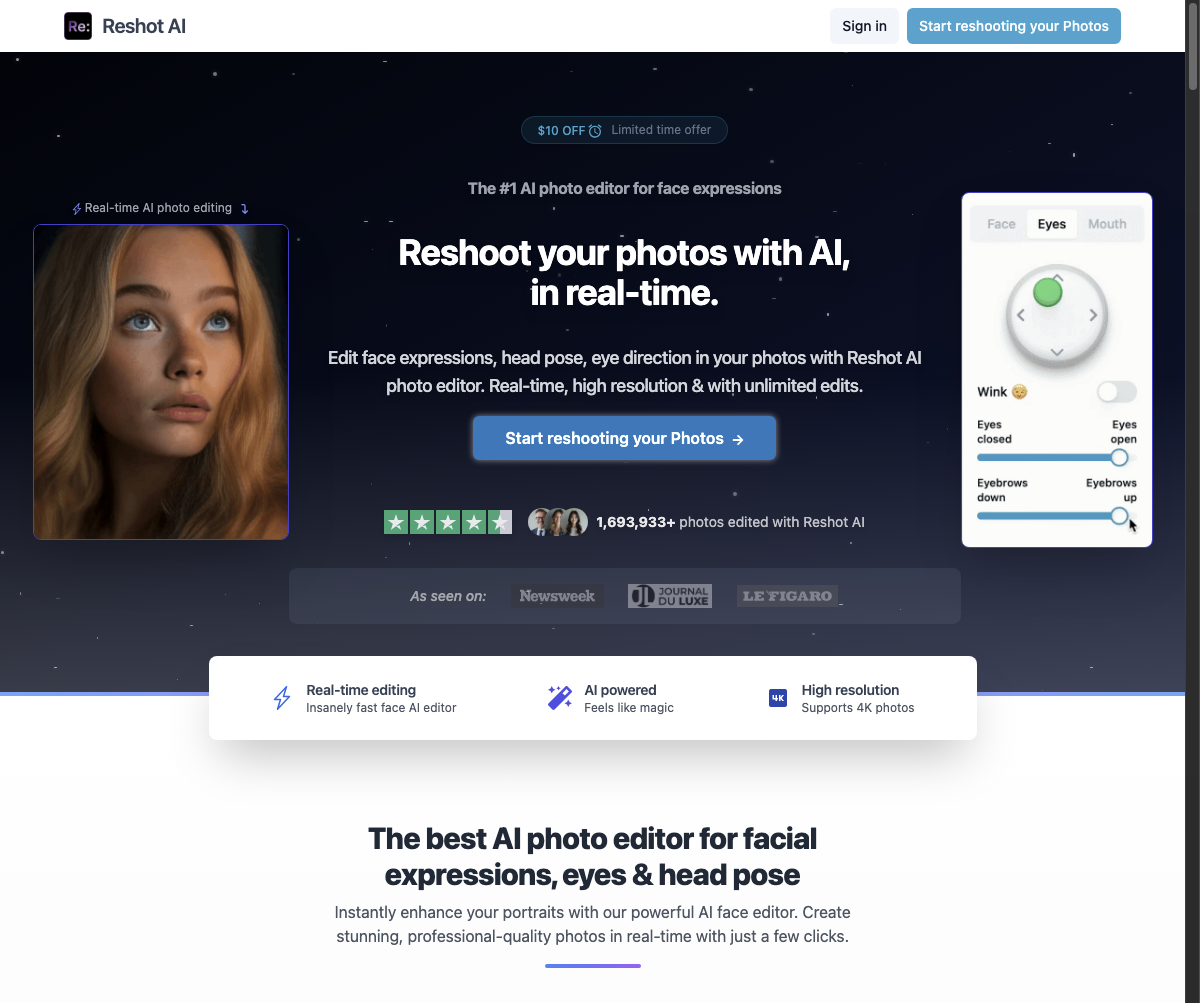
Features of Reshot AI
Now, let’s explore the standout features that make Reshot AI a top choice.
- Expression Editing: Adjust smiles or winks easily, enhancing photos for personal branding with AI photo enhancement.
- Head Pose Control: Rotate or tilt heads precisely, ideal for creating dynamic portraits using AI content creation.
- Eye Movement Adjustment: Direct gaze or add subtle winks, perfect for engaging AI portrait editing.
- Background Swapping: Change settings instantly, offering flexibility for professional shots via AI image tools.
- Real-Time Results: See edits in under 30 seconds, streamlining workflows with AI photo technology.
Beyond these, Reshot AI offers additional perks to boost creativity. For instance, its mobile support lets users edit on the go, ensuring flexibility. Additionally, various pricing tiers cater to both casual users and professionals, with free credits for new users to test features. The platform also supports collaboration by allowing easy sharing of edited images. Furthermore, its user-friendly design integrates seamlessly into existing workflows. As a result, whether you’re a solo creator or part of a team, Reshot AI adapts to your needs. This blend of accessibility and power sets it apart in photo editing.
Ultimately, Reshot AI stands out as a powerful ally for anyone aiming to perfect their visuals. With its focus on AI photo enhancement, it transforms ordinary images into professional masterpieces. Whether you’re updating a profile or crafting content, this tool saves time and effort. Its precision and ease of use ensure stunning outcomes every time. Dive into Reshot AI today and see the difference in your photo quality.


