AutoDraw: The AI Tool for Easy and Fun Drawing
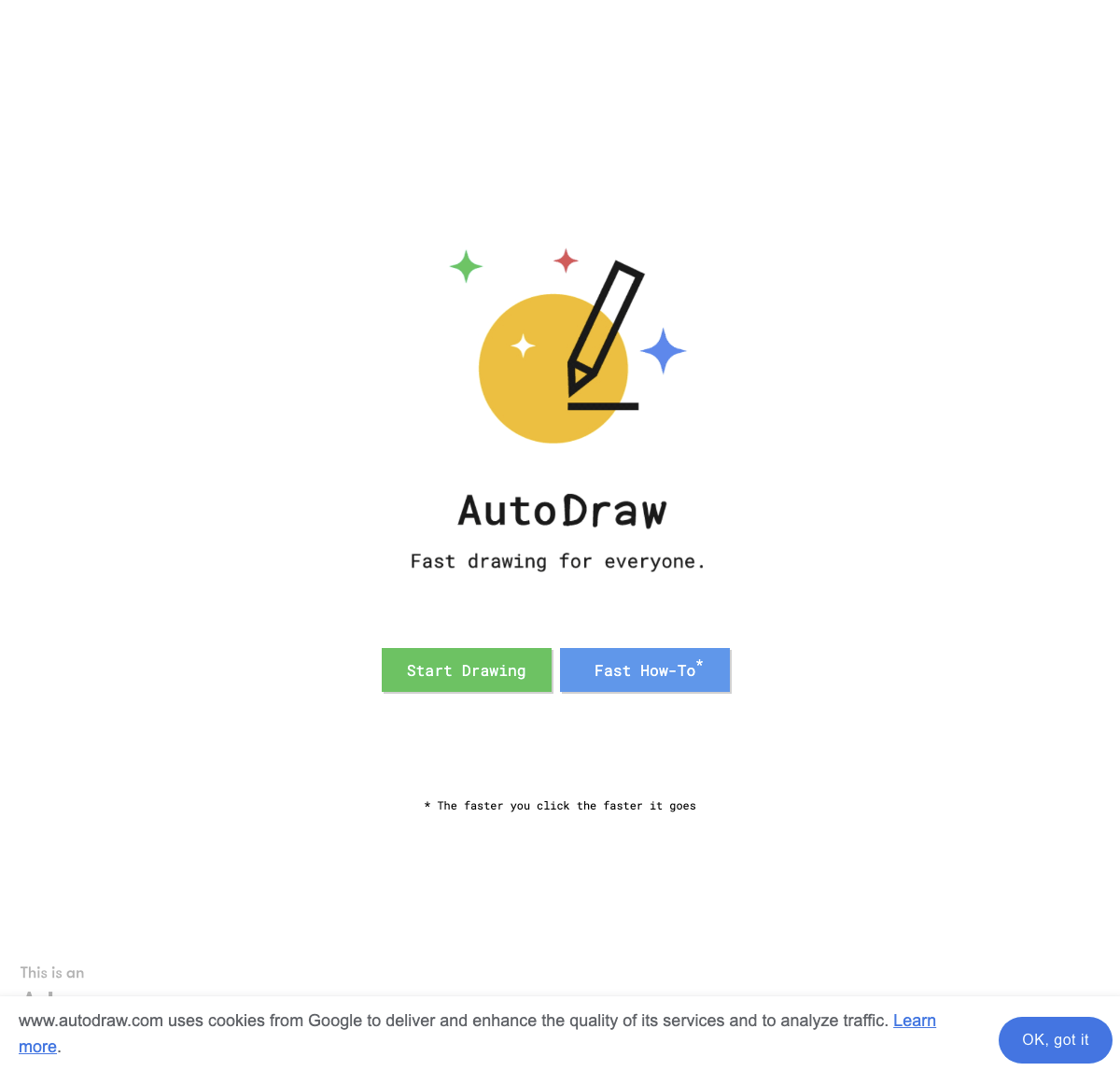
AutoDraw is a free web-based tool developed by Google Creative Labs that uses machine learning to assist users in creating illustrations. It’s a simple and intuitive tool that makes drawing easy and enjoyable for everyone, from beginners to experienced artists. With AutoDraw, you can quickly create high-quality drawings using its advanced AI technology and user-friendly interface.
- United States 23.9%
- India 11.8%
- Ecuador 4.9%
- Philippines 4.3%
- Other 55.2%
About AutoDraw
AutoDraw is an innovative design assistant that leverages machine learning to help users create quick and high-quality drawings. Unlike other AI tools, AutoDraw is designed to be easy to use, making it accessible to a wide range of users. The tool uses datasets from other artists to generate drawings based on the user’s sketches, providing a variety of professional clip art suggestions. This AI technology continuously learns and improves its predictions as users interact with the tool, offering positive feedback and learning from rejections.
AutoDraw is not just a tool for professionals; it’s also a fun and educational tool for kids to stimulate their creativity. The tool’s simplicity and ease of use make it an excellent solution for those who want to quickly create designs or illustrations without needing advanced design skills. Whether you’re a student, a graphic designer, or a business individual, AutoDraw can help you create high-quality drawings that can be used in various works, such as promoting products and services or making presentations look more professional.

Features of AutoDraw
AutoDraw offers a range of features that make it a valuable tool for creating illustrations. Here are some of its key features:
- Suggestion Tool: AutoDraw uses the same technology as QuickDraw to make smart assumptions about the sketch being created and offer a range of professional clip art suggestions.
- User-Friendly Interface: The tool presents a clean, seamless, and distraction-free interface that makes it easy to use on any device.
- Sharing Options: Users can instantly share their drawings on various social media platforms, through a generated URL, or download them as PNG files.
- Color and Pencil Selection Tools: The tool includes color and pencil selection tools that help users customize their drawings.
- Shape Selection Tools: Users can select shapes to add to their drawings, making it easier to create complex illustrations.
- How-to Guides and Tutorials: AutoDraw provides how-to guides and tutorials that help users get started quickly and improve their drawing skills.
- Artist Catalog: The tool features an artist catalog that showcases the work of talented artists, providing inspiration for users.
In addition to these features, AutoDraw also offers a great selection of tools and features that make it easy for users to download and share their images with others. The tool’s fast-drawing capabilities make it insanely easy for users to produce impressive visuals quickly. Additional functionality includes multiple options for sharing, downloading, editing, and starting drawings again, making it a versatile tool for various creative needs.
In conclusion, AutoDraw is a versatile and user-friendly AI tool that makes drawing easy and fun for everyone. With its advanced AI technology and simple interface, it’s an excellent solution for creating high-quality illustrations quickly. Whether you’re a student, a graphic designer, or a business individual, AutoDraw can help you achieve your creative goals efficiently.