
AI Writing Assistant for Technical Guides with Moonbeam
A developer tasked with documenting a new API needs a clear technical guide before the release deadline. Moonbeam, a AI Writing Assistants tool, turns rough notes into a structured technical-guide draft using its template and Wizard, then returns an editable document. Moonbeam does not verify technical accuracy or run code.
- Brazil 66.7%
- India 33.3%
What Moonbeam Does
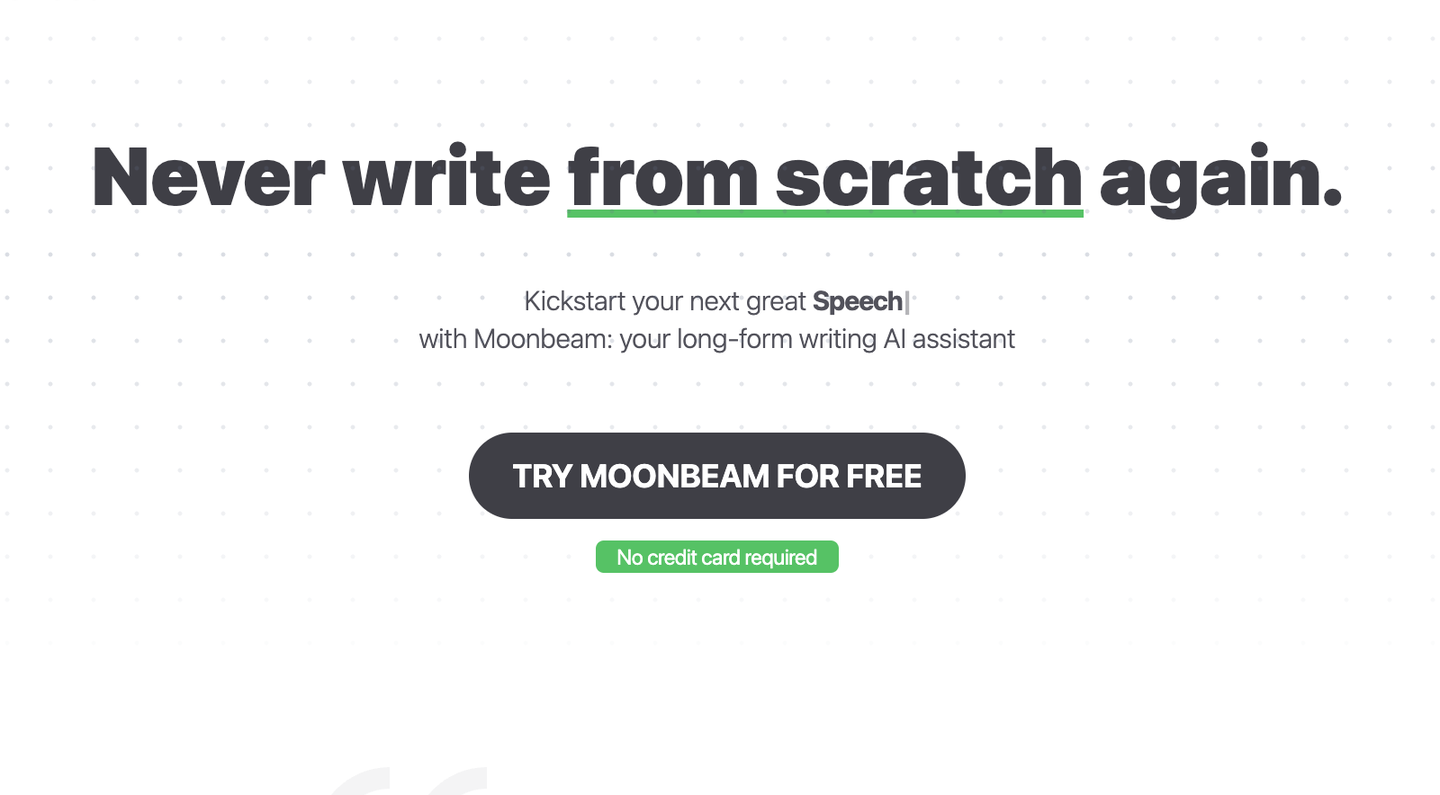
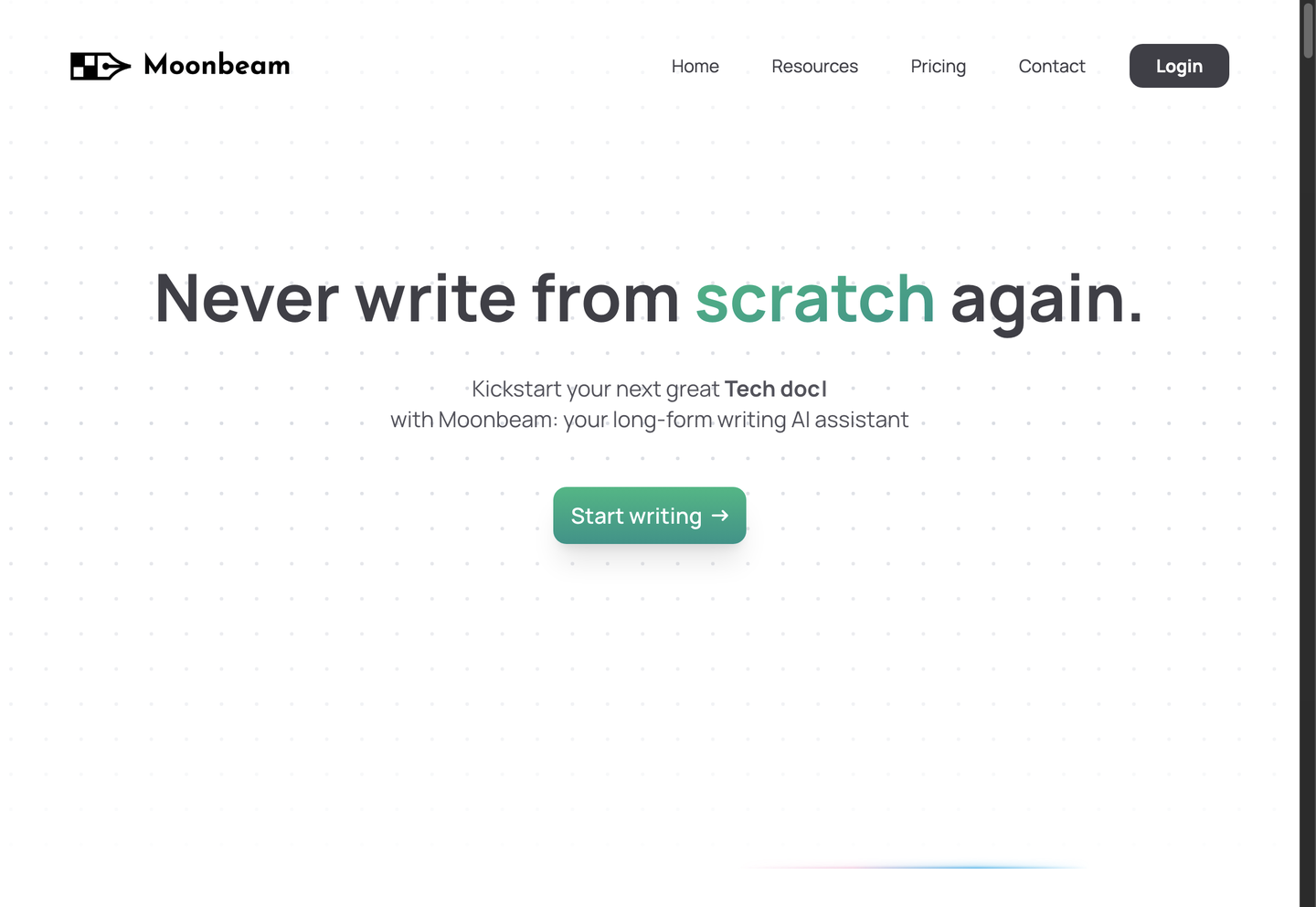
Moonbeam is a long-form writing assistant that generates structured drafts from templates for essays, guides, and announcements.
Writers start from a blank page, a few notes, or a rough outline, and Moonbeam Wizard turns that input into a formatted draft using the matching template, whether that is a Technical Guide, Help Desk Article, or Product Update Communication. Boss Mode expands short instructions into longer passages, Moonbeam Chat and Ask Luna handle revisions and questions inside the same editor, and the Custom Style Generator reuses a saved voice across documents, so content from the same team keeps a consistent tone.
Main Features
Moonbeam Wizard
Moonbeam Wizard takes an idea, notes, or a rough outline and runs a guided sequence of prompts to build a document, selecting a matching template such as Technical Guide or Essay. Writers who start with scattered notes get a structured draft instead of a blank page, so the draft already has section order and headings set.
Boss Mode
Boss Mode expands short instructions into longer, fuller passages inside the same editor. A writer types a one-line direction, such as a topic or angle, and Boss Mode generates an extended paragraph that follows it, ready for editing. This lets Moonbeam users move from a single sentence of direction to a full draft section for revision.
Custom Style Generator
Custom Style Generator builds a reusable writing style from samples of a user’s preferred voice, then applies that style to new drafts generated afterward. Instead of re-describing tone in every prompt, a writer sets the style once and Moonbeam applies it across essays, newsletters, or social posts. This keeps output from multiple templates consistent without manual edits for voice.
Collaboration Mode
Collaboration Mode, available on the Team plan, adds real-time co-editing so multiple users can work in the same document at once, along with integrations to connect Moonbeam with other tools. The Pro plan is limited to a single user, so teams writing announcements or product updates together need the Team tier to edit jointly rather than passing files back and forth.
Use Cases
-
Technical Guide creation
Developers or other technical users bring a feature that needs documentation. Moonbeam’s technical guide template and Wizard structure the notes into sections for a technical audience. The result is a draft matching the expected documentation format, not a blank page.
-
Product Update Communication
Teams announcing a new feature use Moonbeam’s product update template to draft the message for users or potential users. The template structures what changed and why it matters, which keeps users informed about new features without a blank-page start.
-
Help Desk Article writing
Support teams writing for users of a product use Moonbeam’s help desk article template to structure a how-to document. The template organizes steps and explanations in a format built for support content, giving users a document that answers the question.
Best For / Not For
Moonbeam is built for people who write long-form content regularly without a dedicated editorial team. Educators, content creators, and freelancers use its templates to turn notes into essays, blog posts, newsletters, and social threads instead of starting from a blank page, and the Custom Style Generator keeps that output in one consistent voice. Moonbeam does not include SEO tools, analytics, or campaign management, so marketing teams running multi-channel campaigns with performance tracking should look at a broader marketing platform instead of relying on Moonbeam alone, since it publishes no SEO or analytics features.
Pricing
Moonbeam prices its Pro plan at $49 per user per month billed annually, with a Team plan at $99 per seat per month billed annually for multi-user accounts.
| Plan | Price | Included |
|---|---|---|
| Pro | $49 / user/month, billed annually | |
| Team | $99 / seat/month, billed annually |
Moonbeam advertises a 30-day money-back guarantee on paid plans but lists no separate free tier, so evaluating the Pro plan requires a paid signup.
Pricing checked 2026-10-25.
Quick Comparison
Anyword is Moonbeam’s main alternative for teams that need marketing copy and ad variations rather than long-form documents. Anyword scores copy against predicted performance metrics and generates on-brand variations for paid ads and landing pages. Moonbeam’s Wizard and templates build full technical guides, essays, and help desk articles rather than short ad copy. Choose Anyword if the priority is performance-scored ad copy and landing-page variants. Choose Moonbeam if the priority is structured long-form documents like guides and essays.
Verdict
Moonbeam generates long-form drafts from templates and offers unlimited long-form writing on its Pro plan at $49 per user per month, billed annually. It fits writers who need structured guides, essays, and updates rather than full marketing campaign management tools.


