Real-Time Email Coaching with Lavender
Most AI Writing Assistants tools generate a draft from a prompt; Lavender scores and corrects an email a seller is already writing, inside Gmail or Outlook. Sellers get real-time feedback before sending, so Lavender fits editing rather than first-draft generation. Built for high-volume outbound — full-document drafting needs push past its ceiling.
- United States 42.5%
- India 15.7%
- Mexico 10.1%
- France 6%
- Other 25.8%
What Lavender Does
Sales Development Representatives and Account Executives use Lavender to fix a cold email before it leaves the outbox, scoring it against billions of data points.
Lavender flags subject-line, length, and tone issues as a draft is typed, then suggests specific rewrites instead of a single score. It pulls prospect and company data into the inbox for personalization, and Sales Leaders get a Coaching Dashboard that aggregates these scores across a team. Lavender runs inside Gmail and Outlook 365, and connects to Outreach, Salesloft, HubSpot, Apollo, Groove, and Gong.
Main Features
Email Coach
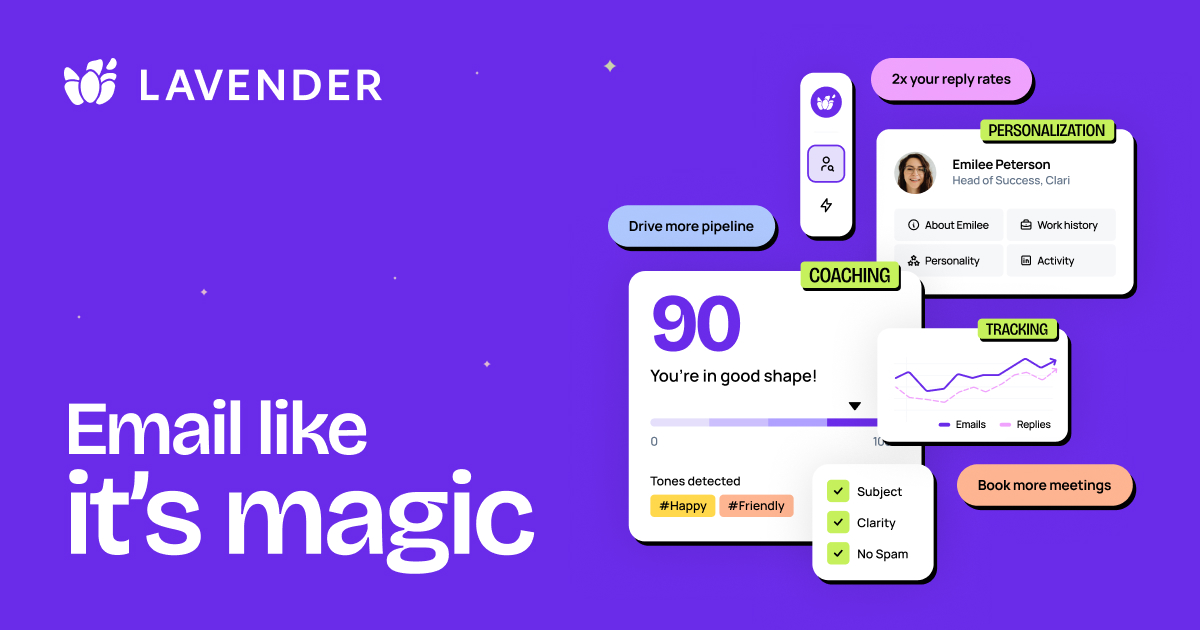
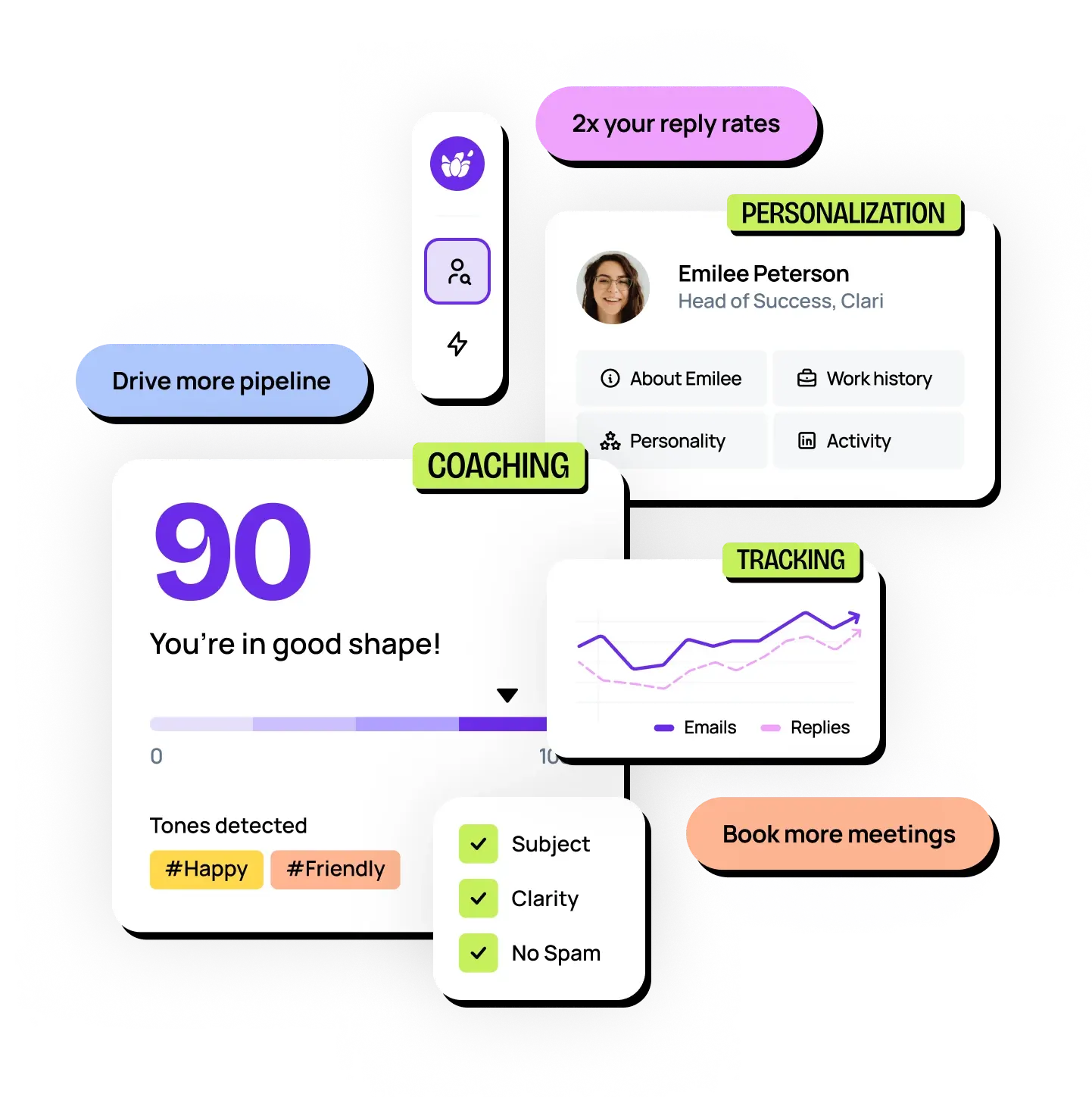
Lavender’s Email Coach analyzes a draft in real time and scores it on clarity, tone, length, and reply-worthiness as the seller types. It works directly inside the Gmail or Outlook compose window rather than a separate app, so feedback arrives before the email is sent instead of after a reply never comes.
Personalization Assistant
The Personalization Assistant surfaces prospect and company context directly in the inbox, suggesting specific details a seller can reference instead of a generic opener. It removes the step of switching to LinkedIn or a CRM tab mid-draft, which keeps the writing process inside one window.
Real-time Coaching
Real-time Coaching applies a model trained on billions of data points to flag weak subject lines, long paragraphs, and unclear calls to action while the email is still a draft. Because the feedback appears before sending, errors get caught at the point they are cheapest to fix.
Coaching Dashboard
The Coaching Dashboard aggregates email scores and activity across a team, giving Sales Leaders a view of what is working and who needs coaching. It is bundled into the Team Plan rather than sold standalone, which ties manager-level visibility to the highest-priced tier.
Use Cases
-
Email Coaching for Sellers
Sellers writing high volumes of outbound bring a draft and a prospect name. Lavender’s Email Coach scores the message and suggests rewrites for tone and clarity before it is sent.
-
Email Insights for Leaders
Sales Leaders bring a team’s sent email rather than a single draft. Lavender’s Coaching Dashboard aggregates scores across reps, giving managers data to target coaching instead of guessing which rep needs help.
-
Email Confidence for Anyone
Anyone uncertain about how an email reads brings everyday hesitation over tone or length. Lavender’s real-time scoring and rewrite suggestions replace that hesitation with a concrete edit before sending quickly.
Best For / Not For
Lavender is built for people who write and send email as a core part of their job, not for teams that need content generated from scratch.
Sellers writing high volumes of outbound, Leaders coaching a team’s email quality, and Anyone who wants feedback before hitting send are the named audiences.
Lavender is primarily a coaching layer: it does not generate full outbound sequences, verify contacts, or replace a sales-engagement platform, so teams needing automated prospecting and campaign execution should look elsewhere.
Pricing
Lavender’s Basic plan is free; its first paid tier, Starter, costs $27 / user/month, billed annually.
| Plan | Price | Included |
|---|---|---|
| Basic | Free | Analyze 5 emails/month, Personalize 5 emails/month, All basic features, Gmail + Outlook 365, AI Email Writer, AI Recommendations, Mobile Optimization, Integrations |
| Starter | $27 / user/month, billed annually | Unlimited emails, Unlimited personalization, Unlimited AI recommendations, Mobile optimization, AI Email Writer, Support via chat, Lavender anywhere, Multi-inbox support, Gmail + Outlook 365, Integrations |
| Individual Pro | $45 / user/month, billed annually | Everything in Starter, Unlimited everything, Integrations, Priority support, Dedicated CSM |
| Team Plan | $89 / seat/month, billed annually | Includes integrations & Coaching Dashboard |
The free Basic plan caps usage at 5 emails per month, pushing active sellers toward a paid tier.
Pricing checked 2026-10-25.
Quick Comparison
Anyword is Lavender’s main alternative for sellers who need AI-generated copy variants rather than coaching on existing drafts. Anyword generates and scores multiple copy versions against predicted performance for ads and landing pages. Lavender instead applies Real-time Coaching to an email a seller has already started writing, inside Gmail or Outlook. Choose Anyword if the job is generating marketing copy variants from scratch. Choose Lavender if the job is improving outbound emails a sales team is already sending.
Verdict
Lavender scores and rewrites email drafts in real time, capping its free Basic plan at 5 emails per month before sellers need a paid tier. It fits high-volume outbound teams, not writers needing full-draft generation.