
AI Music Generators for Artists with Boomy
Most AI Music Generators tools stop at a finished audio file; Boomy also distributes releases to Spotify, Apple Music, and TikTok. Artists get a path from blank page to streaming release, fitting beginners building a catalog. Built for first-time song creation — producers wanting prompt control will hit its genre-menu ceiling.
- United States 25.8%
- Russia 8.5%
- India 5%
- Canada 4.6%
- Other 56.1%
What Boomy Does
Artists use Boomy to generate complete songs from style and genre selections, without any prior music-production background or instrument access.
Boomy builds a track by letting users pick a genre or style, then generates instrumentation, arrangement, and vocals automatically. Free-plan users can edit and save tracks; paid plans add advanced editing, instrument swaps, and WAV downloads. This removes the need for instruments, DAWs, or production training. Paid plans also extend into monetization: eligible songs can be distributed to more than 40 digital services, with Boomy paying a share of resulting royalties.
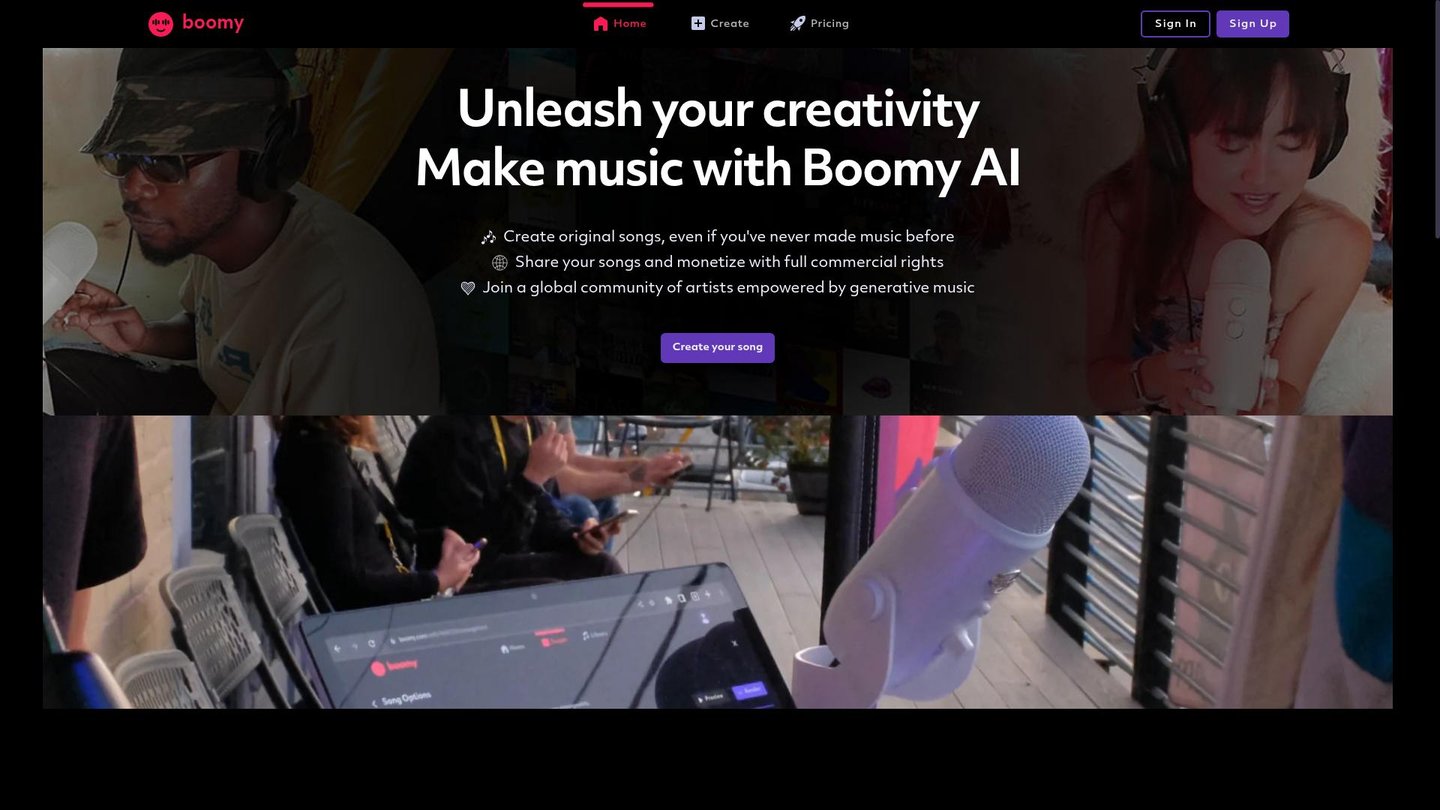
Main Features
AI Song Generation
Boomy creates a complete song — instrumentation, arrangement, and vocals — from a selected style or genre instead of a written prompt. Free-plan users can reroll instrument groups for a different variation, while Creator and Pro users swap individual instruments one at a time. A usable draft exists before any manual editing starts.
Song Editing
Once a track is generated, Boomy opens editing tools so users can refine sections instead of starting over. Free accounts get basic editing, while Creator and Pro unlock advanced tools covering more granular adjustments to arrangement and instrumentation. Iteration happens inside the same saved project, so changes build on the existing generation rather than replacing it.
Music Distribution
Boomy distributes finished songs to Spotify, Apple Music, TikTok, YouTube, and other digital services directly from the editing workspace. Users on Creator or Pro gain distribution permission and full commercial rights over downloaded tracks, while free accounts cannot release or download at all. Boomy also pays a share of resulting royalties on distributed releases.
Community
Boomy connects users through a global community of artists working with generative music, alongside a Discord server for sharing tracks and feedback. Accounts track plan usage — remaining downloads and releases — directly from a dashboard, so musicians can see their monthly limits before hitting a distribution or download cap on Creator or Pro.
Use Cases
-
Creating original songs
Artists with no production background use Boomy’s style-based generation to build a full song without instruments or a DAW. Saved drafts stay within plan limits, so a free user can experiment across the 25-song cap before upgrading for downloads.
-
Making reels for animations
Animators use Boomy to generate background tracks that match the mood of a reel, then export the result as a WAV file on a paid plan. This keeps custom scoring inside the same account used for editing the track.
-
High-volume music experimentation
A producer or marketing team testing many styles can save up to 500 songs on Creator or an unlimited number on Pro. Boomy’s save limits set how much experimentation fits in a single plan before older drafts must be cleared.
Best For / Not For
Boomy is built for people who want a finished song without learning production software.
That includes artists releasing their first tracks and animators who need background music for reels without hiring a composer. Both groups generate from genre menus rather than detailed prompts, which keeps the workflow simple at the cost of fine control.
Boomy’s free plan blocks all downloads and commercial use, and even Creator caps WAV downloads at 25 per month, so producers needing bulk exports or granular prompt control should look elsewhere.
Pricing
Boomy’s plans range from a free tier to $29.99 per user/month on Pro, billed monthly.
| Plan | Price | Included |
|---|---|---|
| FREE | Free | Create and edit songs, Access to basic song editing tools, 25 song saves, No downloads, No commercial use |
| CREATOR | $9.99 / user/month, billed monthly | Create and edit songs, Access to advanced song editing tools, 500 song saves, 25 WAV downloads per month, Full commercial use of downloaded songs, Permission to distribute downloaded songs to DSPs |
| PRO | $29.99 / user/month, billed monthly | Create and edit songs, Access to advanced song editing tools, Unlimited song saves, 250 WAV downloads per month, Full commercial use of downloaded songs, Permission to distribute downloaded songs to DSPs |
Promotional pricing applies to paid plans.
Pricing checked 2026-10-25.
Quick Comparison
MuseGen is Boomy’s main alternative for text-prompt-based song generation and editing. MuseGen builds songs directly from written prompts, skipping genre-menu selection for finer compositional control. Boomy pairs generation with built-in distribution to Spotify, Apple Music, and TikTok, a step tied directly to its paid plans. Choose MuseGen if detailed prompt control over composition matters most. Choose Boomy if a simple menu-based workflow with built-in streaming release fits better.
Verdict
Boomy generates full songs from a genre selection and distributes them to more than 40 streaming services starting at $9.99 per user/month on Creator. It fits artists and animators who need a finished, releasable track without production skills, not producers who need prompt-level or export-heavy control.