Airbrush: AI Photo Editor for Flawless Portrait Retouching
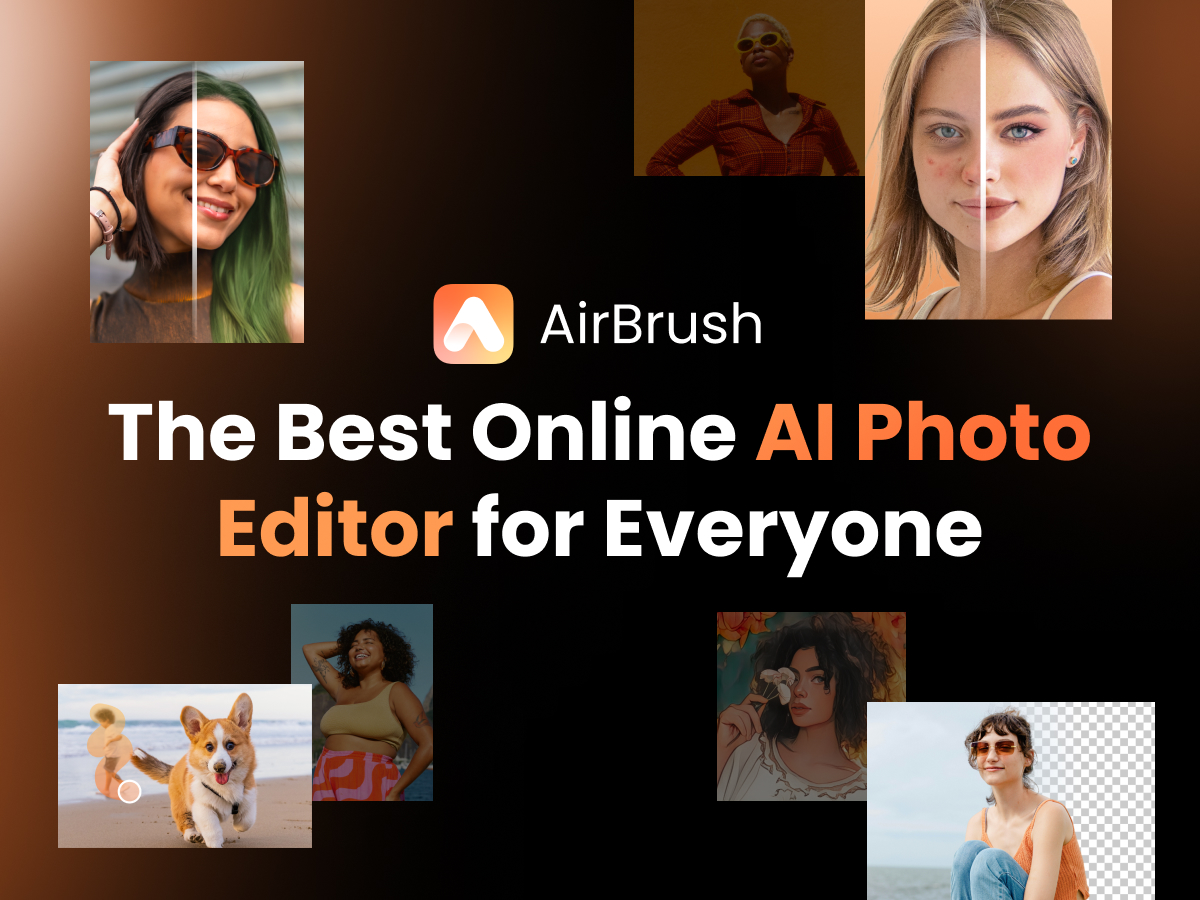
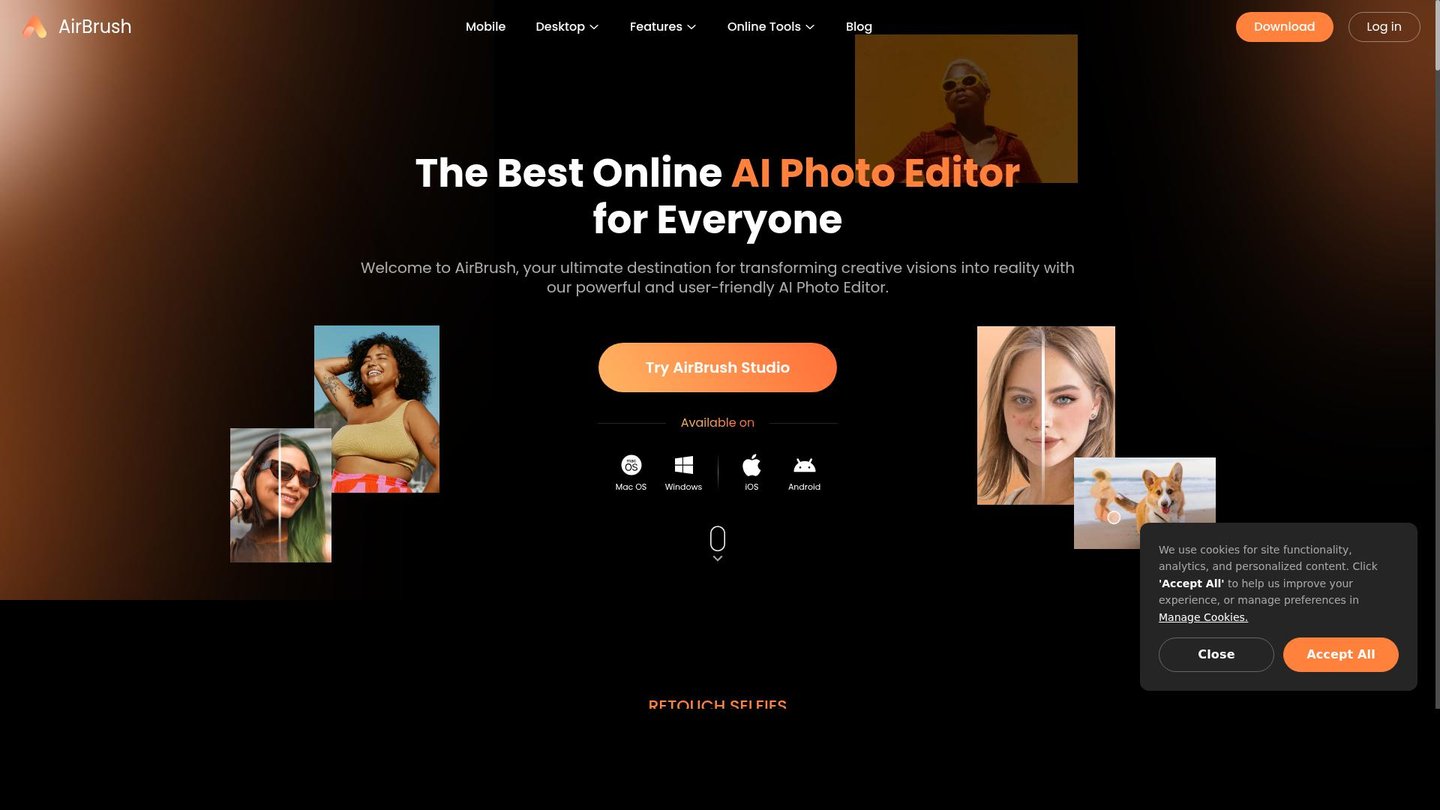
Airbrush is an AI-powered photo editor that transforms ordinary images into studio-quality results in seconds. For example, social media influencers use Airbrush to smooth skin and brighten teeth before posting selfies, while e-commerce sellers remove distracting backgrounds from product photos to boost sales. The tool combines portrait retouching, object removal, and video enhancement in one accessible platform.
- Russia 26.2%
- India 10.4%
- Mexico 7.6%
- United States 7%
- Other 48.8%
About Airbrush
Airbrush is a mobile-first and web-based AI photo and video editor designed for creators who need professional results without design training. The platform solves a common problem: manual photo editing takes hours and requires expensive software or professional photographers. Instead, Airbrush delivers one-click AI enhancements that work on any device.
The tool leverages advanced AI technology to understand and execute editing tasks automatically. Users upload photos or videos, select their desired enhancement, and Airbrush processes them using state-of-the-art AI models. As a result, creators spend minutes instead of hours on editing.
Different user types rely on Airbrush for distinct purposes. Social media influencers use portrait retouching and makeup filters to enhance selfies before posting. In particular, small e-commerce owners remove backgrounds and upscale product images for marketplace listings. Digital artists generate new images from text prompts to jumpstart creative projects. The platform supports both iOS and Android, plus web and desktop apps for Windows and Mac, making it accessible across workflows.
Features of Airbrush
Here are the standout capabilities that make Airbrush an essential digital content creation tool for modern creators.
- AI Portrait Retouching Suite: Automatically smooth skin, remove blemishes, whiten teeth, and adjust tone with one-tap presets or granular sliders for precise control.
- Object and Background Removal: Intelligently erase unwanted people, objects, or backgrounds from photos and videos using AI generative fill technology.
- AI Image Upscaler: Enhance low-resolution photos to 4K quality with sharpened details, ideal for old footage or social media graphics.
- Virtual Makeup and Face Editor: Apply realistic makeup looks and subtle face shaping without actual cosmetics for experimentation and touch-ups.
- AI Video Enhancer: Upscale video resolution, remove backgrounds from footage, and boost brightness and contrast for professional-looking content.
- Text-to-Image Generator: Create custom images from text descriptions using 101+ AI models across photorealistic, anime, and 3D render styles.
- Batch Photo Editor: Edit multiple images simultaneously, saving time on repetitive tasks for marketing teams and sellers.
- AI Replacer and Extender: Generate new content within selected areas or expand compositions, perfect for creating cohesive visual stories.
Beyond core features, Airbrush offers practical tools for scaling workflows. The platform includes a freemium pricing model so users test features risk-free. Paid plans unlock higher monthly limits, premium effects, and batch processing for teams. Users retain full commercial rights to generated images, crucial for marketers and businesses. Processing occurs over encrypted connections, protecting user data and library content. As a result, creators from solo influencers to e-commerce teams can publish studio-quality visuals in minutes without hiring professionals or investing in expensive equipment.
Ultimately, Airbrush eliminates barriers to professional-grade photo and video editing. Whether you’re enhancing portraits, creating product images, or generating AI art, this accessible video generation and image enhancement platform delivers consistent, natural-looking results fast. The combination of intuitive design, mobile-first accessibility, and powerful AI models makes Airbrush indispensable for modern content creators.