Eight AI tools that redesign, stage or plan a room, compared on how faithful, controllable and affordable they are.
The best AI interior design tools in 2026 are Interior AI for trying many looks on one room photo, REimagine Home for turning a redesign into a shopping list, HomeDesigns AI for testing materials, and Paintit for editing a room in a chat. Collov AI suits real estate listings, Spacely AI suits designers who work in SketchUp, and Homestyler and Planner 5D suit anyone who wants to plan a whole home in 3D.
All eight start from something you already have: a photo, a sketch, a 3D model or a floor plan. For each one we name the AI feature that matters most, who gets the most out of it, what it costs and where the free plan stops.
Tools, features and prices checked on October 15, 2026.
What changed for AI interior design tools in 2026
The tools in this list increasingly treat the room as fixed and change only what you ask for. REimagine Home and HomeDesigns AI lock walls, windows and ceiling lines before they redesign, Paintit lets you change a single wall color while the furniture stays, and Homestyler and Paintit take instructions in a chat. Several tools now go past the still image, with short walkthrough videos and 3D models made from a floor plan.
The second shift is commercial. A design is increasingly a shopping list: REimagine Home builds rooms from real products with live prices, and Paintit matches what it shows to furniture you can buy. At the same time almost every tool bills in credits, and the free allowances are small, often a handful of designs or a few credits a day. Treat a free plan as a test drive and look at the credits per month before you compare prices.
How we picked these tools
Every tool here has AI redesign, staging or planning of interiors at the core of the product. Human design services and general image generators are out, even when they offer room ideas. We checked each feature, limit and price on the vendor’s own site; the rankings that vendors publish about their own category were not used as evidence. These are the qualities we compared.
- Faithful to the room: walls, windows and the layout should stay where they are in the redesign.
- Control over changes: changing one element, setting how far the AI may go, or refining in several steps.
- From idea to purchase: whether the furniture in a design can be identified and bought.
- Inputs it accepts: photos, sketches, 3D models or floor plans, depending on where your project starts.
- Output for sharing: resolution, watermarks, walkthrough videos or 3D tours on the plan you would pay for.
- Cost per design: the free allowance, the credits per month and the price of the plan you actually need.
1. Interior AI

Interior AI can return 16 versions of the same room from one upload, so a single upload already shows a space in many directions. It offers 56 preset styles and also learns a style from a reference photo you provide.
Seven modes cover most starting points. You can rearrange the existing furnishings, keep the room and only change the style, furnish an empty room, or convert a sketch or a SketchUp screenshot into a photorealistic image. That suits homeowners looking for ideas as well as designers who want to show a client an early direction.
Key AI features
- Style transfer: changes the style while the room stays the same.
- Virtual staging: furnishes an empty room.
- Sketch2Image and SketchUp mode: turn a drawing or a wireframe screenshot into a photorealistic render.
- Empty the space: removes the contents of a room before you restage it.
Pros
- You compare many options side by side instead of generating them one at a time.
- A rough sketch becomes an image a client can react to.
- Outdoor spaces such as gardens are covered by the same subscription.
Cons
- Walkthrough videos and flythroughs require the Premium plan, which costs $49 per month billed yearly.
Pricing: Pro $29 per month billed yearly or $49 monthly, with 1,000 designs per month (Interior AI).
2. REimagine Home

Homeowners who want to buy what they see get the most from REimagine Home. Its designs are built from real products with live prices, you can set a budget, and a finished room goes into a cart that checks out on Amazon or Shopify. Before it redesigns, it locks walls, windows and ceiling lines, so the result still matches the room you photographed.
Key AI features
- Redesign and virtual staging: restyles furnished rooms or fills empty ones.
- Add, swap and remove: changes single pieces of furniture or objects.
- Exterior tools: landscaping, lawn replacement and day to dusk for the outside of a house.
Pros
- You skip the search for furniture that looks like the render.
- Real estate agents can process up to 50 listing photos in one pass, sorted by room.
- The five free designs run on the same AI as the paid plans.
Cons
- After five free designs you need a plan, and high-resolution exports start with Pro.
Pricing: free plan with 5 designs; paid plans from $14 to $99 per month, Essential with 30 credits (REimagine Home pricing).
View REimagine Home on AI Tower
3. HomeDesigns AI

Choosing between oak and polished concrete is where HomeDesigns AI earns its place. It swaps flooring, walls, countertops and cabinets in a photo while the structure stays locked, and four intervention levels decide whether the AI makes a light change or reimagines the room.
For renovators who need to convince a partner or a client, the one-click walkthrough videos of 10, 20 or 30 seconds say more than a still image. A 2D floor plan can also be turned into 3D.
Key AI features
- Material swap: replaces surfaces with materials such as hardwood, marble, tile or quartz.
- Declutter: empties a room of furniture, clutter or people in one click.
- Sketch to render: turns a drawing into a realistic image.
Pros
- You see a material choice in your own room before paying for it.
- A built-in budget estimator and shoppable furniture connect the design to real costs.
- The free allowance refills every day, so you can keep testing without paying.
Cons
- The free refill is 3 credits every 24 hours, which limits longer projects.
View HomeDesigns AI on AI Tower
4. Paintit
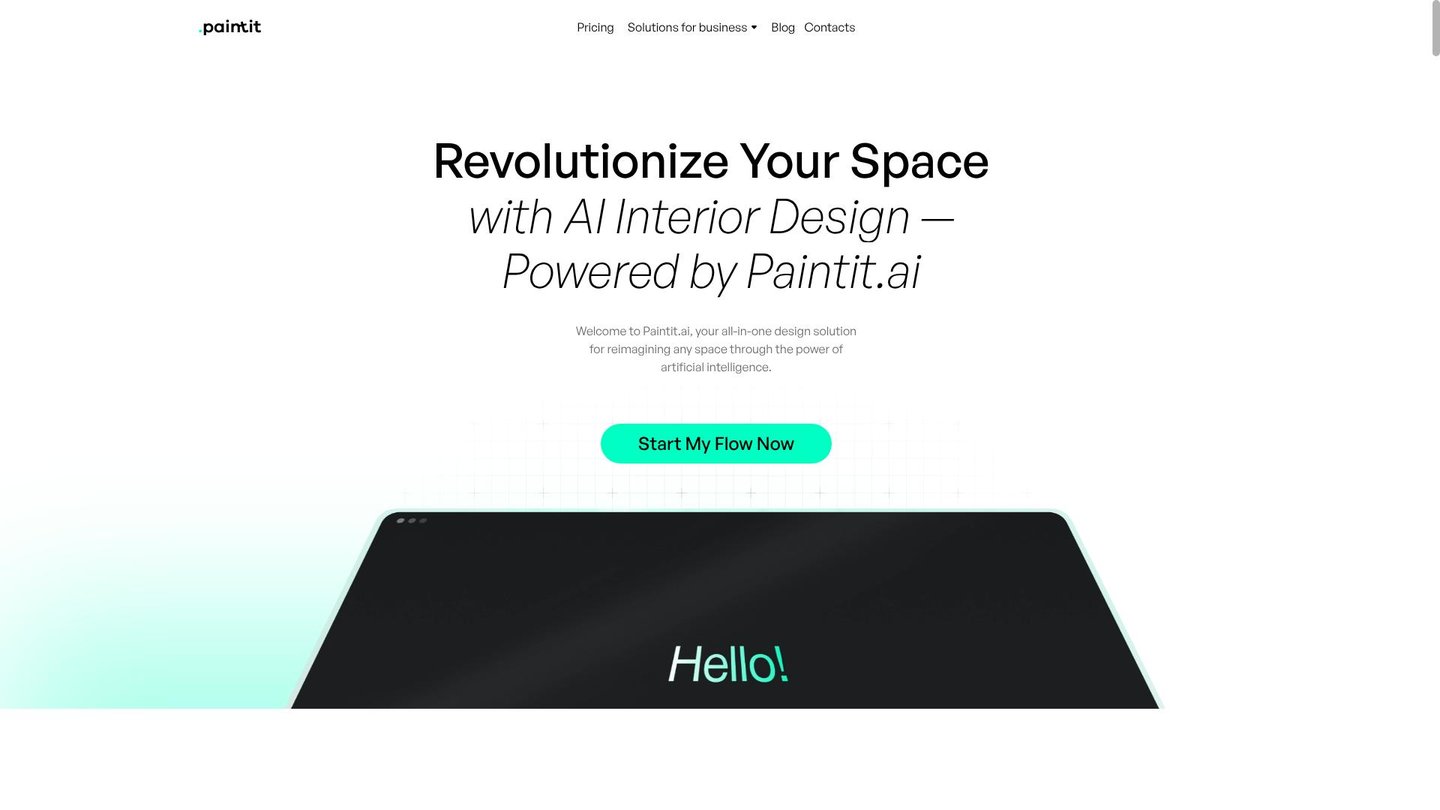
Paintit works like a conversation. You start from a photo, a sketch, a floor plan or just a prompt, and then ask for changes in small steps, such as a darker wall or a different floor, while the furniture you liked stays in place. The images come from its own photoGPT 2.5 model.
Key AI features
- Chat-based design: refines a room through follow-up messages.
- Targeted editing: changes one element and keeps the rest.
- Real Furniture: identifies the pieces in a design and suggests products to buy.
Pros
- People without design vocabulary can steer the result in their own words.
- Shopping suggestions are available without paying.
Cons
- Free exports are limited to 1K resolution, and unused credits do not roll over.
Pricing: free plan with 30 credits; each generation uses at least 3 credits (Paintit prices).
5. Collov AI

A listing with five photos of the same living room needs the same sofa in all five. Collov AI handles that with multi-angle staging, which places identical furniture across several photos of one room. The rest of the toolkit is also aimed at real estate agents and photographers: decluttering, a virtual twilight for exterior shots, season and weather changes, and fixes for lawns and pools.
Key AI features
- Virtual staging: furnishes empty rooms in styles such as Scandinavian, Modern or Industrial.
- Virtual twilight: turns a daytime exterior into a dusk shot.
- 360-degree virtual tours: creates walk-around tours of a property.
Pros
- A staged room looks consistent from every angle in the listing.
- Interior and exterior photos are fixed in one tool.
- Agencies can connect it to their own systems through the API.
Cons
- Free trial images carry a watermark.
Pricing: Standard $19 per month with 60 photo credits, Advanced $49 per month with 150 (Collov AI pricing).
6. Spacely AI

For professional interior designers, Spacely AI fits into the software they already use. A free SketchUp extension renders a model without leaving SketchUp, and a sketch, 3D model or room photo becomes a photorealistic render in under a minute, with the original materials and geometry kept. Separate modes adjust lighting, add furniture or improve image quality after the first render.
Key AI features
- Realistic Render: produces a photorealistic image from a sketch, model or photo.
- Edit, Lighting and Furnish modes: adjust a render without starting over.
- Team Canvas: a shared canvas where teammates see each other’s edits in real time.
Pros
- A client sees a realistic image minutes after you finish the sketch.
- Feedback from colleagues happens on the render itself, not in a separate email thread.
Cons
- The free plan is a one-time allowance of 40 trial credits.
Pricing: free plan with 40 trial credits; subscribers can top up 200 credits for $9 (Spacely AI pricing).
7. Homestyler
Restyled photos only go so far when you are planning a move or a renovation. Homestyler builds a full 3D model of the home, and its AI Studio adds a design agent called Spark that you instruct in a chat. An uploaded floor plan or sketch becomes an editable 3D house, and the AI stager restyles photos of existing rooms.
Key AI features
- Spark design agent: designs a space from chat instructions.
- AI floor planning: turns a plan or sketch into a 3D model.
- Image to 3D and image to moodboard: create a 3D object or a style board from a photo.
Pros
- You plan the whole home in one 3D model, not only single rooms.
- Unlimited standard renders are free, and paid AI credits start at a low monthly price.
Cons
- The free Basic plan includes only 3 AI credits in total, and 4K renders cost extra.
Pricing: free Basic plan; Pro+ from $6.8 per month with 180 AI credits per month (Homestyler pricing).
8. Planner 5D
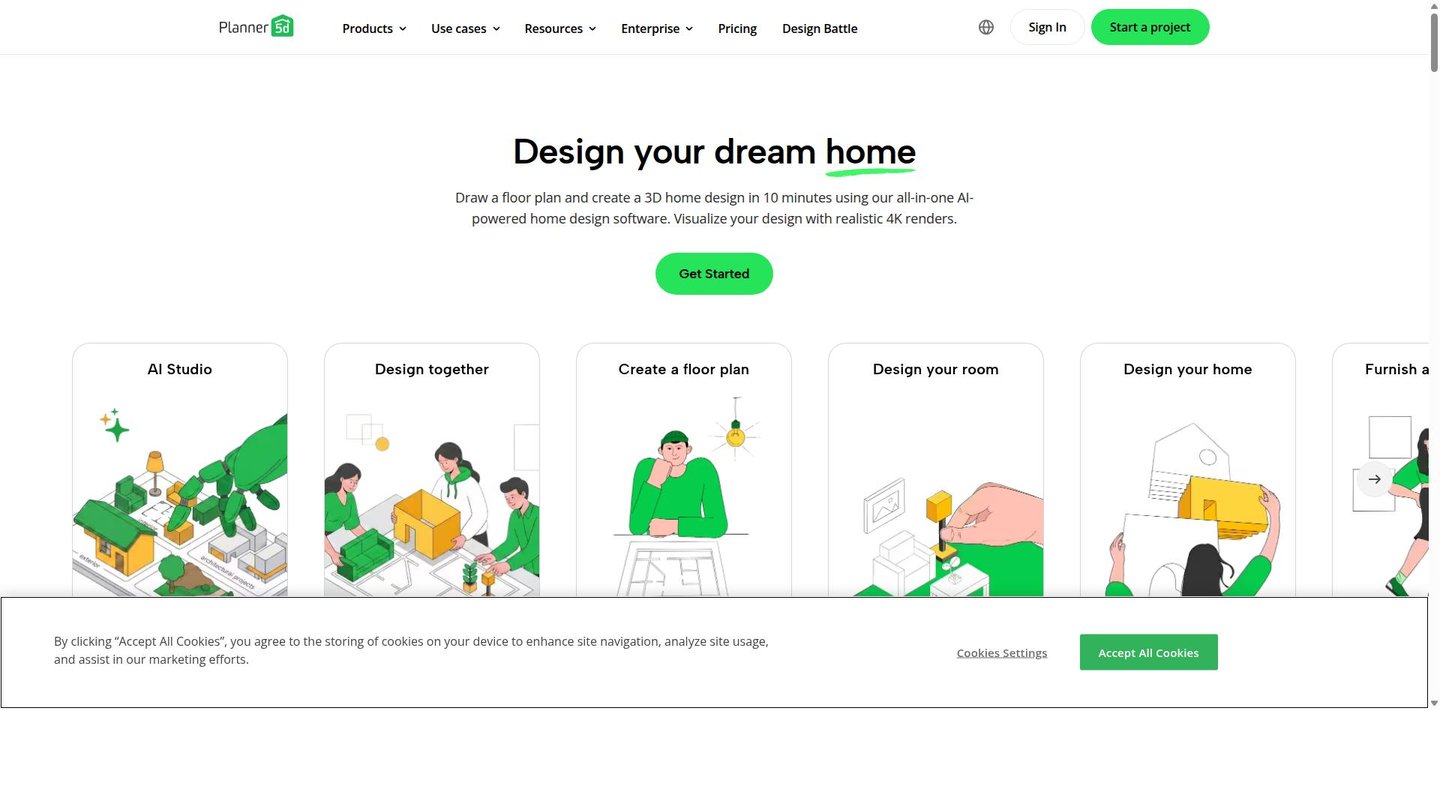
If you already have a floor plan from the landlord or the architect, Planner 5D saves you from drawing the walls yourself. Its AI recognizes an uploaded 2D plan and turns it into an interactive 3D project. Smart Wizard goes the other way and generates a room design from the room shape, style and type you pick.
Key AI features
- Floor plan recognition: converts a plan image into an editable 3D project.
- Smart Wizard: generates a 2D and 3D room design from a few choices.
- AI Studio: credits for image generation, visual editing and room tours.
Pros
- Your real layout is the starting point, so furniture plans fit the actual space.
- Even the free plan lets you create and share unlimited projects in 2D and 3D.
Cons
- The free plan has neither floor plan upload nor AI Studio credits.
Pricing: Premium $19.99 per month or $59.99 per year with 100 AI Studio credits per month (Planner 5D pricing).
Quick comparison
| Tool | Best for | Standout AI feature | Price from |
|---|---|---|---|
| Interior AI | Many looks from one photo | Up to 16 designs per run | $29/month (yearly) |
| REimagine Home | Buying the furniture you see | Shoppable designs with live prices | Free (5 designs); $14/month |
| HomeDesigns AI | Testing materials | Material swap and walkthrough videos | Free (3 credits/day) |
| Paintit | Editing in a chat | Targeted edits | Free (30 credits) |
| Collov AI | Real estate listings | Multi-angle staging | $19/month |
| Spacely AI | Designers in SketchUp | Render in under 60 seconds | Free (40 trial credits) |
| Homestyler | Planning a whole home in 3D | Spark design agent | Free; $6.8/month |
| Planner 5D | Starting from a floor plan | Floor plan recognition | $59.99/year |
What didn’t make the list
Havenly and Decorilla connect you with human designers, so AI is not the core of the product. MyArchitectAI, mnml AI and Maket focus on architectural renders and house plans rather than interiors, and Studio Designer is business software for design firms.
FAQ
Is there a free AI interior design tool?
Yes, but every free plan on this list is a trial with limits. HomeDesigns AI refills 3 credits a day, Paintit gives 30 credits and even suggests furniture to buy, REimagine Home allows 5 designs, and Spacely AI gives 40 trial credits. Homestyler renders for free without limit, but its free AI allowance is only 3 credits.
Can AI redesign my room from a photo?
Yes, that is the core of most tools here. You upload a photo, pick a style or describe the change, and the AI returns a new version of the same room. Tools with a structure lock, such as REimagine Home and HomeDesigns AI, keep walls and windows in place, so the result stays realistic for your space.
Which AI tool is best for virtual staging?
For real estate listings, Collov AI is our pick, because it keeps the same furniture across several photos of one room and adds twilight and 360-degree tours. REimagine Home is the alternative for larger volumes, since it stages up to 50 listing photos in one pass and sorts them by room.
Can I buy the furniture shown in an AI design?
With some tools, yes. REimagine Home builds designs from real products with live prices and sends the set to an Amazon or Shopify cart. Paintit identifies the pieces in a design and suggests matching products, and HomeDesigns AI lets you shop the furniture and estimate a budget.
Verdict
For the widest range of ideas from one photo, open Interior AI. If the goal is to furnish a room and order the pieces, REimagine Home connects the design to a shopping cart. Renovators deciding on materials will get more from HomeDesigns AI, and anyone who prefers to describe changes should try Paintit. Agents staging listings belong with Collov AI, SketchUp users with Spacely AI, and people planning a whole home with Homestyler or, starting from an existing plan, Planner 5D.