
Decktopus: AI Presentation Tool for Fast Slides
Decktopus helps you turn ideas into polished slide decks in minutes. For example, a sales manager can paste a product brief and instantly get a complete, branded pitch deck. In particular, busy educators can generate lesson presentations with images, talking points, and notes without starting from a blank slide. As a result, teams save hours usually spent designing layouts and rewriting content from scratch.
- India 15.4%
- United States 9.4%
- Vietnam 6.2%
- Russia 3.3%
- Other 65.7%
About Decktopus
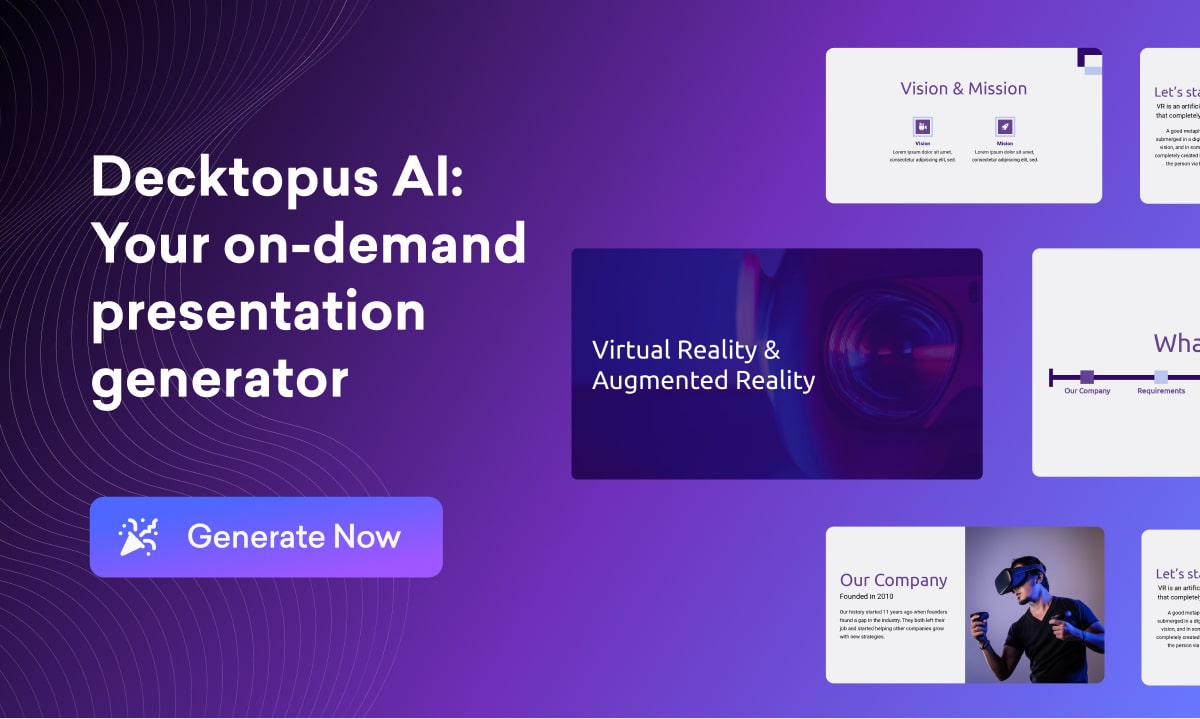
To begin with, Decktopus is an AI-powered presentation platform that creates professional slide decks from a simple text prompt or topic. It solves the common problem of empty slides and inconsistent design by generating outlines, slide content, layouts, and visuals automatically. As a result, non-designers can build clean, on-brand presentations without hiring a specialist.
Moreover, the tool is used by marketers, sales teams, startup founders, and educators who need impressive decks on tight deadlines. A marketer can use Decktopus to build a webinar presentation with AI-written copy, brand colors, and relevant icons. Likewise, a YouTuber can transform a script into a slide deck that doubles as a storyboard for an AI video maker or digital storytelling tool.
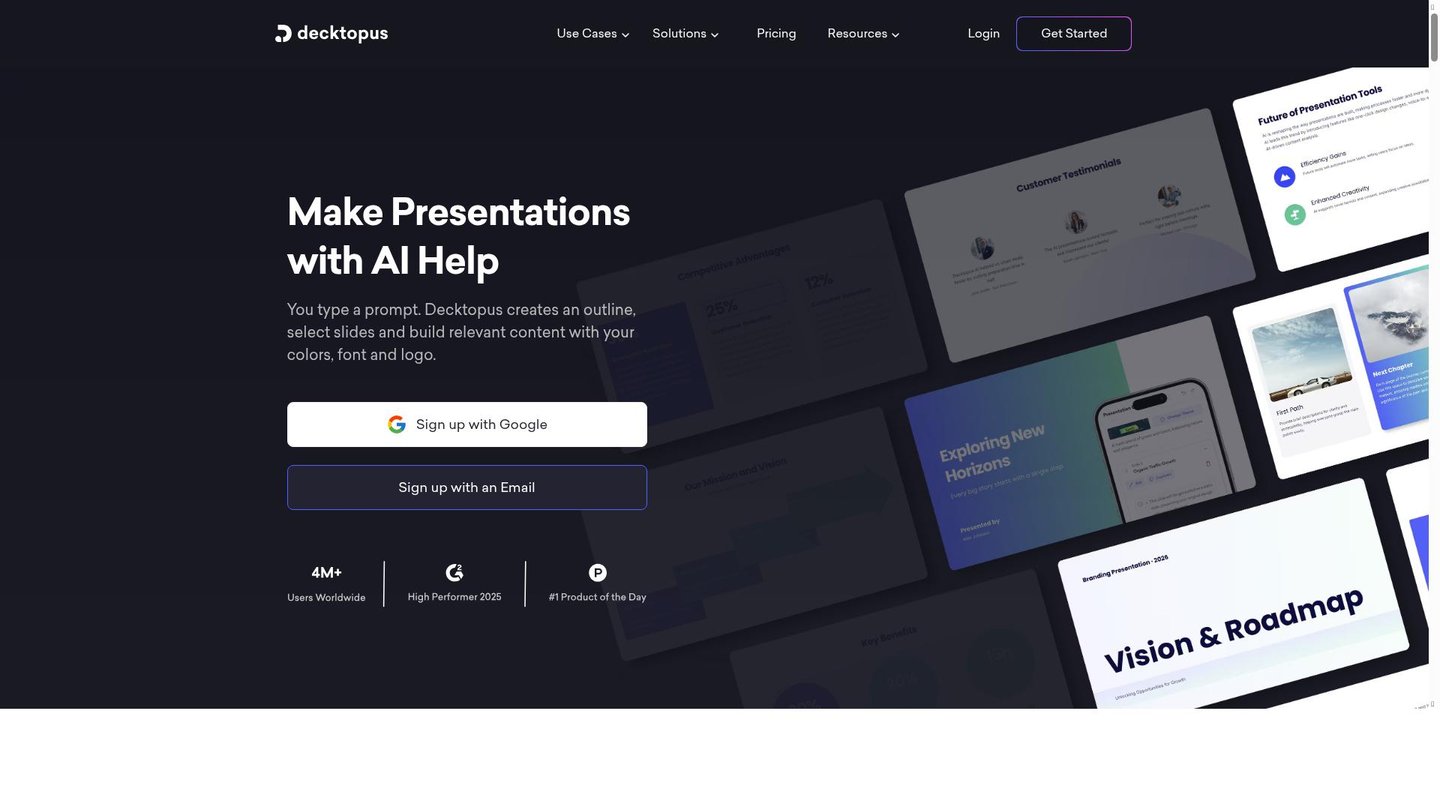
Additionally, Decktopus works through a web-based interface powered by artificial intelligence, templates, and a drag-and-drop editor. Users type a prompt, choose a theme, and let the AI generate structure, slides, and even speaker notes. Then they refine wording, swap images, and collaborate in real time with teammates. This simple workflow makes the platform effective for both solo creators and larger teams.
Features of Decktopus
Consequently, the key features of Decktopus focus on speed, design quality, and AI content creation.
- AI Slide Generation: Instantly turns a topic or prompt into a full presentation with structured sections, titles, and bullet points, streamlining AI content creation for business and education.
- Smart Design Templates: Applies modern themes, fonts, and color palettes automatically, so every slide stays consistent and looks polished across the entire deck.
- Drag-and-Drop Editor: Lets users rearrange slides, adjust layouts, and swap media quickly, making the platform feel like a simple yet powerful digital storytelling tool.
- AI Image and Icon Suggestions: Recommends or generates relevant visuals for each slide, reducing time spent searching stock images and improving the impact of every message.
- Presenter Notes and Coaching: Creates slide notes and delivery tips, helping speakers remember key points and present with more confidence in live or recorded sessions.
- Interactive Elements and Forms: Adds forms, links, and interactive blocks to decks, turning static slides into engaging experiences that capture leads or feedback.
- Collaboration and Sharing: Supports real-time editing, comments, and easy sharing links, so teams can review and refine presentations together without endless file versions.
- Analytics and Engagement Insights: Tracks views and interactions, giving creators data on which slides work best and where audiences drop off or engage most.
In addition, Decktopus includes practical capabilities that fit into existing workflows. Teams can work together with collaboration tools, real-time updates, and shared folders, which keeps brand messaging aligned. Furthermore, different pricing tiers and free credits make it accessible to freelancers testing AI presentation tools and to larger companies needing advanced features. The web app works smoothly on laptops and, in many cases, mobile devices, so users can tweak slides on the go. Finally, integrations and options like webhook or API-style connections make it easier to connect Decktopus with CRMs, marketing platforms, or a preferred video generation platform for repurposing decks as videos.
Therefore, Decktopus stands out as a focused AI presentation assistant that turns ideas into clear, visually consistent slide decks with minimal effort. By combining AI content creation, smart design, and collaboration, it helps marketers, educators, and founders move from concept to shareable presentation quickly. As a result, users can spend more time refining their story and less time formatting slides or hunting for images.


