DiffusionBee: The Ultimate AI Art Generator for Mac Users
DiffusionBee brings professional AI art creation to your Mac with no setup required. This powerful tool lets you generate stunning images, edit photos, and even train custom models—all locally on your device. Whether you’re an artist, designer, or AI enthusiast, it offers an intuitive way to explore generative art without compromising privacy.
- United States 15.5%
- Germany 9.4%
- India 8%
- United Kingdom 6.7%
- Other 60.3%
About mentioned tool
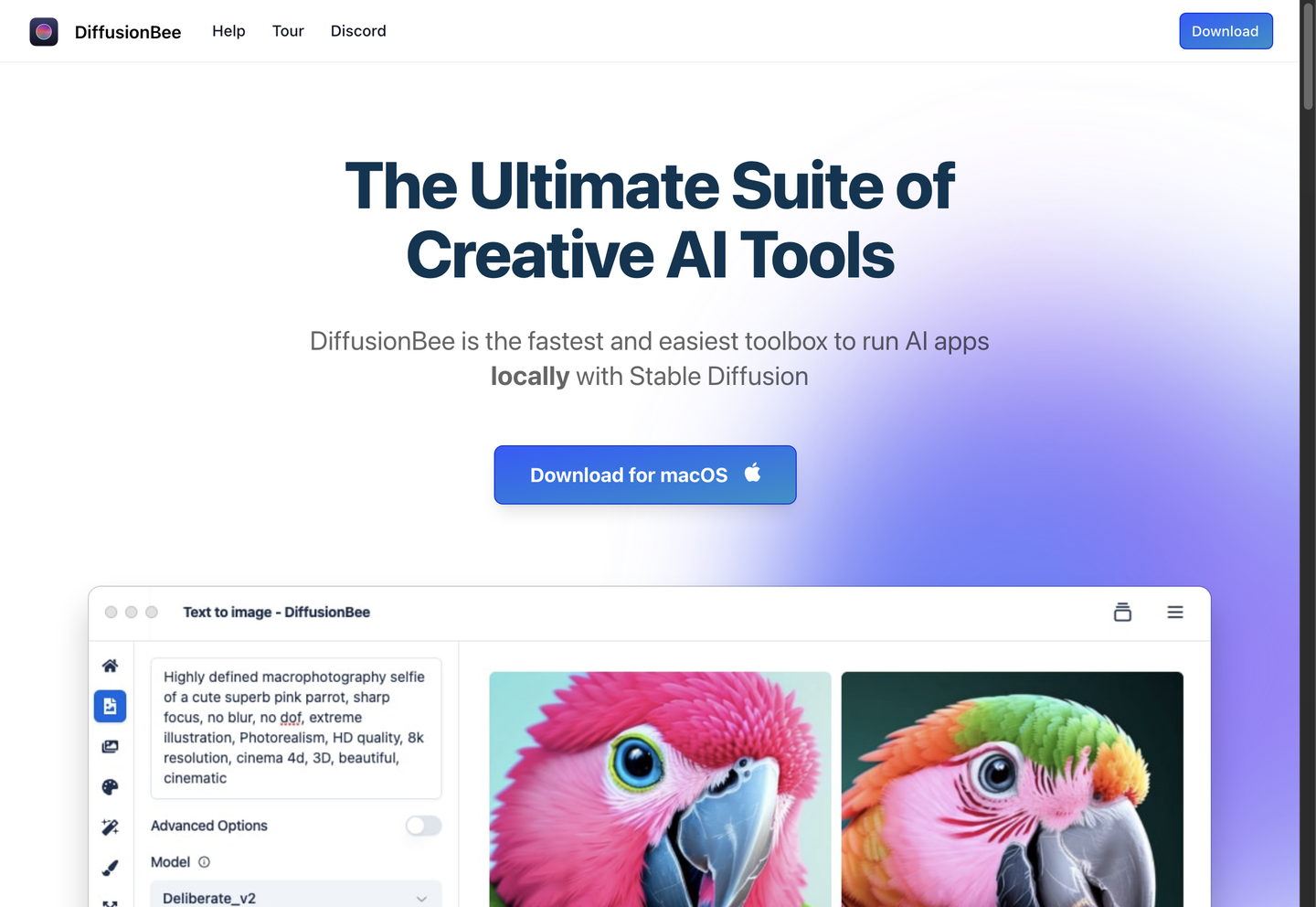
DiffusionBee is a desktop application designed specifically for macOS users who want to harness Stable Diffusion’s capabilities without technical hurdles. Unlike web-based alternatives, it runs entirely offline, ensuring your prompts and generated images never leave your computer. This makes it ideal for creators prioritizing privacy or working with sensitive concepts.
The tool eliminates complex setups like Python environments or dependency management. Simply download the app, and you’re ready to create. DiffusionBee supports multiple models, including Stable Diffusion 1.x/2.x, SD XL, and custom LoRA adapters, allowing tailored outputs for specific styles or themes. Its user-friendly interface balances simplicity with advanced features like inpainting and ControlNet integration.
Artists can generate images from text prompts, refine existing photos, or craft optical illusions through the Illusion Generator. While some models may require experimentation to achieve realistic results, the platform’s local processing ensures full creative control without subscription fees or data sharing. DiffusionBee bridges the gap between AI innovation and everyday artistic workflows.
Features of mentioned tool
Here are the standout features that make DiffusionBee a must-have for AI art generation.
- Text-to-Image Generation: Create visuals from text descriptions using cutting-edge Stable Diffusion models.
- Image-to-Image Editing: Modify existing images by applying AI-driven transformations based on new prompts.
- Generative Fill & Inpainting: Remove objects or fill masked areas with AI-generated content seamlessly.
- Image Upscaling: Enhance resolution and clarity without losing detail using AI-powered algorithms.
- Custom Model Training: Train personalized models with your own datasets for unique style outputs.
- ControlNet Integration: Guide image structure using sketches or pose references for precise compositions.
- Video Generation Tools: Create animations and video content directly from text or image inputs.
- Illusion Generator: Craft eye-catching optical illusions through AI-driven pattern manipulation.
Beyond core features, DiffusionBee supports batch processing for high-volume projects and offers adjustable parameters like seed values and step counts. The SD XL compatibility ensures higher-quality outputs compared to standard models, while LoRA adapters enable specialized styles like anime or photorealistic renders. While some tools like the Illusion Generator cater to niche use cases, features like inpainting and ControlNet have broad applications in professional design workflows.
FAQ
Is DiffusionBee free? Yes, it’s completely free with no hidden subscriptions or usage limits.
Does it require an internet connection? No, all processing happens locally on your Mac after initial download.
What Mac specs are needed? A Mac with Apple Silicon (M1/M2) or Intel Core i5+ and 8GB RAM is recommended.
Can I use custom Stable Diffusion models? Yes, you can import community models like Flux or niche LoRA adapters.
How does it compare to online AI art tools? It offers better privacy and no content restrictions but requires local computing power.
Are generated images copyright-free? Yes, you retain full rights to images created with DiffusionBee.
DiffusionBee empowers Mac users to explore AI art with unmatched privacy and customization. From text-to-image generation to model training, it provides a comprehensive toolkit for both beginners and professionals. As AI art evolves, this tool stands out by keeping creativity local and limitless.