
WhisperUI: A Powerful Open-Source Speech Recognition Interface
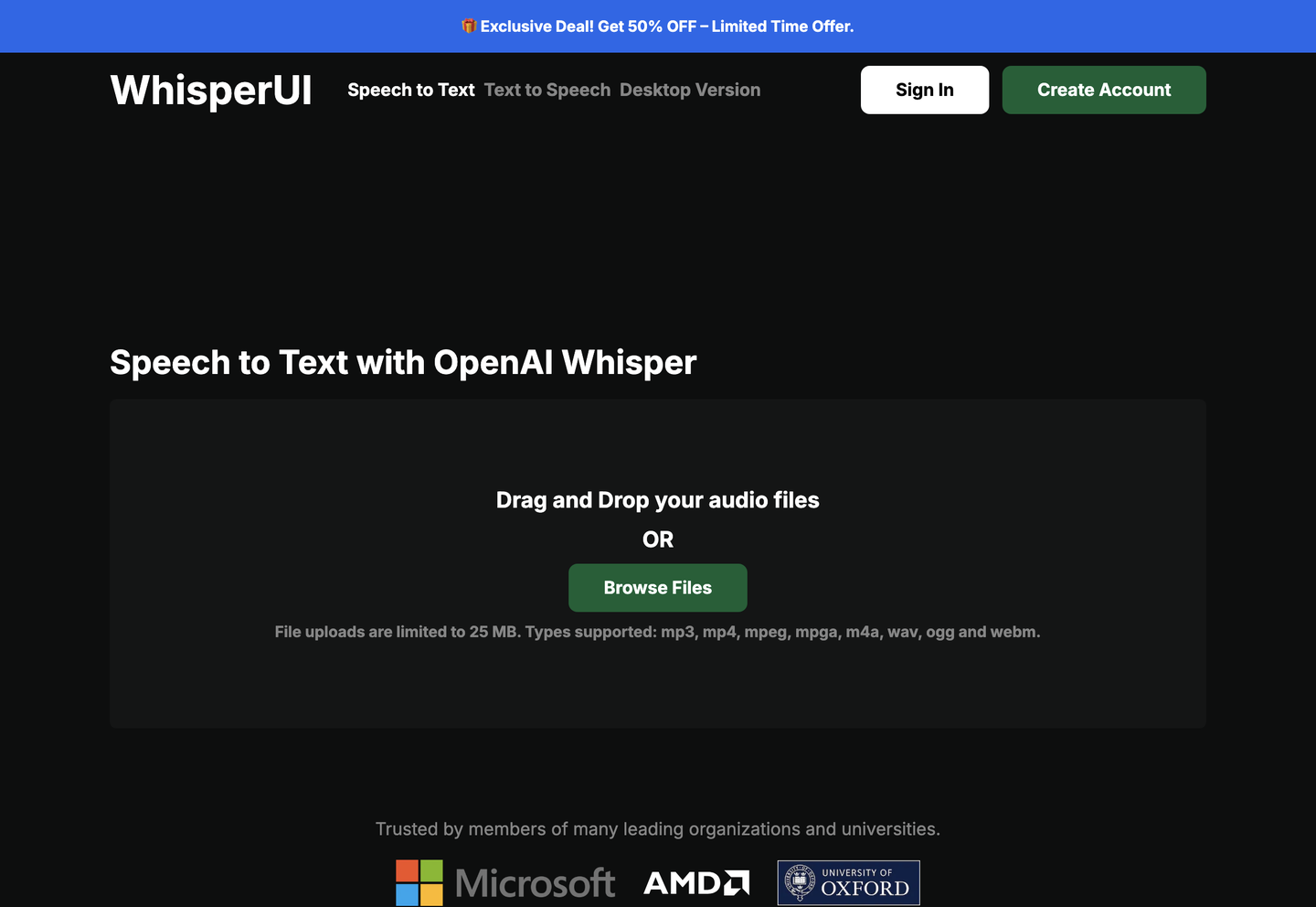
WhisperUI is a game-changing open-source tool that brings advanced speech recognition capabilities to your desktop. This user-friendly interface harnesses the power of OpenAI’s Whisper model, making audio transcription and translation accessible to everyone. Whether you’re a content creator, researcher, or professional, WhisperUI offers a seamless way to convert speech to text.
- United States 21.6%
- Brazil 14.2%
- Germany 10.3%
- Russia 10%
- Other 43.9%
About WhisperUI
WhisperUI stands out as a comprehensive desktop application that simplifies the process of transcribing and translating audio files. Built on OpenAI’s robust Whisper model, this tool combines powerful features with an intuitive interface. The application supports multiple languages and can handle various audio formats, making it a versatile solution for diverse needs.
What sets WhisperUI apart is its focus on accessibility and ease of use. Users don’t need technical expertise to get started, as the interface guides them through each step of the process. Moreover, the tool processes audio files locally on your computer, ensuring privacy and security for your sensitive content.
In addition to its core functionality, WhisperUI offers batch processing capabilities, allowing users to handle multiple audio files simultaneously. This feature proves particularly valuable for professionals working with large volumes of audio content, such as podcasters, journalists, and researchers who need efficient transcription solutions.
Features of WhisperUI
WhisperUI comes packed with powerful features designed to enhance your speech recognition experience.
- Local Processing: Run all transcriptions directly on your computer, ensuring complete privacy and security for your sensitive audio content.
- Multi-Language Support: Transcribe and translate content in numerous languages, making it perfect for international communication and content creation.
- Batch Processing: Save time by processing multiple audio files simultaneously, streamlining your workflow and boosting productivity.
Beyond these core features, WhisperUI offers customizable output formats, allowing you to export transcriptions in various file types. The tool also includes adjustable parameters for fine-tuning transcription accuracy, such as model size selection and timestamp preferences. Furthermore, the interface provides real-time progress tracking and estimated completion times, helping you manage your workload effectively. For professional users, WhisperUI supports integration with existing workflows through command-line options.
WhisperUI represents a significant advancement in making speech recognition technology accessible to everyone. By combining powerful features with a user-friendly interface, it offers an efficient solution for audio transcription and translation needs. Whether you’re a professional seeking a reliable transcription tool or an individual working on personal projects, WhisperUI provides the capabilities you need to convert speech to text effectively.


