Vizard.ai: AI Video Editor for Quick Clips
Vizard.ai turns long videos into viral short clips in minutes. For example, a YouTuber uploads a 30-minute podcast, and Vizard.ai auto-detects highlights, adds subtitles, and formats for TikTok. As a result, creators save hours on editing. In particular, marketers repurpose webinars into Instagram Reels effortlessly. This AI video maker boosts content output without complex skills.
- India 13.3%
- United States 12.4%
- Vietnam 7.4%
- Brazil 4.9%
- Other 62.1%
About Vizard.ai
Vizard.ai is an AI-powered video editor that repurposes long-form content into short clips. It solves the problem of time-consuming manual editing. Creators often spend hours skimming videos for highlights. Vizard.ai automates this process.
Content creators, marketers, and educators use it most. For instance, YouTubers transform podcasts into YouTube Shorts. Educators clip lectures for social media engagement. The tool uses AI to transcribe videos at 97% accuracy in 30+ languages. It detects speakers, reframes shots, and adds elements like emojis.
Simply upload a video or YouTube link. Vizard.ai analyzes speech and pacing to find engaging moments. It generates clips with auto-subtitles and B-roll. Users can tweak via a text-based editor. This digital storytelling tool fits teams with collaborative workspaces.
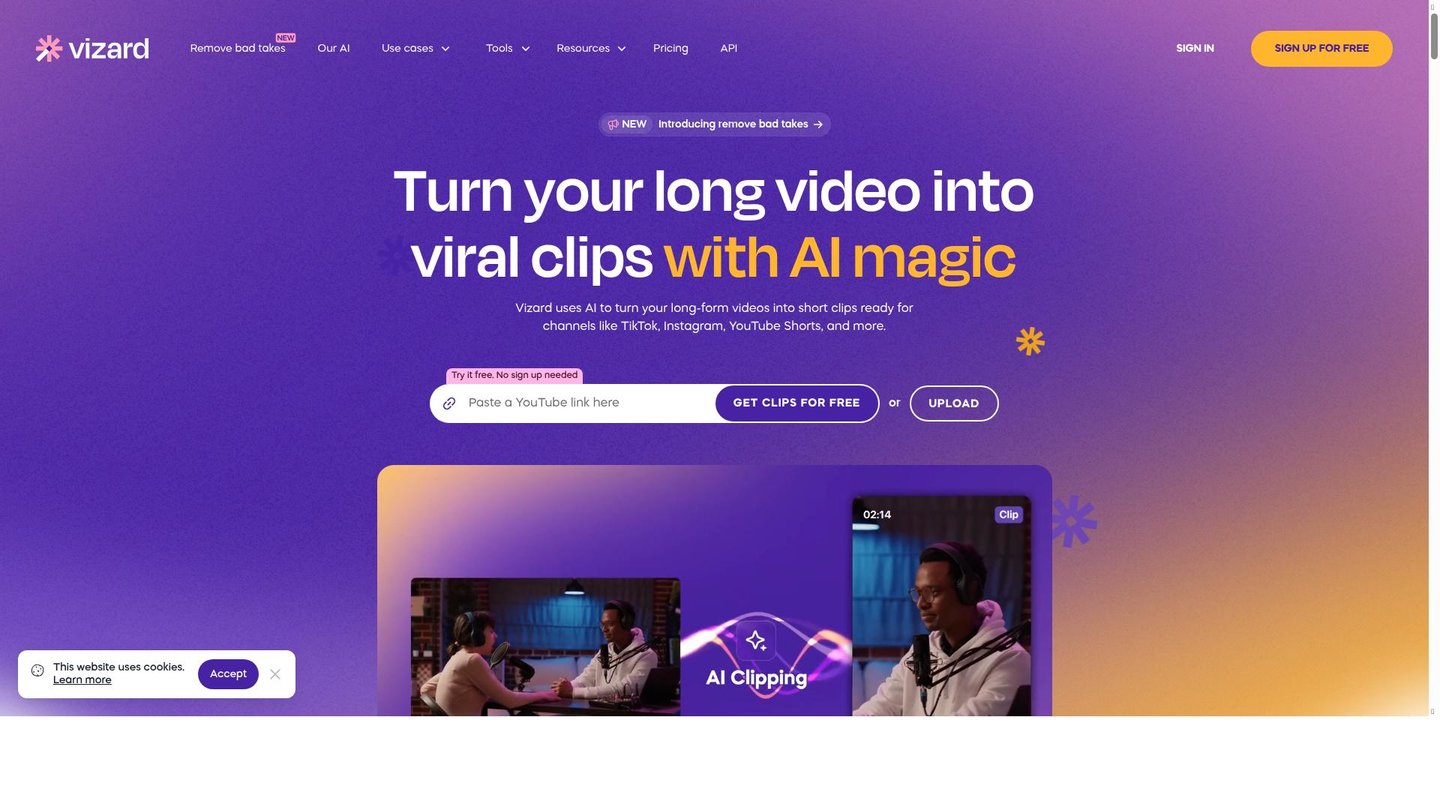
Features of Vizard.ai
Moreover, Vizard.ai packs powerful tools for seamless video creation.
- AI Clipping: Auto-detects key moments from long videos, creating engaging short clips for social media in seconds using AI content creation.
- Auto Subtitles: Generates synced captions in 30+ languages with 97% accuracy, boosting accessibility on platforms like TikTok and YouTube.
- Auto Reframing: Adjusts aspect ratios for vertical formats like Instagram Reels and Shorts, keeping speakers centered effortlessly.
- Speaker Detection: Identifies and crops active speakers, ideal for interviews and webinars in this video generation platform.
- AI B-roll: Adds relevant stock footage based on content, enhancing visuals without manual search.
- Emojis and Overlays: Inserts dynamic text and emojis automatically for trendy, captivating short-form videos.
- Real-Time Collaboration: Enables teams to edit projects together, streamlining workflows for marketers and creators.
Furthermore, Vizard.ai offers customizable templates and brand kits for consistent styling. Pricing tiers include a free plan with AI clips and 720p exports, plus Creator and higher plans for faster processing and direct social publishing. Integrations support YouTube links, and shared workspaces aid collaboration. Mobile-friendly access and analytics provide performance insights. These extras make it a complete AI video maker for busy users.
Ultimately, Vizard.ai revolutionizes workflows by automating clip creation from long videos. As a top digital storytelling tool, it helps creators produce platform-ready content fast. Marketers gain viral Reels, while educators share bite-sized lessons. Start with its simple upload feature to unlock efficiency today.