Create Stunning Infographics with Venngage AI
Need a professional infographic for a marketing campaign or school report? Venngage helps users turn simple ideas into polished visuals in seconds. For example, a small business owner can describe a social media flyer in plain text and get a ready‑to‑use design. As a result, teams spend less time on layout and more on strategy and content.
About Venngage
So, what is Venngage? Venngage is an AI‑powered design platform built for creating infographics, reports, flyers, and other visual content. It solves the problem of needing design skills to make professional visuals. Instead of starting from scratch, users describe what they want, and Venngage’s AI generates a layout with text, icons, and charts already in place.
Marketers use Venngage to quickly produce campaign assets like social media posts and comparison infographics. Educators and students rely on it to turn research data into accessible classroom materials. The platform uses generative AI to interpret natural language prompts and turn them into structured designs. It also applies smart branding and accessibility rules so every output looks consistent and meets modern standards.
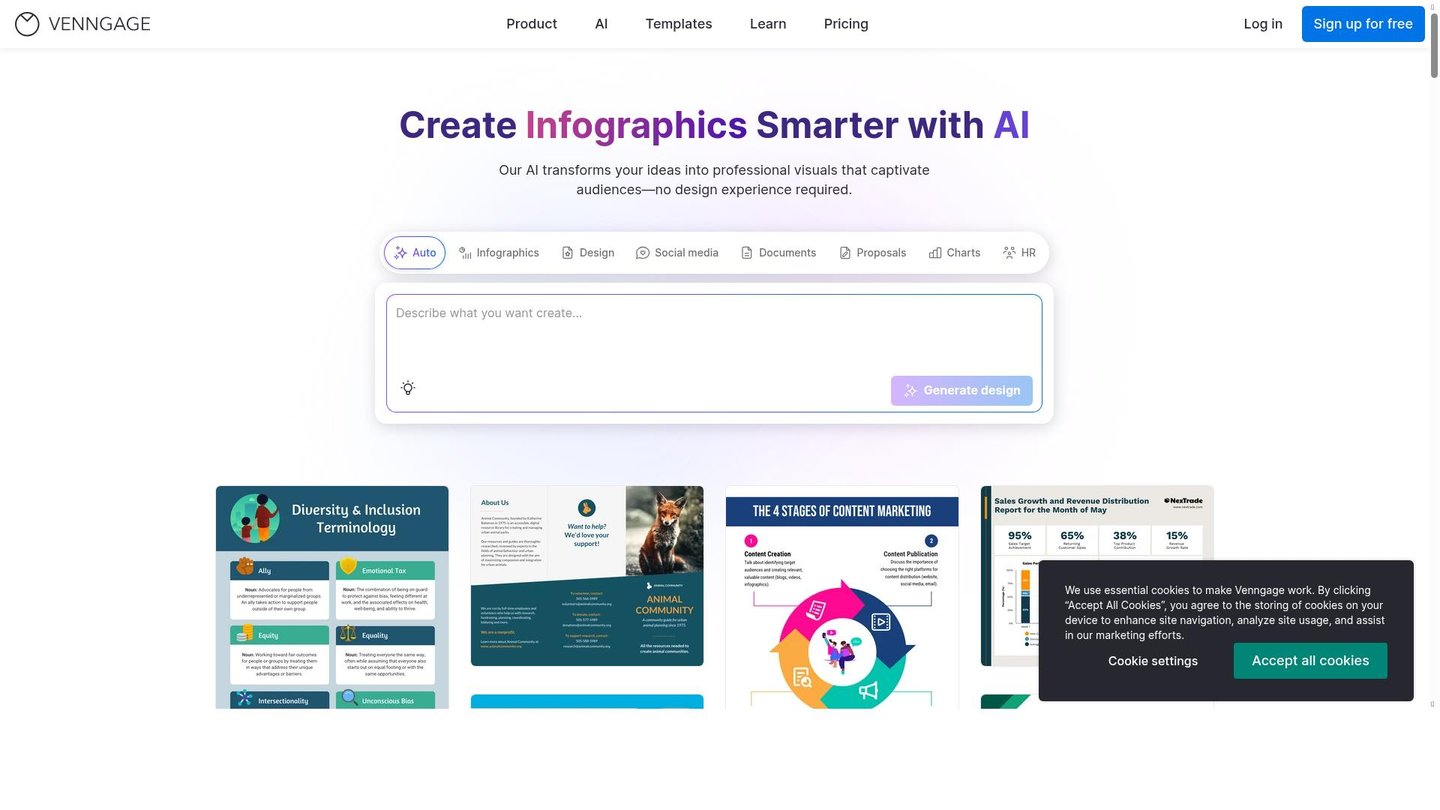
Features of Venngage
Next, let’s look at what makes Venngage stand out for AI content creation and visual storytelling.
- AI Infographic Generator: Turn a short text prompt into a complete infographic in seconds, ideal for marketers and educators using an AI content creation tool.
- AI Design Generator: Describe any visual need in plain language and get a professionally laid‑out design, perfect for digital storytelling and presentations.
- AI Content Auto‑Fill: Select a template and let Venngage auto‑fill it with relevant, on‑brand text, speeding up workflows for content teams and agencies.
- AI Writer and Translation: Improve, rewrite, or translate text directly in the editor, helping teams create global‑ready visuals and multilingual content.
- Smart Accessibility AI: Automatically check color contrast, generate alt text, and set reading order, making Venngage a strong choice for accessible document creation.
- AI‑Generated Icons and Images: Create custom illustrations and icons that match your brand, reducing the need for external image libraries.
- AI Branding Automation: Upload your logo and brand colors once, then auto‑apply them across all designs for consistent, professional branding.
- AI Chart and Data Visualization: Import CSV or XLSX files to instantly generate charts, graphs, and maps, turning raw data into clear, visual reports.
Additionally, Venngage supports real‑time collaboration, letting teams edit, comment, and share designs from anywhere. Users can create and reuse branded templates, keeping all materials aligned. The platform offers a free tier with access to core AI tools and thousands of templates, plus paid plans for advanced features, higher download limits, and team management. Exports include accessible PDF/UA format, ideal for organizations that need WCAG‑compliant documents.
Overall, Venngage simplifies professional design by combining AI content creation with strong accessibility and branding tools. As a result, anyone can produce high‑quality, inclusive visuals without needing design expertise.