UPDF AI: Ultimate PDF Chat Tool
UPDF AI transforms how you handle PDFs, for example, by letting students chat with 100 research papers at once to extract key insights quickly. In particular, professionals use it to summarize lengthy reports into bullet points, saving hours of reading. As a result, this AI-powered PDF editor boosts productivity for daily tasks like translating scanned documents or generating mind maps from complex files.
About UPDF AI
UPDF AI is an integrated AI assistant within the UPDF PDF editor. It solves common PDF challenges like time-consuming reading and analysis. For instance, researchers chat with multiple documents simultaneously, while businesses analyze reports efficiently.
Moreover, it leverages advanced models like ChatGPT 5 and DeepSeek R1 for accurate responses. Users such as educators explain complex terms to students directly from PDFs. Marketers, for example, convert sales data PDFs into mind maps for strategy sessions. The tool works by uploading files, then querying via natural language chat.
Additionally, it supports OCR for scanned PDFs, making them editable. YouTubers use it to extract text from image screenshots for scripts. Consequently, UPDF AI streamlines workflows across Windows, Mac, iOS, Android, and online platforms with one account.
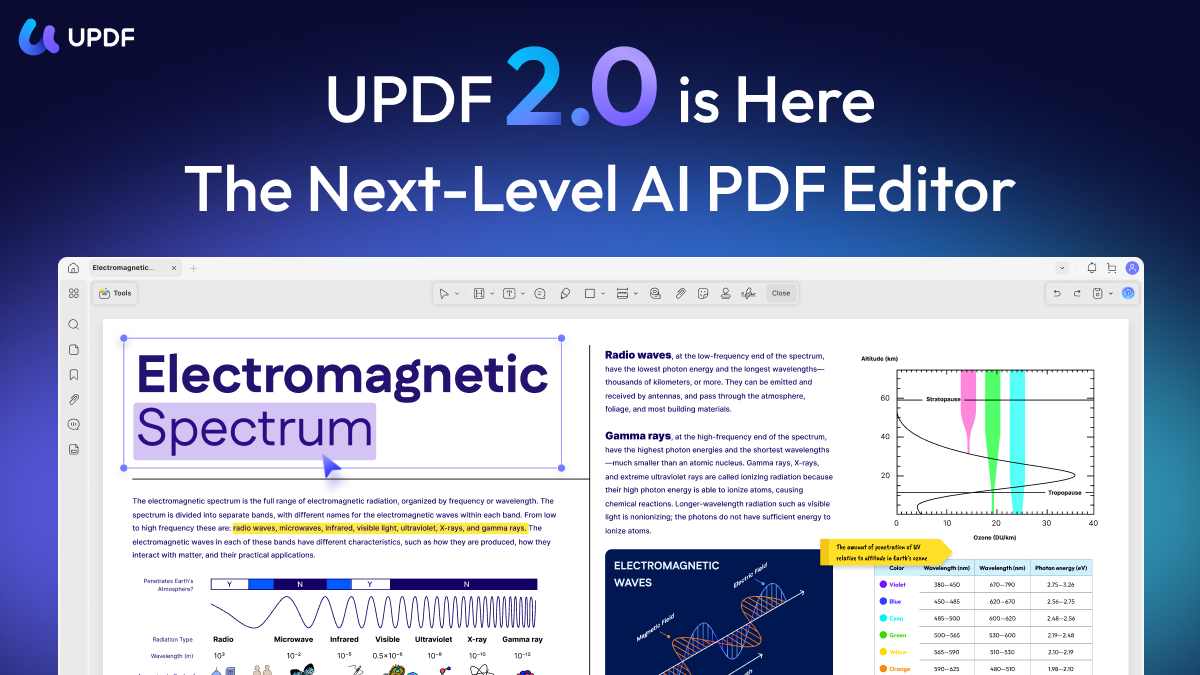
Features of UPDF AI
Furthermore, UPDF AI offers powerful tools that enhance PDF interactions.
- Chat with PDFs: Ask questions on up to 100 PDFs at once for instant summaries and insights, ideal for deep research in AI PDF assistant workflows.
- Deep Research Agent: Searches academic papers, analyzes sources, and creates cited reports, perfect for educators and professionals.
- PDF to Mind Map: Converts documents into visual maps to outline structures quickly, boosting brainstorming as a digital storytelling tool.
- AI OCR Technology: Turns scanned images into editable text in 38 languages, enabling seamless handling of global documents.
- Translate PDFs: Changes entire files or selections while keeping original layouts, great for international teams.
- Chat with Images: Analyzes screenshots for explanations or text extraction, supporting versatile AI content creation tasks.
- Explain Terms: Provides detailed breakdowns of concepts in PDFs, with options to save as notes for ongoing study.
Beyond core features, UPDF AI includes valuable extras like UPDF Cloud with 100GB storage for secure file sharing. For instance, collaboration tools let teams query shared PDFs together. Mobile support ensures access on iOS and Android apps. Integrations with Word, Excel, and PPT conversions preserve formats accurately. Pricing tiers offer free access with limits, such as 100 questions and 5 PDFs, while premium unlocks unlimited use, 2GB files, and advanced capabilities. As a result, users gain flexibility for personal or team needs without extra costs across platforms.
Ultimately, UPDF AI stands out as a comprehensive AI video maker alternative for documents, revolutionizing research and editing. Consequently, it empowers users from students to executives with efficient, intelligent PDF handling. Embrace its multi-document chat and visual tools to elevate your productivity today.