TypingMind for Software Engineers: Unified AI Chat Workspace
A software engineer debugging a production issue needs coding help without pasting code into five different browser tabs. TypingMind, a AI Chat Assistants tool, lets the engineer run OpenAI, Claude, and Gemini in one workspace with their own API keys. TypingMind does not host or train any AI models itself.
- France 35.2%
- United States 16.9%
- United Kingdom 6.4%
- Vietnam 5.5%
- Other 36.1%
What TypingMind Does
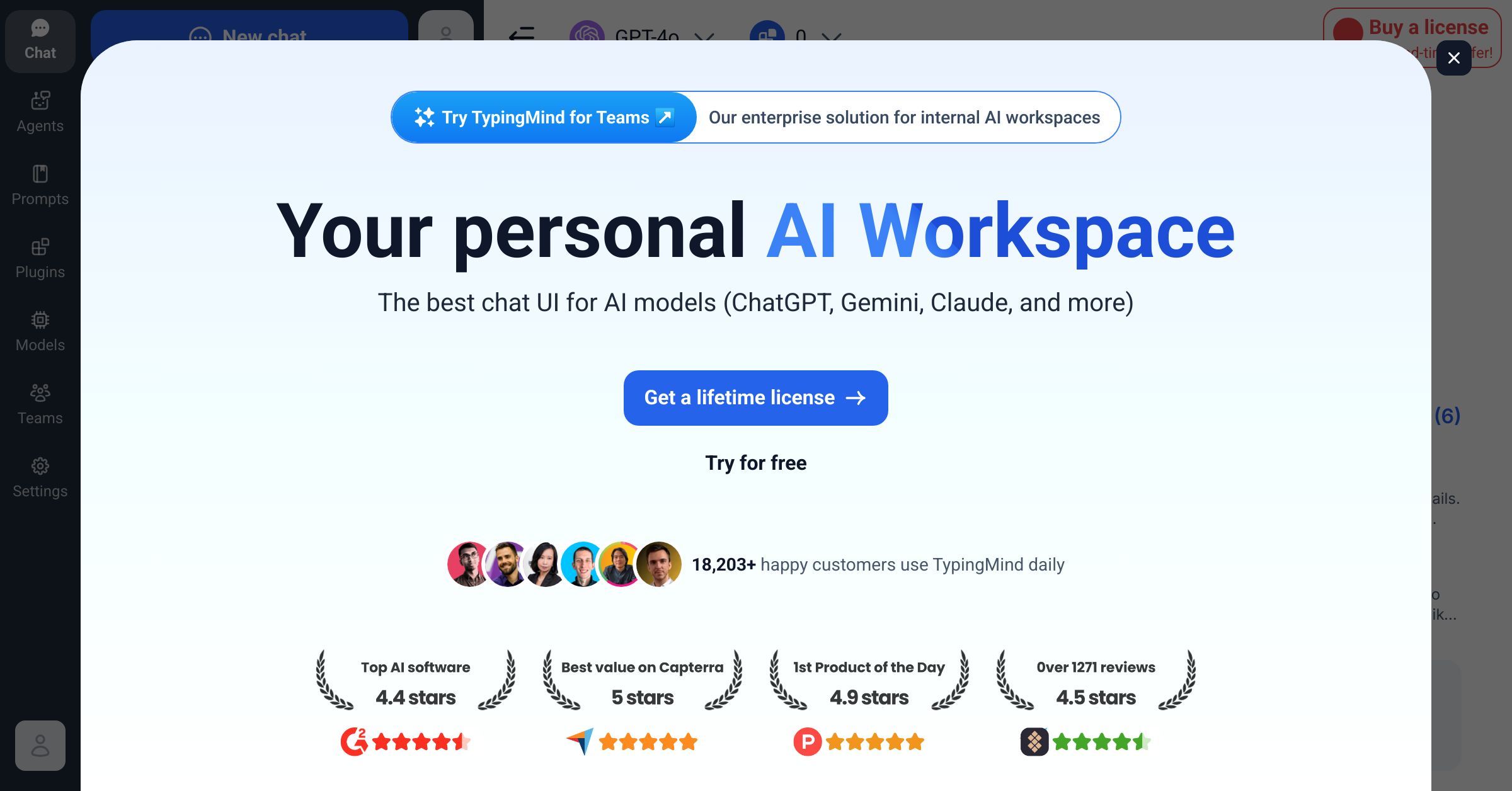
TypingMind is a multi-model chat interface that lets professionals run OpenAI, Claude, Gemini, and 20 other providers from one workspace using their own API keys. Users pay providers directly for API usage, while TypingMind layers agents, prompt libraries, plugins, and a knowledge base on top of the raw chat window. TypingMind bundles chat search, document uploads, and Model Context Protocol support for connecting external tools, so teams build custom agents loaded with specific instructions without switching between separate apps. Connections to GitHub, Slack, Notion, and AWS keep that work next to tools engineers already use daily.

Main Features
Multi-Model Support
TypingMind connects to 22+ AI providers, including OpenAI, Claude, Gemini, and custom or local models, inside a single chat window. Users switch providers per conversation instead of opening separate accounts. Because billing runs through each provider’s own API key, there is no added usage markup, so cost tracks actual token consumption rather than a flat subscription tier.
AI Agents
TypingMind ships with 50+ built-in agents and lets teams build custom ones loaded with team-specific standards, constraints, and documentation. An agent can be scoped to a single workflow, such as code review or campaign drafting. Because instructions persist with the agent, new team members get consistent output without re-explaining context every session.
Knowledge Base
TypingMind’s RAG-based knowledge base connects internal documents from Confluence, Notion, API specs, and runbooks, then answers queries with source references attached. Instead of searching multiple wikis manually, a user asks a question and gets a cited reply pulled from the connected documents, which keeps answers traceable back to the original source file.
Enterprise Security & Compliance
TypingMind is private-by-default, encrypting API keys in local storage and supporting bring-your-own-key use, with self-hosting available for VPC or air-gapped environments on the Teams plan. Access control lets admins group engineers by permission level, model access, and token or message caps, while audit logs track usage across the organization for compliance review.
Use Cases
-
Engineering Teams
Software engineers bring debugging questions and architecture decisions into TypingMind. They use custom agents preloaded with team coding standards and the connected knowledge base. This keeps code review context attached to the conversation instead of scattered chat threads.
-
Marketing Teams
Marketing teams bring campaign briefs that need fast iteration across formats. TypingMind’s integrated agents and knowledge base support content creation and campaign planning in one thread. Work stays searchable instead of buried in separate chat histories.
-
Legal & Compliance
Legal and compliance teams hold policy documents staff need to reference quickly. TypingMind’s knowledge base queries those files and returns source-referenced answers instead of a raw document dump. This supports regulatory work without re-reading full policies each time.
Best For / Not For
TypingMind is built for professionals who already work across more than one AI provider and want that work in a single, searchable workspace.
Software Engineers use it for coding assistance and documentation lookup, Marketing Teams for campaign content and research, and Legal & Compliance Teams for querying internal policy documents through the knowledge base.
TypingMind requires users to configure and pay for their own provider API keys, which adds setup steps and variable monthly cost; anyone who wants a single flat bill with zero configuration should look elsewhere.
Pricing
TypingMind sells one-time individual licenses rather than subscriptions: Standard costs $39, Extended costs $79, Premium costs $99, and a Bulk License for up to 10 users costs $395.
| Plan | Price | Included |
|---|---|---|
| Standard | $39 / one-time | |
| Extended | $79 / one-time | |
| Premium | $99 / one-time | |
| Bulk License | $395 / one-time |
Premium is currently discounted from $198 to $99, and the Bulk License is discounted from $790 to $395 for teams of up to 10 users on 50 devices. None of these one-time prices include the separate API costs charged by OpenAI, Claude, or Gemini, which are billed directly by each provider based on token usage, and TypingMind adds no usage markup on top of provider billing. These promotional prices revert to their listed amounts once the countdown ends, per TypingMind’s pricing page.
Pricing checked 2026-10-22.
Quick Comparison
Qwen AI is TypingMind’s main alternative for teams that want a single-vendor AI chat assistant rather than a multi-provider interface. Qwen AI offers its own model directly with no separate API setup or provider accounts to manage. TypingMind instead lets users run OpenAI, Claude, and Gemini side by side through its Multi-Model Support and custom agents. Choose Qwen AI if a team wants one built-in model with no configuration. Choose TypingMind if the team already pays for multiple providers and wants them in one workspace.
Verdict
TypingMind connects 22+ AI providers into one workspace for a $39 one-time Standard license, so engineers and marketers avoid managing separate subscriptions per model. Teams needing document-grounded answers get a RAG knowledge base and audit logs on higher tiers. It fits multi-provider workflows, not single-vendor simplicity.