
Text Blaze: The Ultimate AI Tool for Boosting Productivity
Text Blaze is an innovative AI tool designed to streamline your typing tasks, saving you time and increasing productivity. With its user-friendly interface and powerful features, Text Blaze is perfect for anyone looking to automate repetitive typing and enhance their communication workflow. Whether you’re a busy professional or a student, this tool can help you manage your workload more efficiently. In this article, we’ll delve into the features and benefits of Text Blaze, as well as answer some frequently asked questions about the tool.
About Text Blaze
Text Blaze is an AI-powered tool that allows you to create custom shortcuts or snippets for frequently used phrases, email templates, or entire documents. This makes it easy to quickly insert text into messages or documents without having to type out the entire thing every time. Available as a Chrome plugin for both Mac and Windows, and a desktop app for Windows, Text Blaze is versatile and easy to use. It’s particularly useful for automating repetitive typing tasks, such as crafting emails, responses to customer queries, and other daily writing tasks. By leveraging AI technology, Text Blaze ensures that your automated responses are personalized and tailored to your needs, making it a valuable addition to any productivity toolkit.
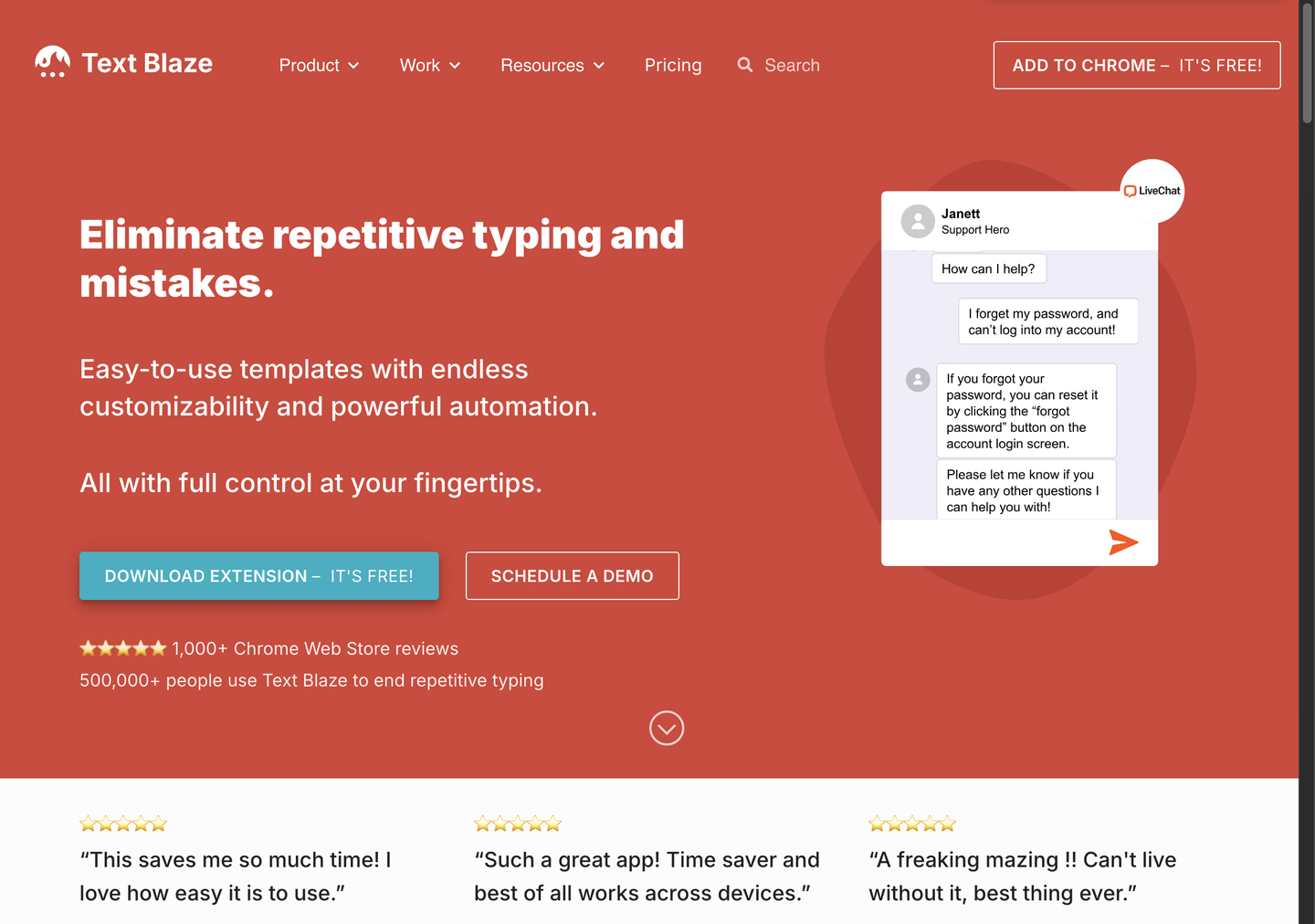
Features of Text Blaze
Text Blaze offers a range of features that make it an indispensable tool for anyone looking to boost their productivity. Here are some of its key features:
- Customizable Snippets: Create and use custom shortcuts that allow AI to generate content in your tone of voice.
- Dynamic Prompts: Add specific fields like placeholders, dates, and names to personalize each message.
- Integration with Tools: Seamlessly integrate with tools like Gmail, LinkedIn, and Salesforce to automate tasks.
- AI-Powered Generation: Leverage GPT-4 technology to generate high-quality content quickly and efficiently.
- Keyboard Shortcuts: Use simple keyboard shortcuts to insert pre-defined text blocks into messages.
- Time Savings: Save up to 28 hours per month by automating repetitive typing tasks.
- Personalization: Customize every automated response to maintain a personal touch.
- API Connectors: Use API connectors to draw data from various apps and tools into your templates and snippets.
In addition to these features, Text Blaze also allows you to create dynamic prompts that can be customized with specific information. This ensures that each message feels more human and personalized, even when using automated responses. The tool’s ability to integrate with a wide range of tools makes it versatile and adaptable to different workflows. Whether you’re handling customer support or managing daily communications, Text Blaze is designed to save you time and increase your productivity.
In conclusion, Text Blaze is a powerful AI tool that can significantly boost your productivity by automating repetitive typing tasks. With its customizable snippets, dynamic prompts, and seamless integration with various tools, Text Blaze is an essential addition to any productivity toolkit. Whether you’re a busy professional or a student, this tool can help you manage your workload more efficiently and save valuable time. Try out Text Blaze today and experience the benefits of streamlined communication and increased productivity.


