
Studio Designer for Streamlined Interior Projects
Studio Designer transforms how interior designers manage projects, clients, and finances in one connected workspace. For example, a boutique residential studio can source products, track budgets, and send branded proposals without jumping between spreadsheets and email threads. In particular, larger firms use it to coordinate multi-room or multi-property projects with clear item tracking and approvals. As a result, teams reduce errors, speed up billing, and keep every decision tied to a specific project record.
About Studio Designer
Moreover, Studio Designer is a cloud-based business management platform built for interior designers and decorators. It solves the common problem of scattered data by combining project management, product sourcing, and accounting in a single system. As a result, designers no longer need separate tools to track items, purchase orders, and invoices, because each element links to the same project and client profile.
Additionally, the platform is used by residential designers, hospitality specialists, and design-led architects who need accurate tracking of hundreds of items across complex spaces. For example, a hospitality designer can manage furniture, lighting, and finishes for dozens of rooms while keeping vendor information, pricing, and client approvals in one place. In particular, studio managers and bookkeepers rely on its integrated accounting to reconcile retainers, expenses, and client billing without manual re-entry.
Furthermore, Studio Designer works through an item-based system that connects each product or service to proposals, purchase orders, and invoices. Behind the scenes, web-based technologies store project data securely and allow teams to access the same information from any location. For example, a senior designer can capture product details from a vendor site, while an assistant updates proposal layouts and a principal reviews profitability, all within the same digital workspace.
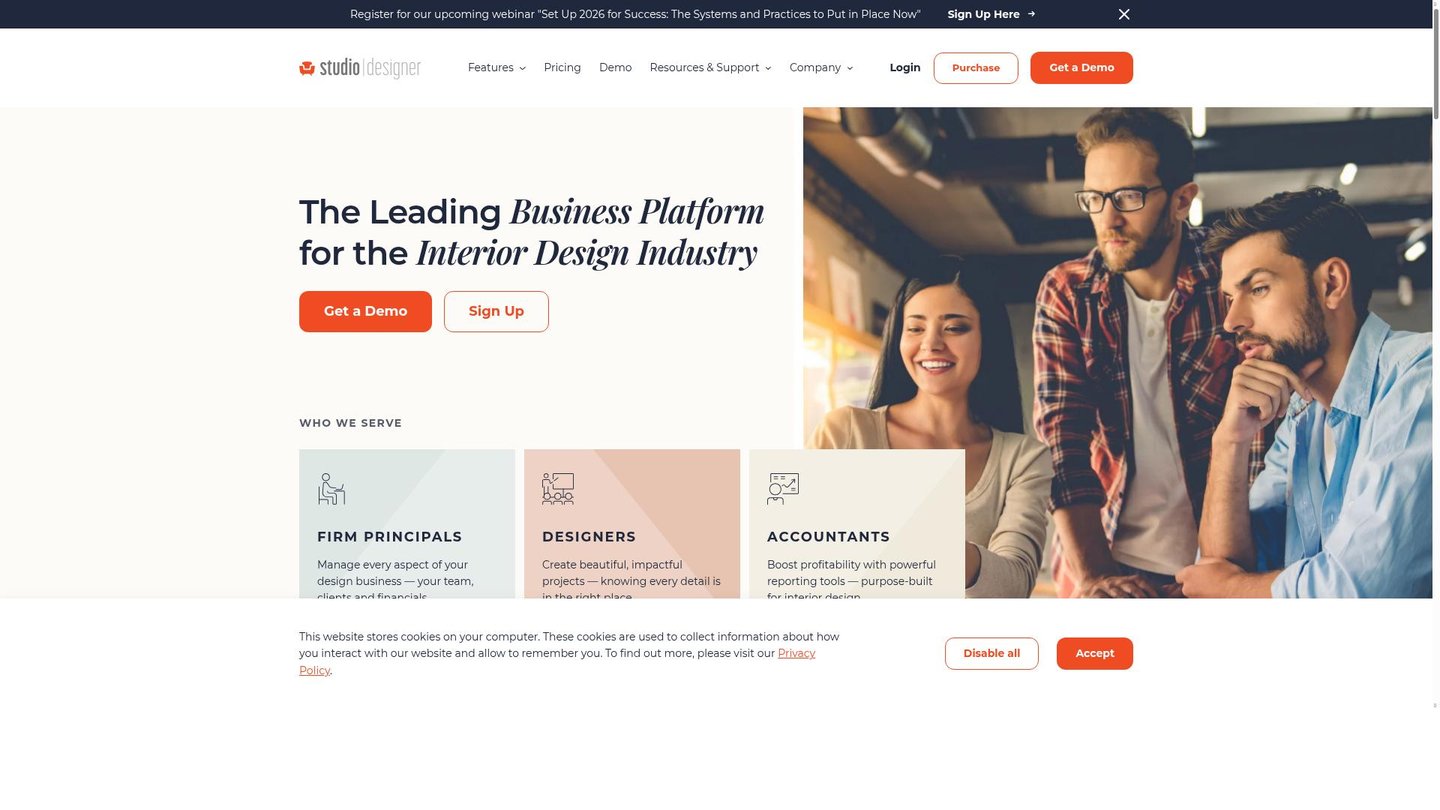
Features of Studio Designer
Therefore, the feature set focuses on keeping creative and financial data organized while supporting a smooth interior design workflow.
- Integrated project management: Centralizes tasks, items, timelines, and budgets so interior design teams replace scattered spreadsheets with a structured digital storytelling tool for every project phase.
- Item-based product sourcing: Tracks specifications, pricing, and vendor details, turning Studio Designer into a visual catalog that supports AI content creation workflows for mood boards and presentations.
- Client-facing proposals: Generates polished, branded proposals and tear sheets that help designers present options clearly, similar to a lightweight AI video maker storyboard for interiors.
- Purchase orders and invoicing: Automates key financial documents so teams convert approved items into purchase orders and invoices with fewer errors and faster cash flow.
- Built-in accounting: Connects payables, receivables, and expense tracking to individual projects, reducing double entry for bookkeepers and improving profitability insight for firm owners.
- Cloud-based team access: Provides secure, role-based access so principals, designers, and administrators can collaborate in real time from offices, home, or job sites.
- Presentation and reporting tools: Creates visual room summaries, specification reports, and financial snapshots that support client meetings and internal decision-making.
Additionally, Studio Designer includes capabilities that extend beyond basic project tracking to support different firm sizes and workflows. For example, integrations with presentation tools help teams turn product data into polished client decks without rebuilding content. In particular, collaboration tools and cloud access make it easier for remote designers and assistants to share up-to-date item lists, pricing, and status notes. Moreover, scalable pricing tiers allow small studios to start with core features and grow into more advanced reporting and accounting functions as the business expands. As a result, the platform serves as a long-term operational hub rather than a short-term point solution.
Therefore, Studio Designer stands out as a dedicated platform that unifies creative, operational, and financial tasks for interior design businesses. By combining sourcing, project tracking, and billing in one environment, it supports smoother workflows than a generic AI video maker or all-purpose productivity app. As a result, design firms gain clearer visibility into every item, every room, and every invoice, which strengthens client relationships and improves profitability across projects.


