
Speechify for Professionals: AI Text to Speech Reader
Long reports and email backlogs pile up faster than anyone can read them at a desk. Speechify is a document-to-audio reader, a Text to Speech tool, that converts PDFs, docs, and web pages into spoken audio. Particularly strong at natural-sounding voices and scanning printed pages — not built for scripted voiceover production.
- United States 55.2%
- Canada 5.7%
- United Kingdom 5.5%
- Australia 2.6%
- Other 31.1%
What Speechify Does
Speechify solves the backlog of unread documents by reading PDFs, emails, web pages, and scanned pages aloud through AI-generated voices.
Users install the app or browser extension, open a document, and press play; Speechify runs text extraction and OCR on scanned pages, then feeds the result into its voice engine at a chosen speed and language. The free tier offers ten robotic voices at up to 1.5x speed, while Premium unlocks over 1,000 natural voices across 60+ languages, 5x playback, and AI summaries that condense long material into shorter spoken briefings.
Cloud integrations with Google Drive, Dropbox, and Microsoft OneDrive let documents open directly from storage without manual uploads, which keeps the reading workflow inside existing file habits.


Main Features
Text to Speech
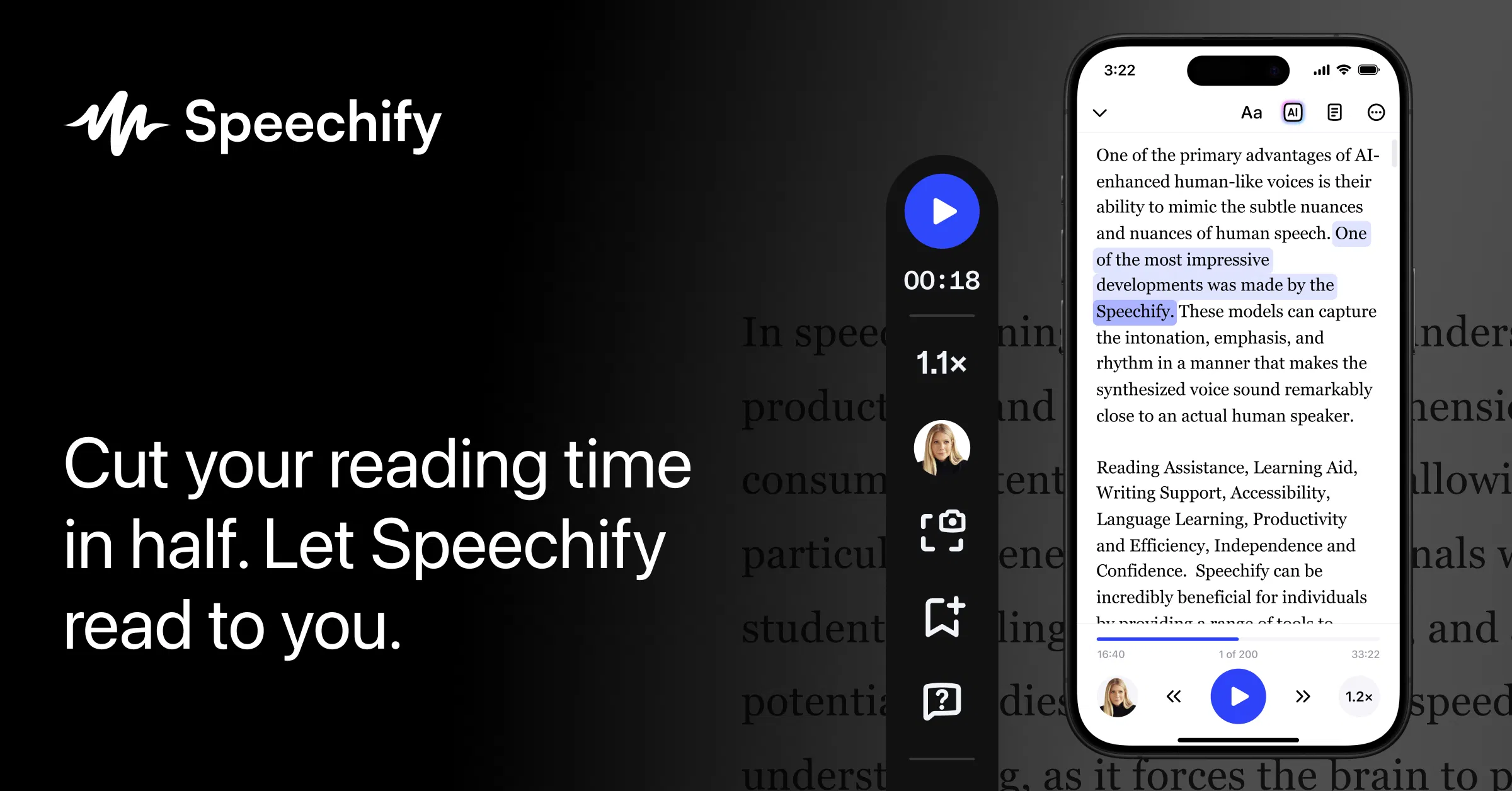
Speechify reads PDFs, Word docs, emails, and web pages aloud by extracting on-page text and routing it through its voice engine. It works across the web app, mobile apps, and browser extensions, so a document opened on a phone can continue playing in the car without re-importing it elsewhere.
Scan & Listen
Speechify uses OCR to turn a photographed page — a textbook, a printed letter, a handout — into audio. The camera captures the image, OCR extracts readable text, and the voice engine reads it back, which means printed material does not need to be retyped or found online first.
Natural-Sounding Voices & Speed Control
Premium unlocks over 1,000 AI voices across 60+ languages and playback up to 5x on Speechify, against 10 robotic voices capped at 1.5x on the free tier. Faster playback with a natural voice changes long documents from a chore into something that fits a commute, though the free tier limits this to the slower, synthetic set.
Cloud Integrations
Speechify connects to Google Drive, Dropbox, and Microsoft OneDrive, pulling files directly from storage instead of requiring a manual upload for each document. This keeps reading inside whatever folder structure a user already maintains, so switching to audio does not mean reorganizing files first.
Use Cases
-
Professionals working with documents
Professionals handling contracts, reports, and email backlogs use Speechify to listen while commuting or multitasking. Text to Speech and voice typing let them absorb material and dictate replies without sitting at a screen the whole time.
-
Students studying for exams
Students reviewing class material use Speechify’s AI summaries and podcast-style audio to turn dense readings into shorter spoken sessions. Adjustable speed lets review material be compressed or slowed depending on how familiar the content already is.
-
Accessibility for reading difficulties
Readers with dyslexia or visual strain use Speechify’s text highlighting and speed control to follow along without staring at dense pages. Scan & Listen extends this to printed material that has no digital text layer at all.
Best For / Not For
Speechify is built for people who need to consume written material without reading it visually. Professionals working through documents and emails, Students reviewing coursework, and users in the Accessibility category managing reading difficulties or eye strain are the named audiences. Speechify’s free plan is limited to basic voices, speeds up to 1.5x, and text-to-speech only, so anyone wanting AI summaries, scanning, or voice typing must upgrade to Premium, and the platform does not publicly document a standalone voiceover-production workflow for scripted content.
Pricing
Speechify offers a Free plan with no cost and a Premium plan priced at $139 per year, billed annually, or $29 billed monthly.
| Plan | Price | Included |
|---|---|---|
| Free | Free | Listen at speeds up to 1.5x, 10 robotic sounding voices, Text to speech features only. |
| Premium | $139 / year, billed annually | 1000+ high quality, natural voices, 60+ different languages, Listen at 5x faster speeds, Scan & Listen, AI Summaries & Chats, Google Drive, Dropbox, Microsoft OneDrive Integrations, Voice Typing, AI Podcasts. |
Separate products, Speechify Studio and the Speechify API, carry their own pricing structures not covered by this consumer table.
Pricing checked 2026-11-13.
Quick Comparison
TTSMaker is Speechify’s main alternative for browser-based text-to-speech without an app install. TTSMaker runs entirely in-browser and exports downloadable MP3 or WAV files for videos and lessons. Speechify adds OCR-based Scan & Listen and cloud integrations with Google Drive, Dropbox, and OneDrive. Choose TTSMaker if the job is a quick browser conversion with no account needed. Choose Speechify if documents live in cloud storage and need ongoing mobile reading.
Verdict
Speechify reads PDFs, docs, and scanned pages aloud through over 1,000 voices across 60+ languages on its $139-per-year Premium plan. It fits professionals and students who need documents read on the move rather than teams producing scripted voiceover content.


