Replit AI: Revolutionizing Coding with AI
Replit AI is a suite of artificial intelligence features designed to enhance your development experience on Replit. This tool offers a range of functionalities, from generating code to explaining it, making it an essential tool for developers of all levels. In this article, we will delve into what Replit AI is, its key features, and answer some frequently asked questions about this innovative tool.
About Replit AI
Replit AI is Replit’s suite of artificial intelligence features, including Complete Code, Generate Code, Edit Code, Explain Code, and Chat. These features are designed to work seamlessly within the Replit platform, leveraging large language models trained on publicly available code and tuned by Replit. This integration allows Replit AI to make suggestions and explain your code based on what you type and other context from your Repl, such as the programming language you’re using.
The tool is particularly beneficial for early-stage developers and small teams due to its ease of use and collaborative coding features. It supports multiple programming languages, making it an ideal choice for those who need to work with different languages without the hassle of switching between tools.

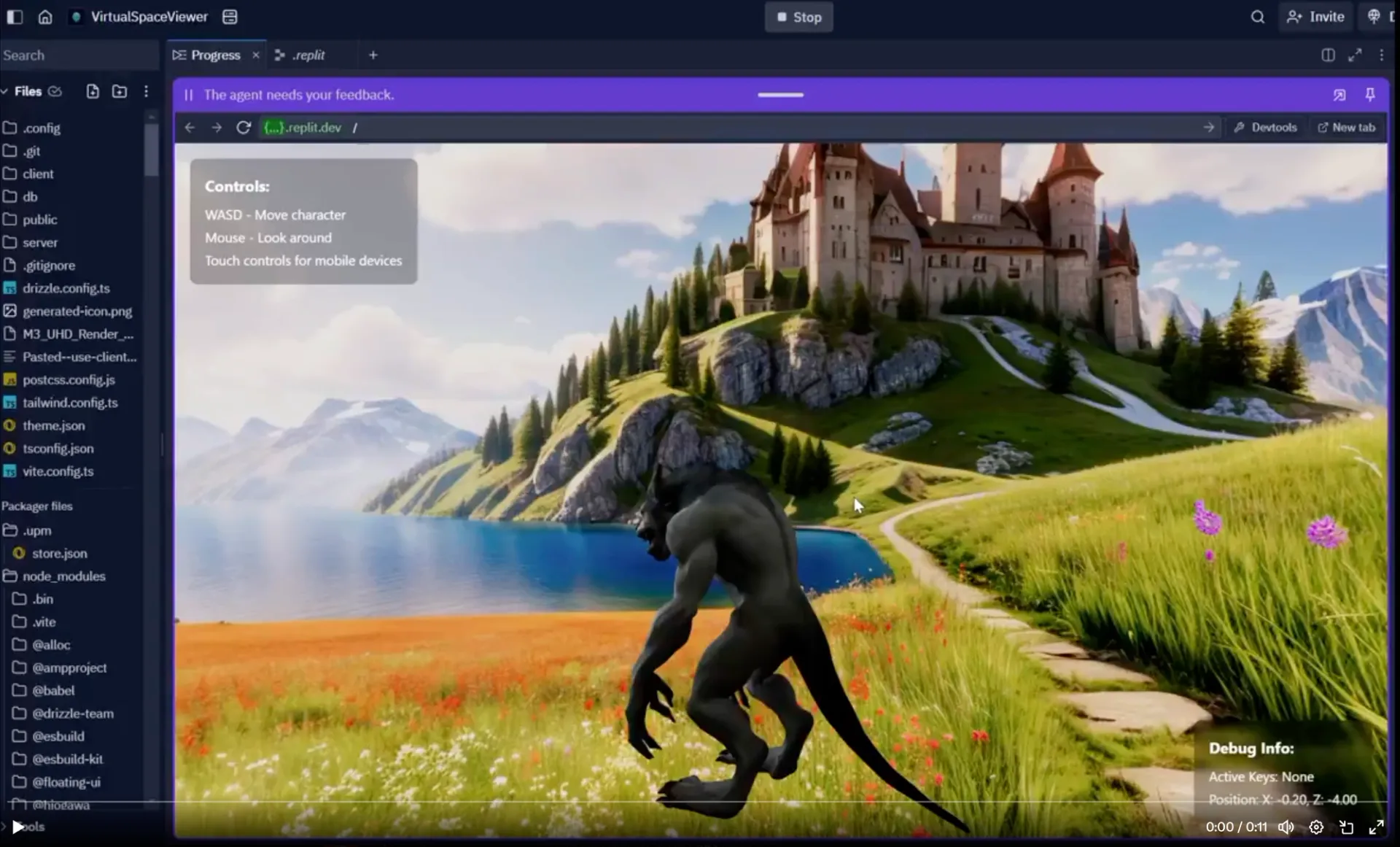
Features of Replit AI
Replit AI offers a variety of features that make it a powerful tool for developers. Here are some of its key functionalities:
- Complete Code: Generates complete code snippets based on your requirements.
- Generate Code: Suggests lines of code to help you write faster and more efficiently.
- Edit Code: Allows you to edit and refine your code with AI-driven suggestions.
- Explain Code: Provides explanations for your code, helping you understand complex concepts better.
- Chat: Offers a chat-based interface where you can ask questions and get immediate answers to your coding-related queries.
In addition to these core features, Replit AI also includes a debugger that helps users identify and fix errors in their code. The tool provides step-by-step guidance and hints to make debugging easier and more efficient.
In conclusion, Replit AI is a powerful tool that enhances the development experience on Replit. With its range of features, including code generation, explanation, and debugging, it is an essential tool for developers of all levels. By understanding its limitations and using it effectively, developers can maximize its benefits and streamline their coding process.