
Refraction: The AI Tool Revolutionizing Software Development
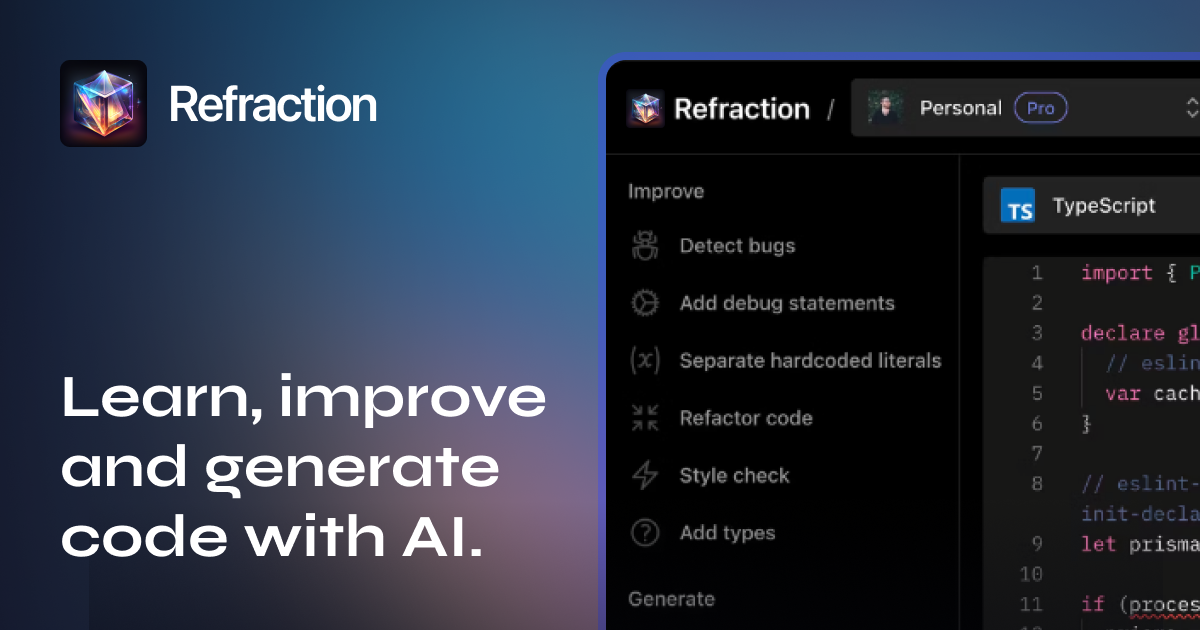
Refraction is an AI-powered tool designed to automate the tedious and repetitive parts of software development, making it easier for developers to focus on what matters most. This innovative tool, developed by Beskar Labs in partnership with Open AI, is transforming the way developers work by streamlining tasks like testing, documentation, and refactoring. With Refraction, developers can detect bugs, create documentation, refactor code, and more, all within their editor environment.
About Refraction
Refraction is an AI-powered tool that aims to simplify the software development process by automating tasks that consume a significant amount of time and effort. By leveraging state-of-the-art algorithms powered by AI, Refraction detects bugs, adds debug statements, creates documentation, separates hardcoded literals, refactors code, and style checks. This tool is particularly useful for developers of all skill levels, as it provides comprehensive documentation and is easy to set up. The Refraction extension for VS Code can be downloaded and accessed with a login ID, making it accessible to a wide range of developers.
One of the key benefits of Refraction is its ability to reduce code redundancy and errors. By identifying redundant code blocks, Refraction reduces the complexity of the code and ultimately the maintenance efforts. This feature is crucial for large-scale deployments and complex projects, where efficiency and reliability are paramount. Additionally, Refraction supports AWS CodePipeline, ensuring that organizations handling sensitive data can integrate it seamlessly into their workflow.

Features of Refraction
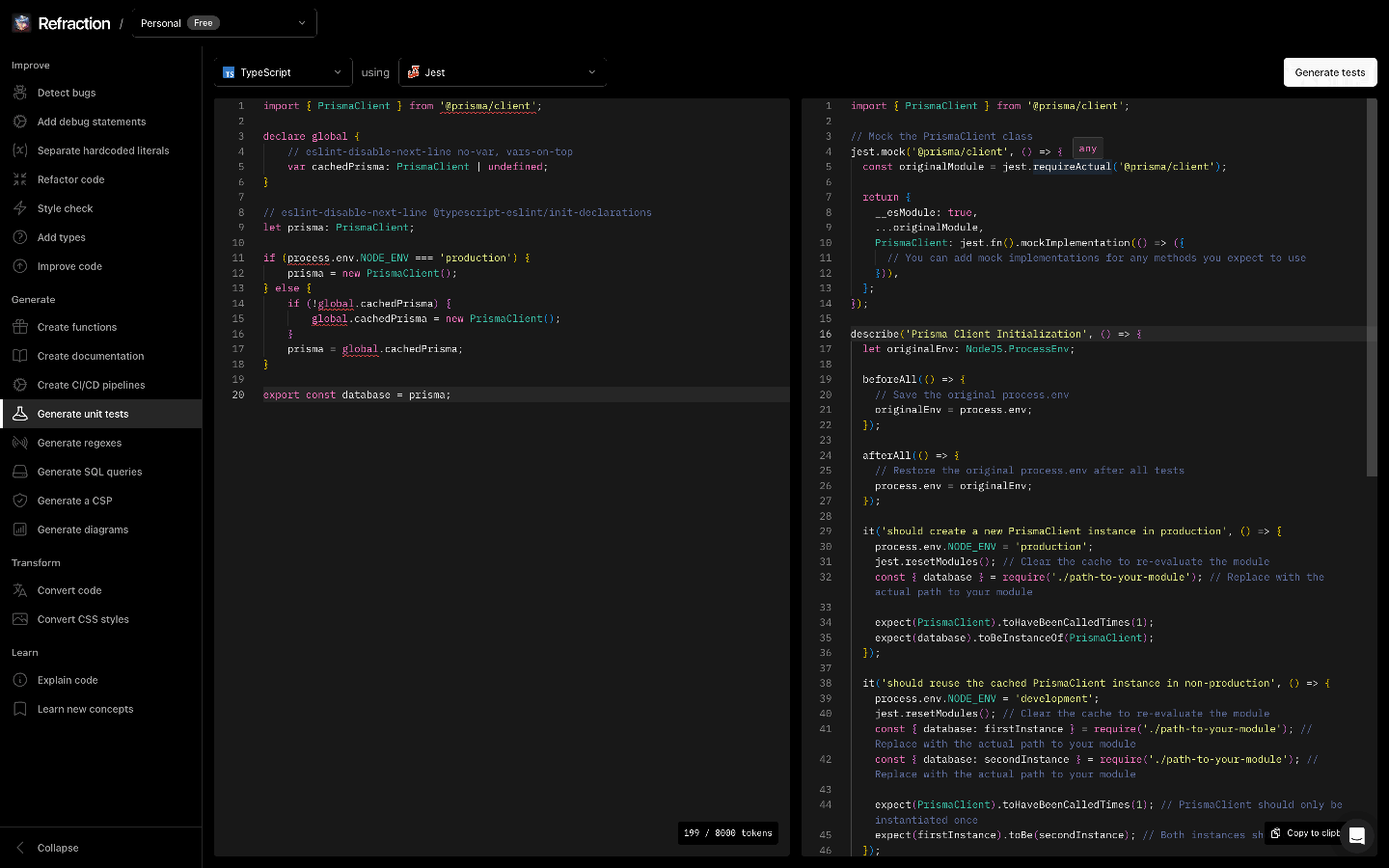
Refraction offers a wide range of features designed to streamline software development. Here are some of its key features:
- Bug Detection: Refraction checks your source code for bugs and suggests fixes to improve code quality.
- Code Conversion: Convert your code from one language to another with ease, making it versatile for different development environments.
- Code Generation: Tell Refraction what you want your code to do, and it will write it for you. This feature is invaluable for less experienced developers who can learn from the generated code.
- Unit Test Generation: Turn source code into unit tests for your framework of choice, ensuring thorough testing without manual effort.
- Regular Expression Assistance: Identify problems with regular expressions and develop solutions that work well, reducing the time and effort required for this task.
- Data Consolidation: Move hardcoded strings or numbers in your code into variables, making it easier to manage and expand your codebase efficiently.
- Debug Statement Addition: Add debug statements to your code to make it easier to understand and debug, reducing the time spent on troubleshooting.
- Content Security Policy Generation: Tell Refraction what you want your Content Security Policy to do, and it will write it for you, ensuring your application’s security is robust.
In addition to these features, Refraction also supports creating diagrams using Mermaid, writing database queries, and generating CI/CD pipelines. These functionalities make it an all-in-one solution for developers who want to automate various aspects of their coding process. The tool’s ease of use and comprehensive documentation ensure that developers can get started quickly and efficiently.
In conclusion, Refraction is a powerful AI tool that simplifies software development by automating tedious tasks. With its wide range of features and ease of use, it is an essential tool for developers looking to streamline their coding process and improve efficiency. Whether you are an experienced developer or just starting out, Refraction offers a comprehensive solution that can help you create better software with fewer bugs and less effort.


