Discover the Power of Prezi AI: Transforming Presentations with Ease
Prezi AI is revolutionizing the way we create presentations. With its advanced AI tools, you can transform your ideas into visually stunning, engaging slides in moments. Whether you’re a student, educator, or business professional, Prezi AI offers a seamless and efficient way to create impactful presentations. In this article, we’ll delve into the features and benefits of Prezi AI, as well as answer some frequently asked questions.
About Prezi AI
Prezi AI is designed to make your presentation creation process easier and more enjoyable. The platform offers a range of AI features that help you optimize your text, create animated slides, and generate visually stunning presentations. These features are continuously evolving and improving, ensuring that you always have access to the latest tools and technologies. By leveraging AI, Prezi helps you create presentations that are not only engaging but also highly effective in conveying your message.
Prezi’s AI features are accessible from various parts of the platform, including the template selection page, prominent banners, and the editor itself. For example, you can access the text optimization feature by selecting your text box and choosing “Ask AI” from the text property bar. This integration makes it easy to use AI tools without disrupting your workflow.

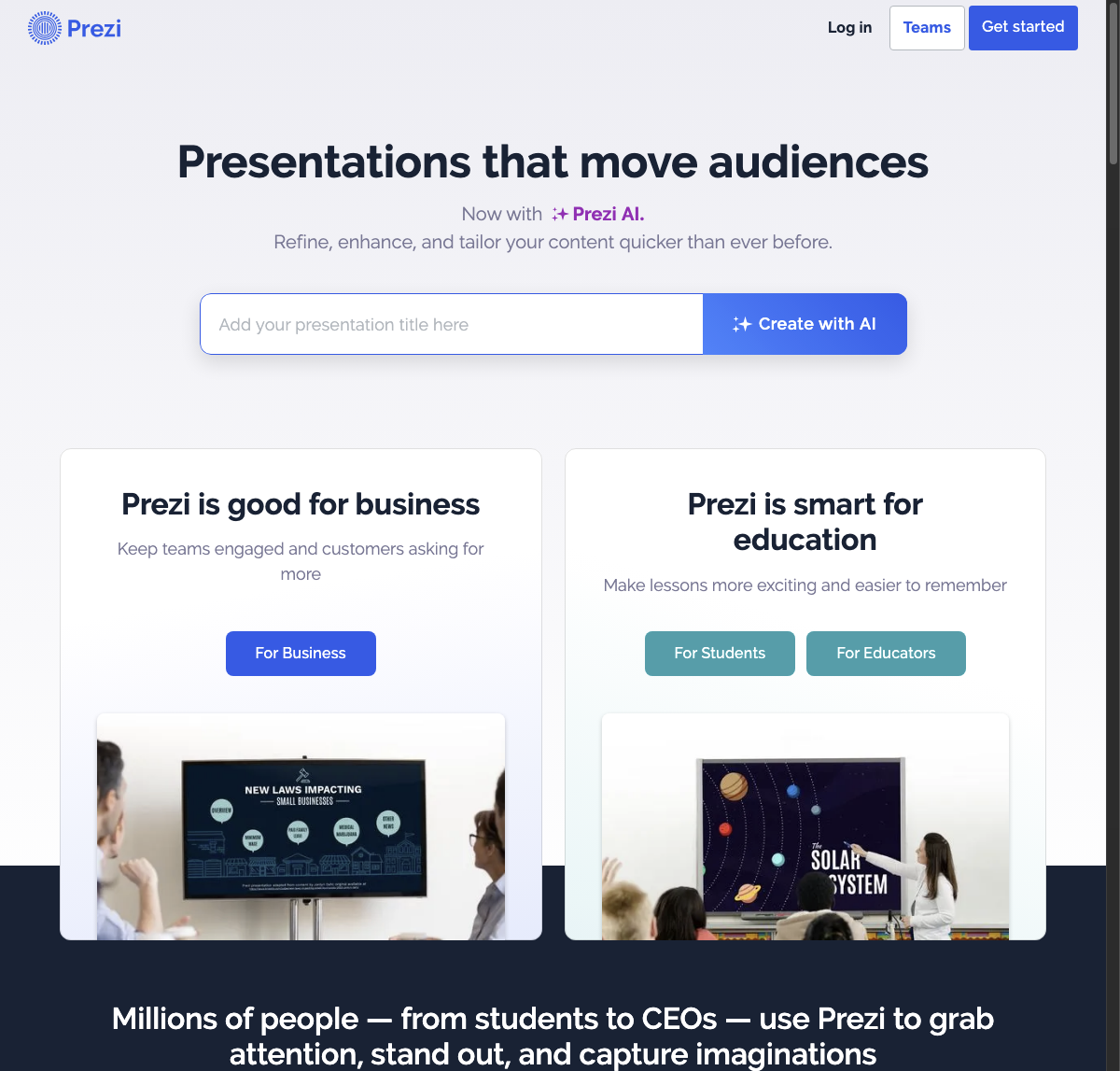
Features of Prezi AI
Prezi AI offers several innovative features that enhance your presentation creation experience.
- AI Text Editing Feature: This feature helps ensure proper grammar, readability, and coherence in your presentations. It makes your text more concise and readable, transforming it into an animated visual story perfectly suited to Prezi’s zooming format.
- AI Presentation Maker: Simply enter your bullet points, and Prezi AI will automatically generate visually stunning presentations. This tool provides endless opportunities to elevate your presentations to new heights, complete with AI-generated content, images, and cinematic movements.
- Customization Options: With Prezi AI, you have complete control over text, objects, images, shapes, videos, and more. This allows you to personalize your story and tailor it to fit your unique vision.
- Efficient Design and Individual Style: Prezi AI strikes a powerful balance between efficient design and individual style. It helps you transform what normally would be a mere slide into an attention-grabbing story that resonates with your audience.
- Collaborative Tool: The Prezi AI presentation maker becomes a collaborator, providing valuable recommendations. It evaluates your ideas and suggests text enhancements and narrative structures that could connect with your audience.
- Accessibility and Affordability: Prezi offers various pricing plans, from $3 to $59 per month, making it an affordable cloud-based alternative for easy shared team access and creation of presentations.
In addition to these features, Prezi AI ensures that the visuals or text enhancements you generate using its tools are uniquely yours. While AI assists in content creation, the unique essence and ownership of the created content inherently belong to the individual who guided and personalized the AI’s creative process.
In conclusion, Prezi AI is a powerful tool that transforms your ideas into engaging and effective presentations. With its advanced AI features, customization options, and accessibility, it is an ideal choice for anyone looking to elevate their presentation creation experience. Whether you’re a student, educator, or business professional, Prezi AI ensures that your presentations are not only visually stunning but also highly impactful.