Pixella: AI Design Tools for Social Media Teams
A product photo, a social post, and a short promo clip often need three separate subscriptions before they ship. Pixella is a browser-based image-and-video workspace, a Design Tools tool, that aggregates 40+ image models and 60+ video models under one credit balance. Particularly strong at model aggregation — not built for structured brand governance.
- Italy 19.4%
- United Kingdom 12.9%
- France 8.6%
- Canada 8.4%
- Other 50.7%
What Pixella Does
Pixella solves the multi-subscription problem by routing prompts and uploads to dozens of third-party image and video models from a single account.
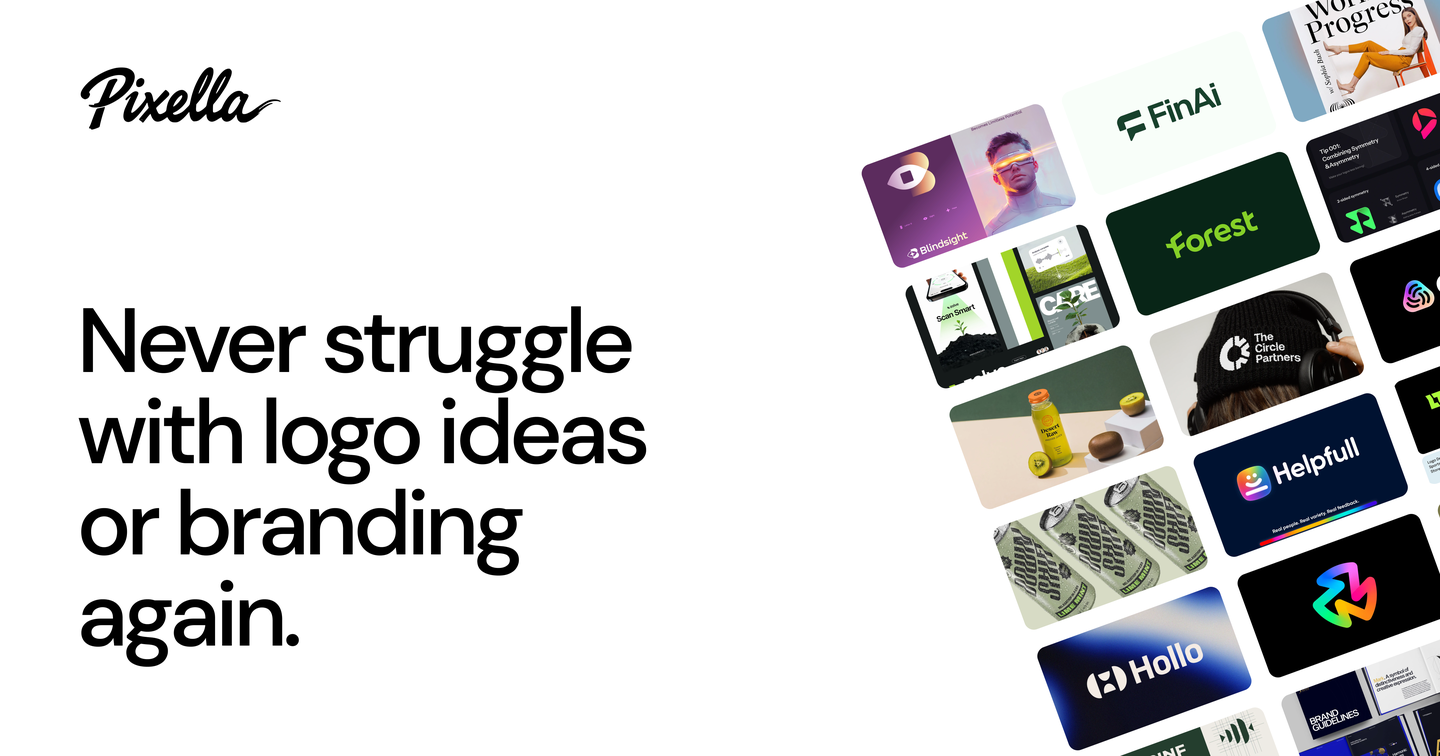
Pixella generates images and videos from text, edits and upscales existing photos, enhances resolution, and strips backgrounds automatically, all inside one workspace instead of a dozen separate tabs. The 74 built-in templates cover recurring formats like social posts and product shots, so a new asset starts from a layout rather than a blank prompt box. Because the account holds one shared credit balance, a user moves between an image model and a video model without re-subscribing to either.
Main Features
Model aggregation
Pixella gives one account access to 40+ image models and 60+ video models through a shared credit balance instead of separate logins and payments per vendor. Credits draw down across whichever model is selected, so a project that needs one image engine for a product shot and a different video engine for a promo clip stays inside a single workspace and a single bill.
AI image and video generation
Text prompts produce still images or short video clips by calling the underlying third-party models Pixella has aggregated behind its own interface. Because multiple models sit behind that one interface, a user can run the same prompt through several engines and compare results without creating accounts on each vendor’s own site.
Image editing, enhancement and upscaling
Existing images can be edited, enhanced for quality, upscaled for resolution, or stripped of their background within the same session a new asset was generated in. This keeps the generate-then-refine loop inside Pixella rather than exporting to a separate editor, so a rough first draft and its final cleaned-up version stay in one project history.
Templates
74 ready-made templates cover recurring formats such as social posts and product visuals, giving a starting layout instead of an empty canvas. A template fixes structure and dimensions while the prompt or uploaded photo supplies the content, which cuts setup work for a team publishing the same post type every week.
Use Cases
-
Creating social media content
Social media teams build recurring posts and short videos from Pixella’s templates and text prompts. Generation and editing stay in one workspace, so a weekly content batch does not require switching between separate image and video apps.
-
Producing product visuals
E-commerce and product marketing teams produce catalog images, enhanced photos, and background-removed assets for ads and listings using Pixella. Running enhancement and background removal in the same session keeps a product shoot’s output consistent across formats.
-
Managing freelance projects
Freelance designers and creators use Pixella’s 40+ image and 60+ video models for one-off client jobs without maintaining separate subscriptions per tool. One credit balance covers whichever model a given project calls for.
Best For / Not For
Pixella is built for people producing recurring visual content who want several AI models under one account rather than one tool per task, and who are comfortable working inside a browser-based studio rather than dedicated desktop design software.
That includes Social media teams managing weekly post schedules across multiple formats, E-commerce and product marketing teams building catalog assets at volume, and Freelance designers and creators handling varied client briefs without paying for a separate tool per project type.
Pixella may be less suitable for teams requiring advanced collaborative design, structured brand governance, or enterprise compliance certifications, none of which are publicly verified for the tool, so organizations with formal brand-approval workflows should look elsewhere.
Pricing
Pixella’s standard rate is $49.99 per month, billed monthly, reached through two different 7-day entry offers priced at $9.99 and $12.49 that each renew into that full monthly price once the week ends.
| Plan | Price | Included |
|---|---|---|
| 7-Day Limited Access | $49.99 / month, billed monthly · $9.99 for seven days | |
| 7-Day Full Access | $49.99 / month, billed monthly · $12.49 for seven days |
Both entry offers auto-renew into the $49.99/month rate once the seven-day window ends, so the introductory price is not the ongoing cost, and anyone checking out should confirm the renewal date before the first charge posts. Pricing can also vary by region and bundle according to the vendor’s own checkout terms.
Pricing checked 2026-11-09.
Quick Comparison
Designerr is Pixella’s main alternative for teams building templated marketing visuals. Designerr focuses on structured brand-asset templates for consistent campaign output. Pixella’s advantage is its aggregation of 40+ image models and 60+ video models in one credit pool. Choose Designerr if a team needs tightly templated brand consistency across campaigns. Choose Pixella if the priority is trying multiple AI models for varied image and video formats.
Verdict
Pixella aggregates 40+ image models and 60+ video models behind one $49.99/month account, so teams run generation, editing, and upscaling without separate tool subscriptions. It fits social, e-commerce, and freelance work; it does not cover brand governance workflows.