
Photo AI: Transform Photos with AI Magic
Photo AI lets anyone turn ordinary images into stunning visuals with just a few clicks. For example, a YouTuber can instantly upscale a blurry thumbnail, making it crisp and professional. As a result, content creators, marketers, and everyday users can boost their digital storytelling without needing advanced editing skills.
About Photo AI
Photo AI is an advanced AI-powered photo editor designed to enhance, retouch, and manipulate images with ease. It uses deep learning to analyze and improve photos, making it ideal for users who want quick, high-quality results. The tool is perfect for marketers creating social media visuals, educators preparing engaging presentations, and families restoring old memories.
In particular, Photo AI helps users upscale images up to 800% without losing quality, making it a go-to for printing or sharing high-resolution content. For example, a photographer can restore a faded family portrait, bringing out vibrant colors and sharp details. The platform also supports video generation, letting users turn AI photos into short, high-resolution clips for digital storytelling.
Photo AI works by analyzing each image and applying AI-driven enhancements automatically. Its technology is built on neural networks, which learn from vast datasets to deliver realistic edits. This means users get professional results without manual adjustments or complex workflows.

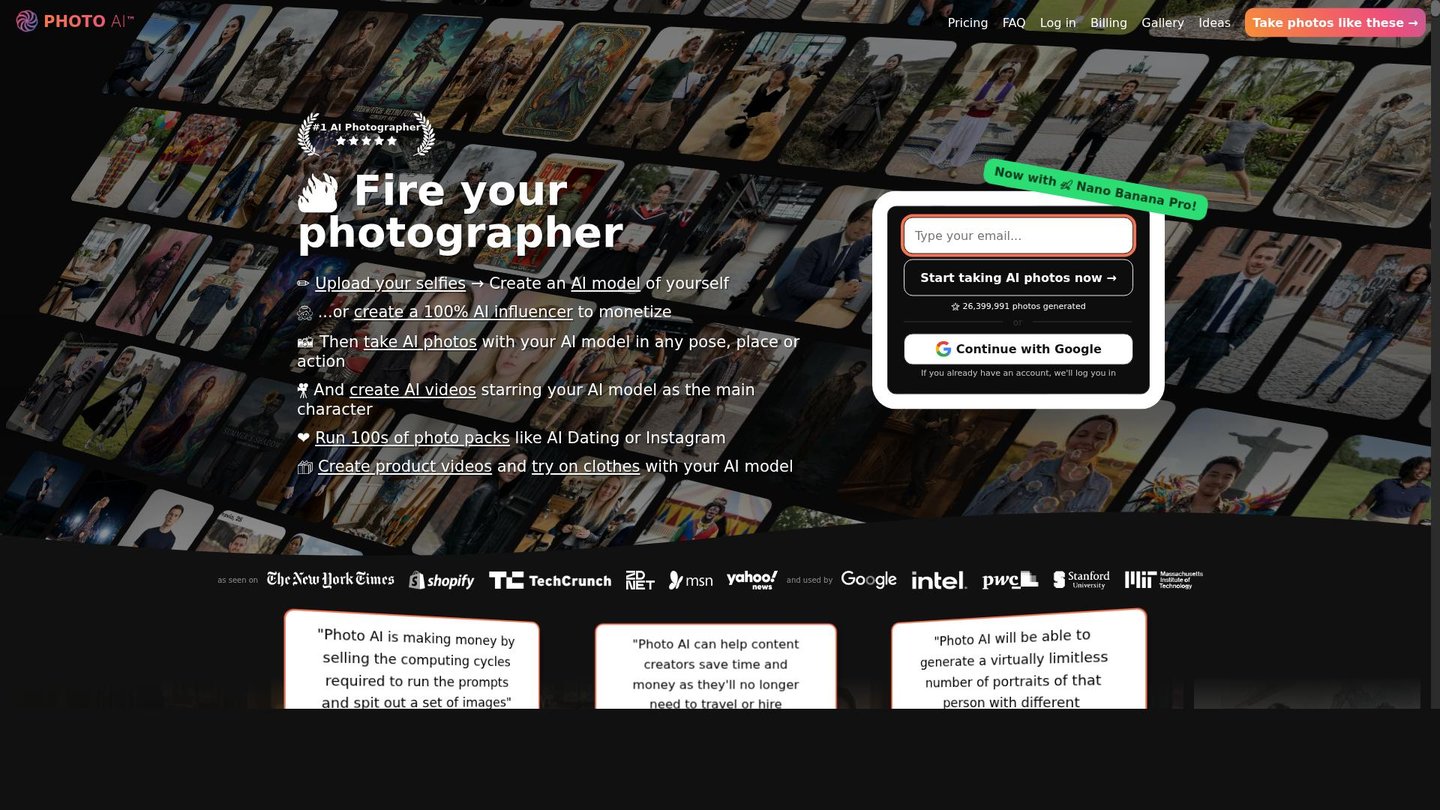
Features of Photo AI
Photo AI offers a wide range of features that make AI content creation simple and effective.
- AI Photo Enhancement: Instantly improve image quality, color, and contrast for stunning visuals.
- Image Upscaling: Enlarge photos up to 800% without losing detail, perfect for printing or digital displays.
- Background Removal: Automatically remove and replace backgrounds for product shots or creative edits.
- Face Retouching: Smooth skin, brighten eyes, and enhance facial features with AI-powered tools.
- Object Editing: Add, remove, or change objects in photos using simple text commands.
- Video Generation: Turn AI photos into short, high-resolution videos for digital storytelling.
- Colorization: Bring black and white images to life with vibrant, realistic colors.
- Cartoon and Sketch Effects: Transform photos into cartoons or sketches for creative projects.
Photo AI also supports mobile use, letting users edit on the go. The platform offers free credits for new users, making it easy to try advanced features. For teams, collaboration tools allow multiple users to work on projects together. Integrations with popular platforms ensure seamless workflows, and flexible pricing tiers cater to both casual users and professionals.
Photo AI stands out as a powerful digital storytelling tool, making AI content creation accessible to everyone. As a result, users can create professional-quality visuals and videos with minimal effort, enhancing their creative projects and online presence.
“`html
“`