
OpusClip: AI Video Clipping and Editing Tool
OpusClip helps creators turn long videos into viral shorts with minimal effort. For example, a YouTuber can upload a 30-minute vlog and get ten ready-to-post clips for TikTok and Instagram in minutes. As a result, content reaches more viewers across platforms without hours of manual editing.
- United States 36.6%
- Brazil 7.6%
- United Kingdom 5.1%
- India 4.9%
- Other 45.7%
About OpusClip
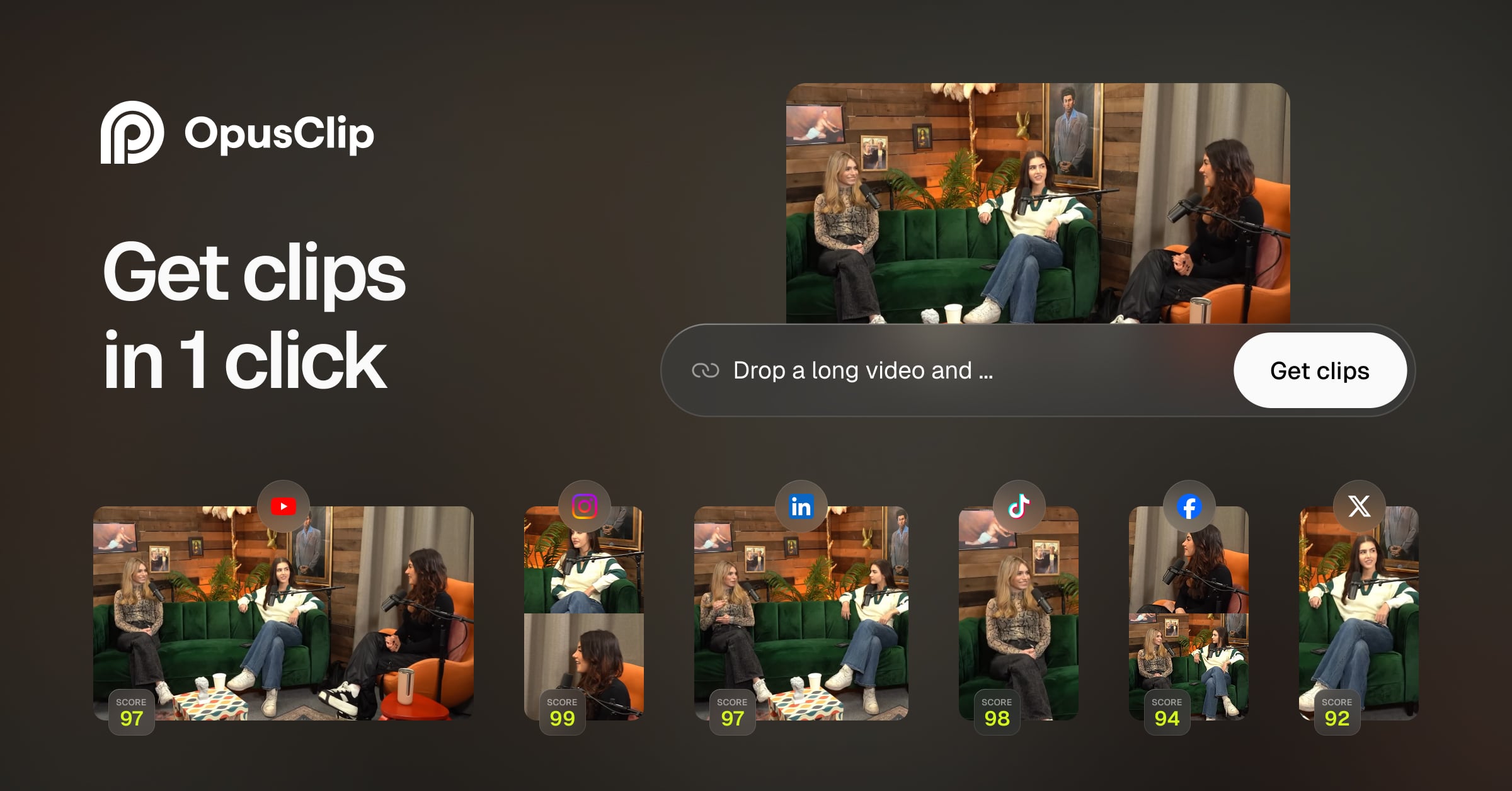
OpusClip is an AI-powered video repurposing tool that automatically analyzes long videos and creates short, engaging clips. It uses advanced algorithms to identify key moments based on speech, visuals, and engagement potential. This makes it ideal for marketers, educators, and content creators who need to share highlights quickly.
In particular, OpusClip is used by podcasters to extract quotes and by educators to create lesson snippets. The tool works by processing uploaded videos, detecting the most compelling segments, and generating polished shorts. Its technology combines visual, audio, and text analysis to ensure clips are coherent and attention-grabbing.
OpusClip’s AI models are trained on over 100,000 hours of diverse content, allowing it to handle vlogs, gaming, interviews, and more. As a result, users get high-quality clips that fit the style and requirements of each social platform.
Features of OpusClip
OpusClip offers a range of features designed to streamline AI content creation and video generation.
- AI-Powered Video Analysis: Automatically detects the most engaging moments in your video for efficient short-form content creation.
- Multi-Format Export: Generates clips in various aspect ratios, making it easy to publish on TikTok, Instagram, YouTube, and more.
- Automated Captioning: Adds accurate, synchronized captions in over 30 languages to boost accessibility and engagement.
- AI B-Roll Generation: Inserts contextually relevant visuals to enrich storytelling and maintain viewer attention.
- Brand Templates: Ensures a consistent look across all clips, perfect for digital storytelling and brand identity.
- AI Voice-Over and Audio Enhancement: Adds natural-sounding voice-overs and removes filler words for smoother, professional results.
- Collaboration Tools: Enables team workspaces and social media scheduling for efficient content management.
- Integration Hub: Connects with tools like Adobe Premiere Pro, HubSpot, QuickBooks, and Xero for seamless workflow.
OpusClip supports collaboration with team workspaces and social media scheduling, making it a strong choice for professional teams. It also offers flexible pricing tiers, including a free trial with credits to test the platform. The tool integrates with major social media management platforms and provides API access for custom workflows. As a result, users can automate publishing and maintain brand consistency across all channels.
OpusClip stands out as a leading AI video maker, simplifying content repurposing and digital storytelling for creators and teams. Its advanced features and seamless integrations make it a reliable solution for modern video generation needs.