
NaturalReader: Best AI Text to Speech Tool
NaturalReader turns text into lifelike speech, saving time for busy professionals. For example, educators use it to convert lesson plans into audio podcasts, letting students listen during commutes. In particular, YouTubers create voiceovers for videos without hiring narrators. As a result, content creators boost productivity while delivering engaging audio experiences across devices.
- United States 41.4%
- India 5.2%
- United Kingdom 4.2%
- Canada 3.5%
- Other 45.6%
About NaturalReader
NaturalReader is an AI text-to-speech tool that converts written content into natural-sounding audio. It solves the problem of time-consuming reading or expensive voice recording. For instance, marketers rely on it to produce quick audio ads from scripts.
Additionally, educators and YouTubers use NaturalReader for real-world tasks. Teachers generate audiobooks from PDFs for dyslexic students, while video creators add voiceovers to tutorials. The tool works with AI technologies like large language models for context-aware delivery and multilingual support in over 50 languages.
Users simply paste text, upload PDFs, or scan images via camera. The AI then generates realistic speech with adjustable speed and tone. This makes it ideal for personal and commercial needs, from eLearning modules to YouTube content.
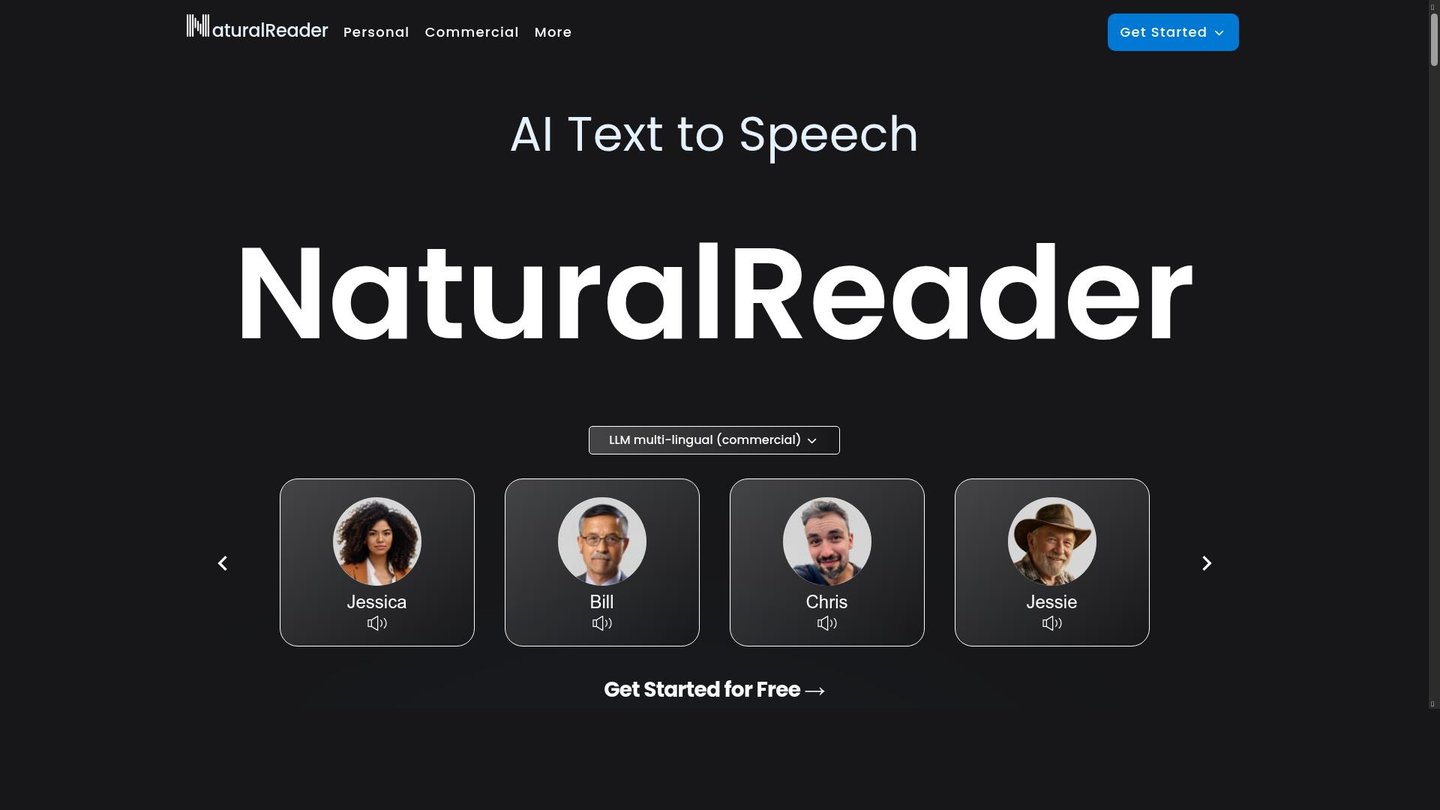
Features of NaturalReader
Moreover, NaturalReader offers powerful features for seamless text-to-speech conversion.
- AI Voices: Access 1000+ natural-sounding voices in 99+ languages for immersive AI content creation and global reach.
- Voice Cloning: Clone up to four custom voices instantly, perfect for personalized digital storytelling tools in branding.
- LLM Voices: Use context-aware large language model voices for realistic delivery in eLearning and audiobooks.
- Studio Editor: Edit scripts, adjust speeds, and control pauses for professional voiceover production.
- AI Script Assistant: Rewrite, translate, or grammar-check text to streamline content prep on this AI video maker alternative.
- Pronunciation Editor: Fix tricky words or acronyms for accurate speech in educational materials.
- Camera Scanner: Convert physical books or notes to audio via mobile camera for on-the-go listening.
Furthermore, NaturalReader provides cross-device compatibility with free accounts linking web, Chrome extension, and mobile apps for iOS and Android. Users enjoy MP3 downloads for offline access, AI text filtering to skip distractions like URLs, and customizable options such as word highlighting, dark mode, and speed controls. Pricing tiers include free plans with daily limits on premium voices, Plus for advanced AI voices, and commercial options with API access for integrations. These enhance collaboration for teams creating podcasts or training videos.
Ultimately, NaturalReader stands out as a versatile digital storytelling tool that transforms text into professional audio effortlessly. Content creators gain from its realistic voices and editing tools, boosting efficiency in video production and education. Try it to experience natural speech that captivates audiences worldwide.


