
Text to Video Generation for Marketing Teams with MiniMax H3
A marketing team preparing a 15-second product spot for social ads needs polished footage with audio ready by Friday. MiniMax H3, a Text to Video tool, generates 1080p HD video from text or image prompts using multi-shot storytelling, delivering ready campaign clips. MiniMax H3 does not include a built-in editing suite for postproduction work.
What MiniMax H3 Does
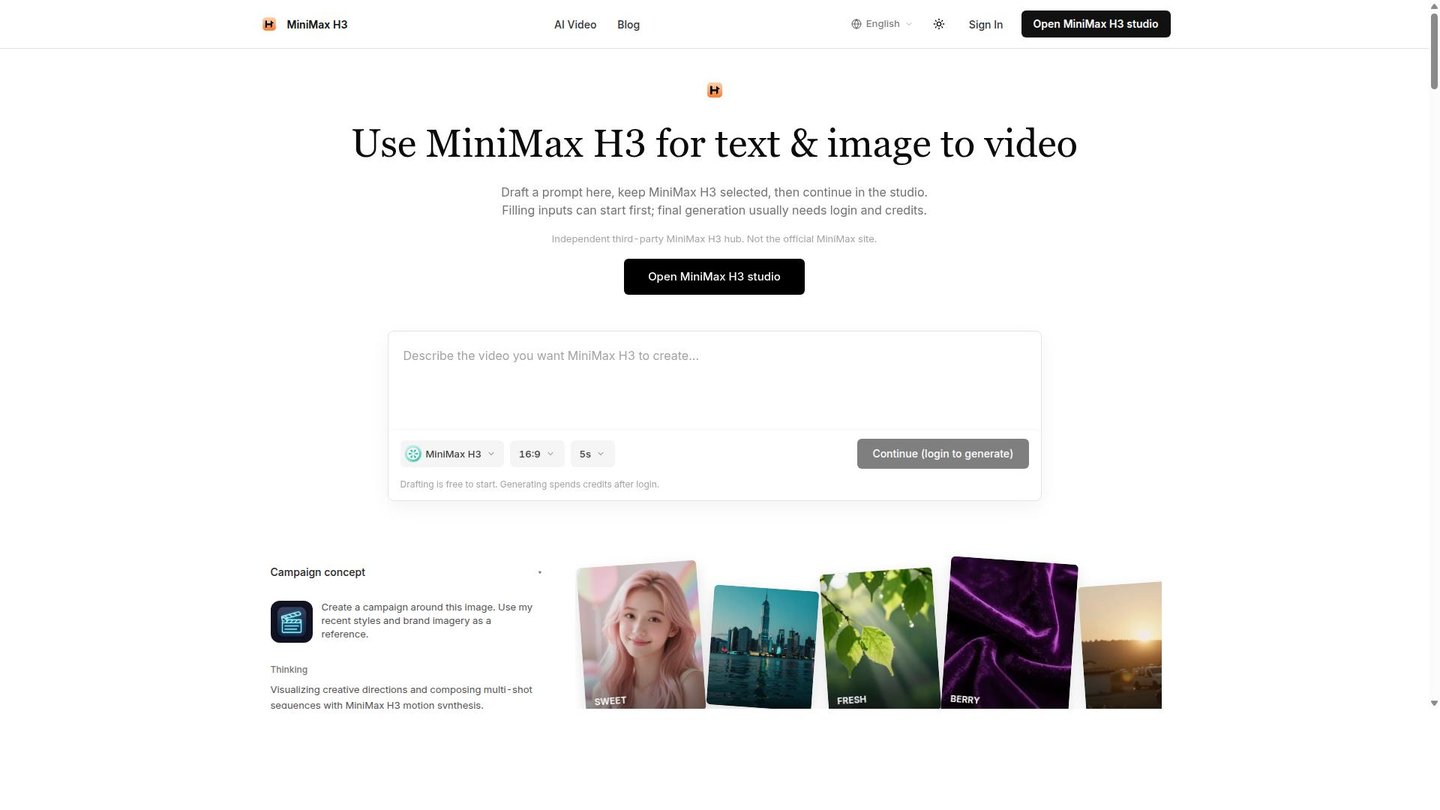
MiniMax H3 is a text-to-video and image-to-video generation tool built for marketing and social teams that need short branded clips without a production crew. It converts a written prompt or a still image into a moving clip at native 1080p resolution, keeping character appearance, visual style, and atmosphere consistent across shot transitions. That consistency matters for campaign work, where a single spot often cuts between a product close-up, a lifestyle shot, and a logo card, and mismatched lighting or a character that shifts mid-clip reads as unfinished.
Generated clips download as standard video files, so they drop into whatever editor or ad platform a team already uses.
Main Features
Native Multi-Shot Storytelling
MiniMax H3 keeps a character’s face, outfit, and the scene’s color palette fixed as the clip cuts between shots, instead of regenerating each shot independently. This works by carrying visual context forward across the sequence rather than treating every shot as a fresh render. The result is a spot that reads as one continuous piece rather than a stitched-together set of unrelated clips.
1080p HD Quality Video Generation
Output renders natively at 1080p with smooth motion, so footage is usable directly in social feeds and ad slots without an upscaling pass. MiniMax H3 applies this resolution by default rather than as a paid add-on tier. That removes an extra rendering step for teams whose delivery specs already require full HD.
Text & Image to Video
MiniMax H3 accepts either a written prompt or a static image as the starting point and synthesizes motion from it, covering both from-scratch concepts and existing product photography. A catalog photo becomes a moving clip without a reshoot. Teams working from an approved brand image keep that asset as the visual anchor instead of describing it in text.
Freeform Canvas and Multi-Shot Storytelling
The freeform canvas lets a user arrange several shots into one extended sequence rather than generating and stitching single clips manually. MiniMax H3 treats the canvas as one storytelling unit, so pacing and transitions are set before rendering. That gives longer campaign narratives a single planning surface instead of a folder of disconnected files.
Use Cases
-
Marketing campaigns
Marketing teams bring a campaign concept or brand imagery and need enterprise-level quality without a shoot. MiniMax H3’s 1080p output and multi-shot storytelling produce a cohesive spot from a prompt or reference image.
-
Social media content
Social media teams work from short briefs or a single product photo and need frequent, fast-turnaround posts. MiniMax H3’s text-and-image-to-video generation produces motion clips from either input on one platform.
-
Professional video production
Video producers handling client work need cinematic footage that holds up in a professional edit. MiniMax H3’s native 1080p output and freeform canvas let a producer sequence multiple shots before export.
Best For / Not For
MiniMax H3 is built for teams that need short, polished branded video without booking a shoot or an animation studio.
Marketing teams producing campaign concepts and brand imagery, social media teams that need a steady stream of short clips, and video producers assembling professional footage for client delivery are the named audiences.
MiniMax H3 is not built for teams needing long-form narrative video or a full postproduction suite; it generates clips rather than editing, color-grading, or sound-mixing finished films, so those workflows still require a separate editor.
Pricing
MiniMax H3’s entry Basic plan costs $10 / user/month, billed monthly, with the Pro and Max tiers raising the monthly credit allowance for heavier output.
| Plan | Price | Included |
|---|---|---|
| Basic | $10 / user/month, billed monthly | 1,200 credits/month, 10 free images/day |
| Pro | $20 / user/month, billed monthly | 2,600 credits/month, 20 free images/day |
| Max | $50 / user/month, billed monthly | 7,500 credits/month, 40 free images/day |
Credits reset each billing cycle rather than rolling over, so unused allocation on any tier is lost at renewal, and an Enterprise tier with custom credit plans is available by contacting sales.
Pricing checked 2026-09-27.
Quick Comparison
Wan is MiniMax H3’s main alternative for open-model text-to-video generation. Wan offers a broader open-weights ecosystem that developers can fine-tune and self-host for custom pipelines. MiniMax H3 wins on native multi-shot storytelling and a freeform canvas for sequencing branded campaign clips. Choose Wan if a team needs a self-hosted model for custom development. Choose MiniMax H3 if a marketing team needs ready 1080p campaign clips from a hosted plan.
Verdict
MiniMax H3 generates 1080p multi-shot video from text or image prompts, with an entry Basic plan covering 1,200 credits monthly for marketing and social teams needing short branded clips fast. It fits campaign and social production more than long-form or heavy postproduction work.