AI Fashion Design for Solo Creatives with Mercer
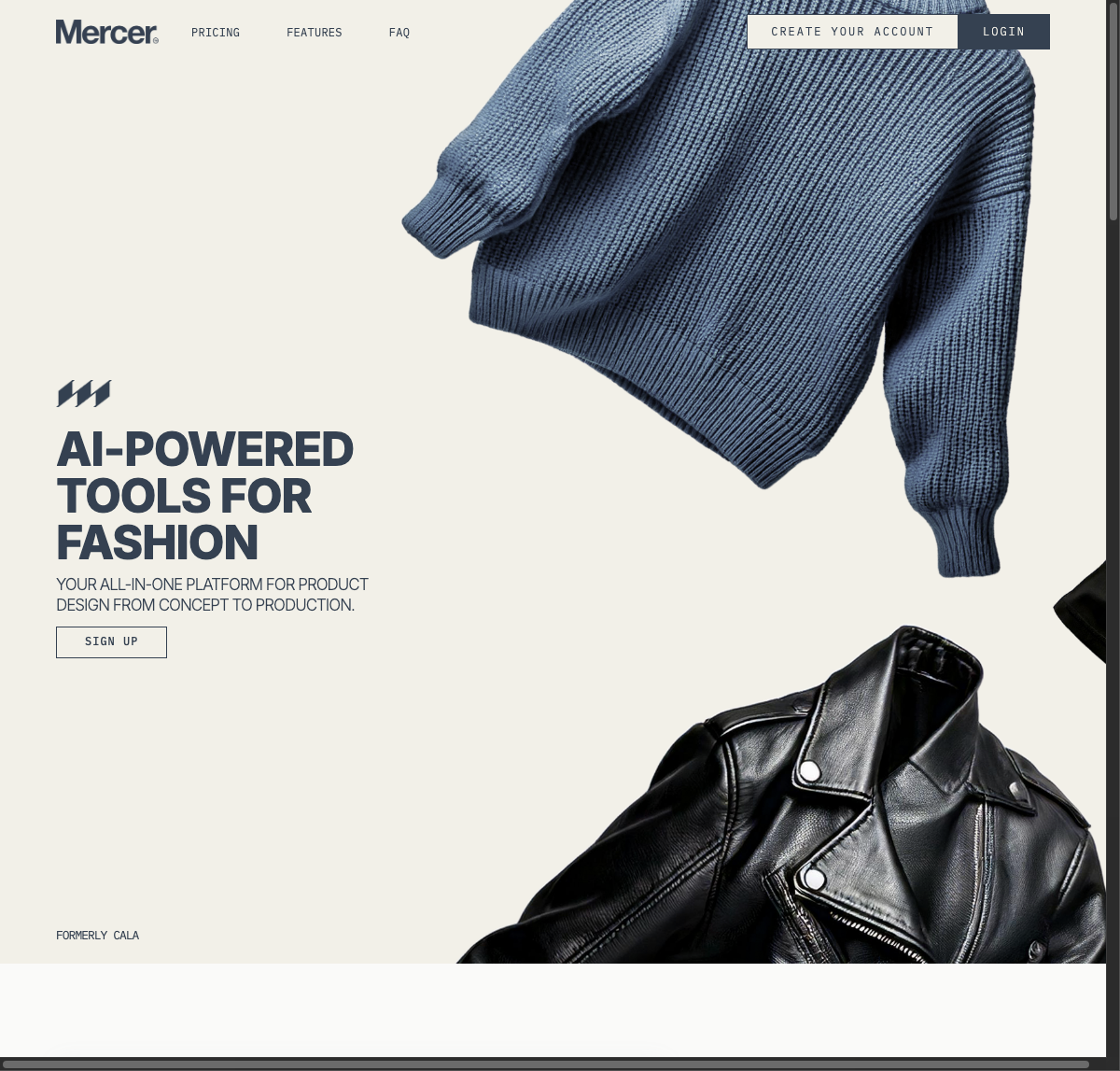
Most Fashion tools require a photo shoot or manual sketching for a new concept; Mercer generates renders from text prompts and sketches. Solo creatives get quick concept visuals, fitting early-stage ideation. Built for concept-to-production work — hobbyists wanting a free tool will hit its $19 price.
- United States 77.8%
- India 18.8%
- Pakistan 3.5%
What Mercer Does
Solo creatives and freelancers use Mercer to generate fashion concepts from text prompts and sketches, without hiring a photographer or a sample maker.
Mercer solves the concept-to-production gap in fashion design by combining a generative image tool, a sketch converter, and a manufacturing network in one workspace. Designers type a prompt or upload a rough sketch, get a rendered image back, then edit specific details with plain-language commands instead of redrawing by hand. Established brands can also train the system on past collections through AI Influences, keeping new output aligned with an existing aesthetic.

Main Features
AI Text-To-Image Designer
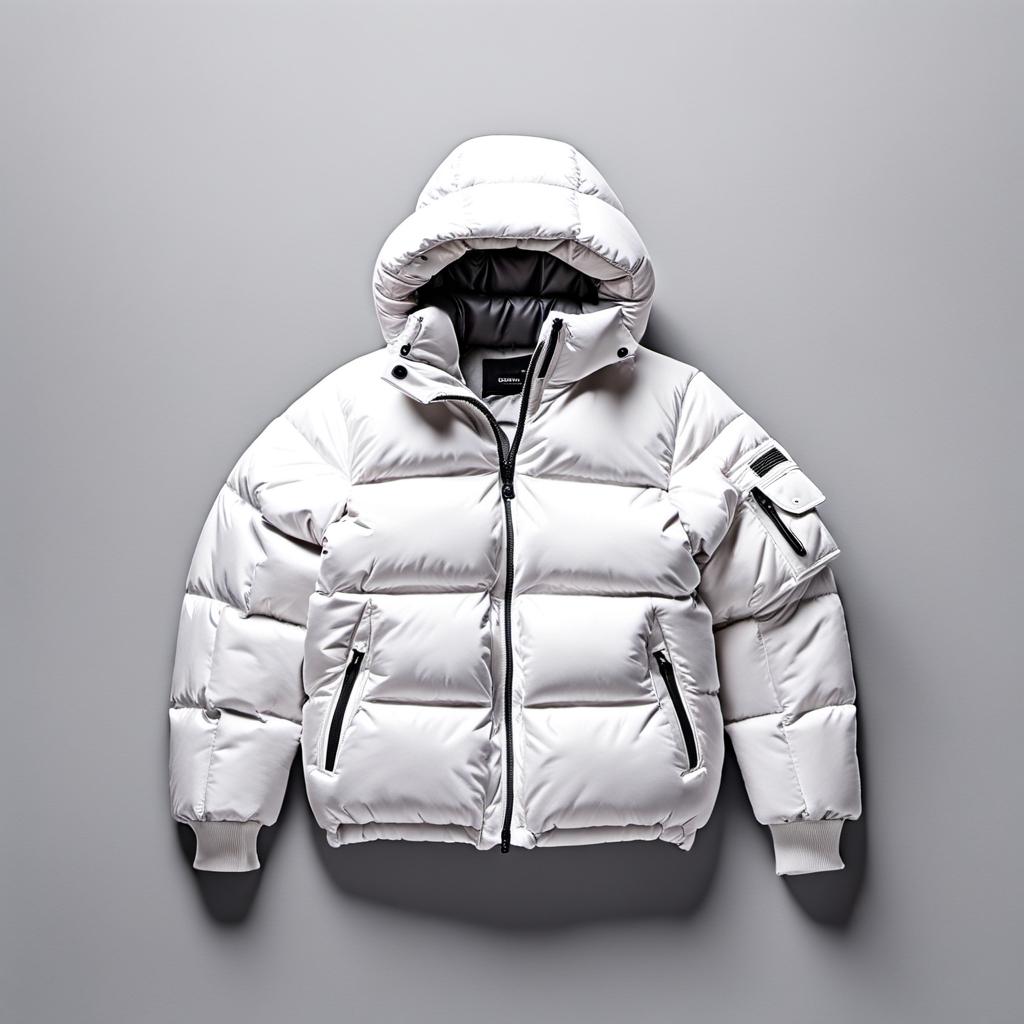
AI Text-To-Image Designer converts a written prompt into a rendered fashion visual, using a model trained on fashion imagery rather than generic stock photography. A designer describes a garment or silhouette and receives a rendering inside the app. This replaces early mood-board sketching with a finished reference, so Mercer users can test more concept directions before committing time to one design.
Sketch-to-Image
Sketch-to-Image takes a hand-drawn outline and renders it as a polished digital design, filling in fabric texture, color, and shading automatically. Designers who work faster on paper can scan or photograph a sketch and upload it directly into Mercer. The output is a presentation-ready render, so a pencil idea becomes a shareable concept without a separate illustration pass.
AI Edit Tool
AI Edit Tool lets a designer change a specific detail — a sleeve length, a collar shape, a color — by typing the change instead of repainting the image. Mercer applies the edit to the existing render while keeping the rest of the design intact. This turns revision rounds into text instructions, cutting back-and-forth during client review.
Production Management
Production Management connects finished designs to Mercer’s manufacturing network, covering costing, checkout, and logistics coordination for teams moving into physical production. Enterprise-tier users get access to global manufacturing partners and unlimited collection storage. This keeps the handoff from digital design to sample production inside the same platform instead of a separate vendor search.
Use Cases
-
Rapid Iteration for Design Concepts
Solo creatives and freelancers use Mercer’s AI Text-To-Image Designer and AI Edit Tool to visualize ideas quickly and refine details without manual redrawing. This lets them present several rendered options to clients before committing to one design.
-
Maintaining Brand Identity Across Collections
Established brands train Mercer’s AI Influences tool on their signature styles and historical collections, so new generated pieces stay visually consistent with the brand. This helps design teams avoid off-brand outputs before a collection ships.
-
Streamlined Fashion Production and Logistics
Growing teams use Mercer’s Production Management tools and task tracking to move from digital design to physical manufacturing, centralizing communication through the platform’s global manufacturing network. This keeps coordination in one workspace.
Best For / Not For
Mercer is built for people moving fashion designs from a first sketch through to a manufacturing order. Solo creatives and freelancers get fast concept renders for client pitches. Established brands use AI Influences to keep new collections consistent with their existing look. Growing teams rely on Production Management and task tools to coordinate manufacturing once a design is approved. Mercer is not for buyers who need a free tool: every tier is paid, starting at $19/month, and it is not built for non-fashion product categories such as furniture or electronics design.
Pricing
Mercer prices its four plans from $19 per user per month for solo designers up to $499 per user per month for enterprise teams, all billed monthly, with no free tier publicly listed. Each tier increases the monthly AI image allowance and number of editor seats, from 300 images on Designer to 3000 on Enterprise. The Enterprise tier is the only one with published pricing that includes manufacturing network access, since Mercer does not list a custom quote option separately.
| Plan | Price | Included |
|---|---|---|
| Designer | $19 / user/month, billed monthly | |
| Studio | $69 / user/month, billed monthly | |
| Studio Pro | $159 / user/month, billed monthly | |
| Enterprise | $499 / user/month, billed monthly |
The table does not show what happens once a plan’s monthly AI image allocation runs out, or whether unused credits roll over between billing cycles.
Pricing checked 2026-09-13.
Quick Comparison
SnapDress is Mercer’s main alternative for turning a single image into styled outfit variations without a fresh photoshoot. SnapDress works from an uploaded portrait photo to generate outfit concepts for social media creators and hobbyists. Mercer’s Sketch-to-Image and Production Management tools carry a concept from a rough drawing through to manufacturing coordination. Choose SnapDress if you want quick styled photo variations for personal or social content. Choose Mercer if you need to take a fashion concept into production.
Verdict
Mercer generates fashion renders from text prompts and sketches starting at $19 per user per month, giving solo creatives a paid alternative to manual illustration. Established brands and growing teams scale up through Studio and Enterprise tiers for collaboration and production coordination.