Lupa Upscaler: AI Image Upscaling Made Simple
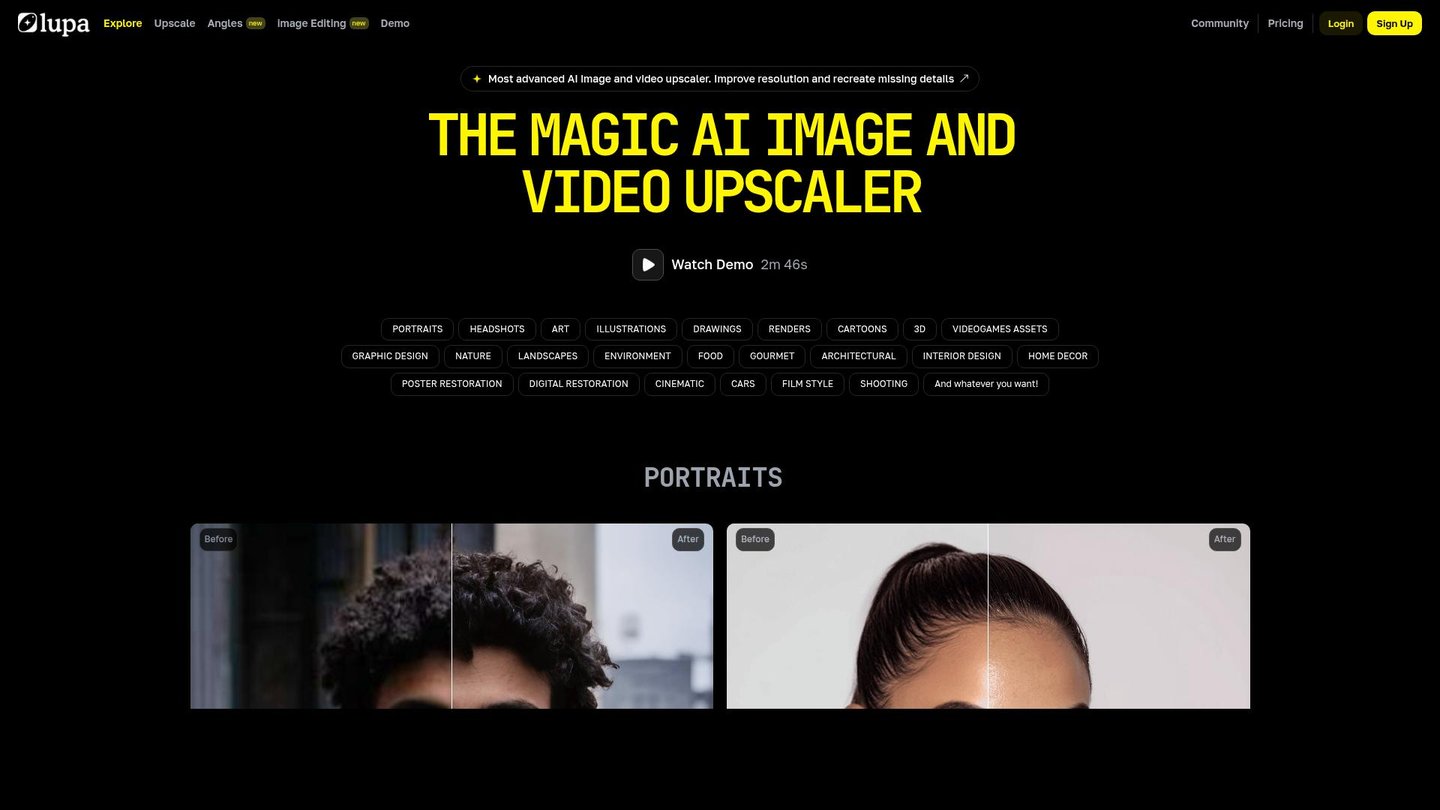
Lupa Upscaler transforms low-resolution photos into sharp, high-definition images in a few clicks. For example, a creator can turn a blurry product shot into a crisp banner-ready visual without reshooting. In particular, photographers, e-commerce sellers, and designers use it to upscale portraits, artwork, and graphics while keeping natural details. As a result, images that were once unusable become ready for social media, prints, and client projects.
- United States 26.1%
- Thailand 15.8%
- Brazil 14.6%
- United Kingdom 10.4%
- Other 33.1%
About Lupa Upscaler
To begin with, Lupa Upscaler is an AI-powered image enhancement tool that enlarges photos up to 16x while restoring lost detail and reducing blur. It uses deep learning models to recreate missing pixels, sharpen edges, and refine textures so images look clean even at very high resolutions. This solves the common problem of small, noisy, or compressed files that break when printed or used in professional layouts.
Moreover, Lupa Upscaler is built for a wide range of users, including marketers, YouTubers, photographers, and illustrators. Marketers can upscale small website assets into large landing-page banners, while YouTubers turn low-res thumbnails into sharp, eye-catching covers. At the same time, wedding photographers can rescue slightly soft portraits, and digital artists can enhance illustrations or 3D renders without redrawing them.
In addition, the tool works through a simple web interface: users upload an image, choose the scale factor, select an enhancement mode, and let the AI process it. Modes such as High Fidelity, Creative, Flux, and Realistic adapt to portraits, anime, product images, and renders. As a result, Lupa Upscaler acts like a smart digital storytelling tool, preserving the original style while upgrading overall quality.
Features of Lupa Upscaler
Consequently, the core features of Lupa Upscaler focus on quality, speed, and creative control.
- Multi-mode enhancement: Tailors processing for portraits, illustrations, renders, and graphics, giving precise control that rivals an AI video maker’s fine-tuning tools in static images.
- High-resolution upscaling up to 16x: Enlarges images for posters, prints, and ads while minimizing pixelation, acting as a powerful companion to AI content creation workflows.
- Advanced face recovery: Rebuilds facial features, restoring eyes, skin, and expressions so portraits stay natural and recognizable even from soft or compressed sources.
- Prompt-based customization: Lets users guide enhancement with short text prompts, adding coherent details or subtle stylistic changes similar to an automated animation pipeline.
- Batch processing: Handles many images at once, which helps agencies, e-commerce teams, and studios speed up large catalog or campaign production.
- Versatile format support: Works with JPG, JPEG, PNG, and WEBP files up to practical sizes, fitting neatly into existing design and editing workflows.
- Detail and texture refinement: Enhances edges, materials, and patterns so product shots, jewelry renders, and architectural previews look crisp and professional.
- Balanced Flux mode: Delivers stable results across art, faces, and text, reducing artifacts while keeping images sharp and visually consistent.
Furthermore, Lupa Upscaler includes practical capabilities that make it easy to adopt in real projects. Teams can benefit from collaboration-friendly workflows, since batch processing and consistent presets keep results uniform across campaigns. In many cases, users can start with free credits or tiered pricing, so small creators and large studios both find a suitable plan. Additionally, the web-based design means there is no complex setup, and it works smoothly alongside other creative tools, from layout software to a video generation platform that needs clean still frames. As a result, it becomes a central hub for preparing high-quality visual assets.
Ultimately, Lupa Upscaler gives creators, brands, and educators a fast way to turn weak visuals into polished assets ready for publishing. This AI image upscaler complements AI content creation and AI video maker tools by ensuring every frame and thumbnail starts from a sharp, detailed source. Therefore, anyone working with photos, graphics, or renders can extend the life of existing content and achieve professional results without complex manual editing.