
Humata AI: Smart Document Assistant for Faster Work
Humata AI turns dense files into clear answers, so you spend less time reading and more time acting. For example, a legal assistant can upload a 200-page contract and instantly ask for key clauses, risks, or renewal dates. In particular, researchers use it to summarize long scientific PDFs and extract citations in seconds, instead of scanning page by page.
About Humata AI
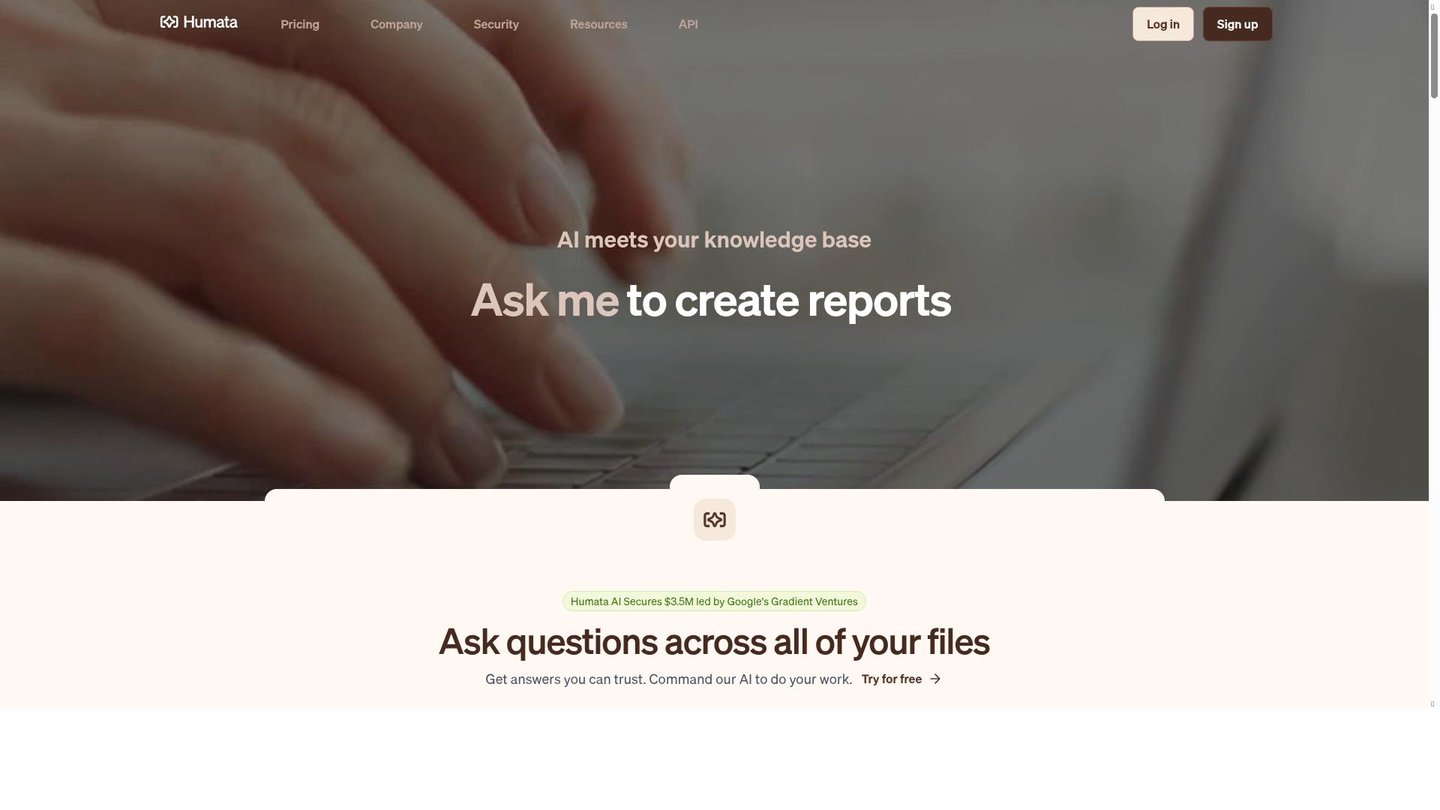
Moreover, Humata AI is an AI-powered document assistant that converts your PDFs and other files into a searchable knowledge base. It solves the problem of slow, manual reading by letting you ask natural-language questions and receive context-aware answers sourced from your documents. Students, lawyers, consultants, and product teams use it to handle information-heavy work without drowning in text.
Furthermore, the platform works by uploading files to a secure, encrypted cloud workspace, where machine learning models perform summarization, question answering, and semantic search. Under the hood, it relies on vector embeddings and large language models, but the interface stays simple: you just chat with your documents. For instance, an educator can upload lecture slides and textbooks, then generate concise study notes and quiz questions for their class.
As a result, Humata AI fits seamlessly into workflows that depend on accurate, document-based insights. Corporate analysts can compare multiple financial reports at once, while compliance teams can scan policy documents for specific obligations or dates. Because answers include citations and direct references, users can quickly verify the source, which is vital for legal, academic, and enterprise environments.
Features of Humata AI
Additionally, the main features of Humata AI focus on turning static documents into interactive, reliable knowledge.
- Instant document Q&A: Ask questions in plain language and get precise, cited answers drawn directly from your files, ideal for AI content creation and research workflows.
- One-click summarization: Generate concise overviews of long PDFs or sections, speeding up reviews for busy professionals using an AI video maker or digital storytelling tool.
- Multi-file comparison: Analyze and compare several documents at once, making it easier to align contracts, policies, or research papers without manual side-by-side reading.
- Semantic document search: Find information by meaning instead of keywords, so you quickly locate clauses, metrics, or definitions buried deep in complex technical reports.
- Citation-rich answers: Receive responses with references to pages and sections, helping you trust each insight and trace it back to the original source instantly.
- Clean chat-style interface: Interact through a simple chat panel that keeps questions, answers, and document snippets organized for ongoing projects and collaborative reviews.
- Support for multiple file types: Upload PDFs, DOCX, PPTX, and text files, turning mixed document sets into one unified, searchable workspace for knowledge teams.
- Secure cloud storage: Rely on encrypted storage and privacy protections so sensitive legal, financial, or academic documents remain protected while being analyzed.
In addition, Humata AI includes extra capabilities that support long-term, team-based work. Teams can collaborate around a shared document workspace, so everyone sees the same chat history, highlights, and summaries. This is useful for joint legal reviews or co-authored research projects. The platform offers free credits and tiered pricing, allowing individuals to start small and then scale to higher limits as their needs grow. Some plans provide API access, which lets developers embed document Q&A into internal dashboards or custom tools. With browser access and a straightforward sign-up process, users can quickly integrate Humata AI into their daily document management routine.
Consequently, Humata AI stands out as a practical digital storytelling tool for anyone working with dense, text-heavy content. By combining document chat, summarization, and semantic search, it reduces the friction of understanding complex files and supports tasks like AI content creation, compliance checks, and academic study. In many cases, it replaces hours of manual reading with a few targeted questions, giving individuals and teams a clear productivity edge.