
Grammarly for Marketing Teams: AI Detection and Writing Assistant
Most AI Detection tools flag text after it’s written; Grammarly checks tone, grammar, and AI-generated content while the draft is still being typed. Marketing teams get consistent brand tone in-line, so Grammarly fits daily drafting rather than a one-time compliance scan. Built for teams drafting daily content — solo essay writers may find it excessive.
- United States 51.5%
- India 6%
- Philippines 4.5%
- United Kingdom 4.2%
- Other 33.9%
What Grammarly Does
Marketing teams, sales professionals, and students use Grammarly to catch grammar and clarity errors, adjust tone, and flag AI-generated text while writing in Google Docs, Slack, or email.
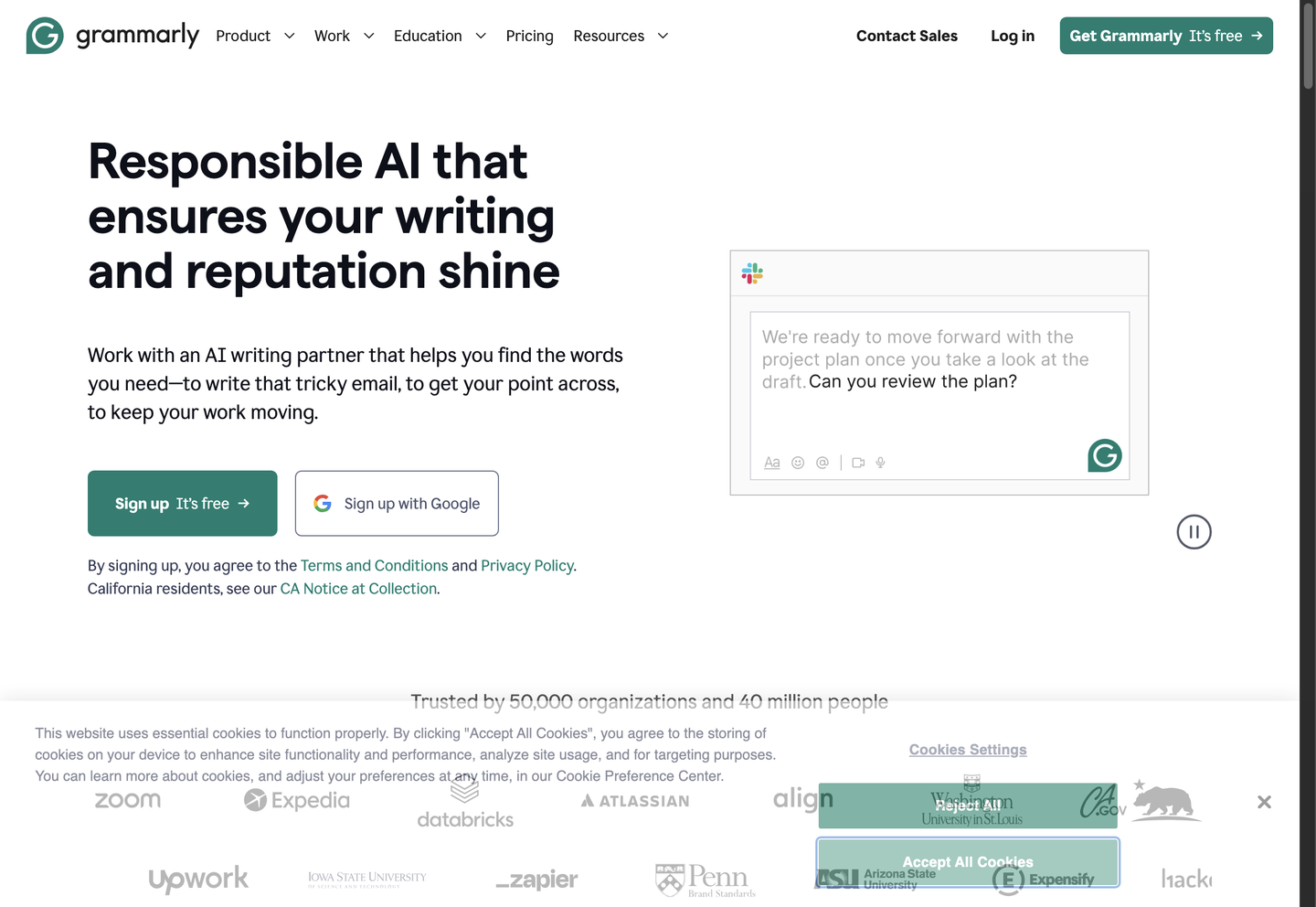
Grammarly runs as a browser extension, desktop app, and mobile keyboard, scanning drafts for spelling, structure, and tone before they’re sent. Its AI Detector agent flags passages generated by AI, and the Humanizer agent rewrites flagged sentences to read more naturally, so a document can pass both a grammar check and an AI-content review without switching tools. Grammarly integrates with Microsoft Office, Zoom, and Salesforce, keeping suggestions inside the apps teams use.
Main Features
Proofreading
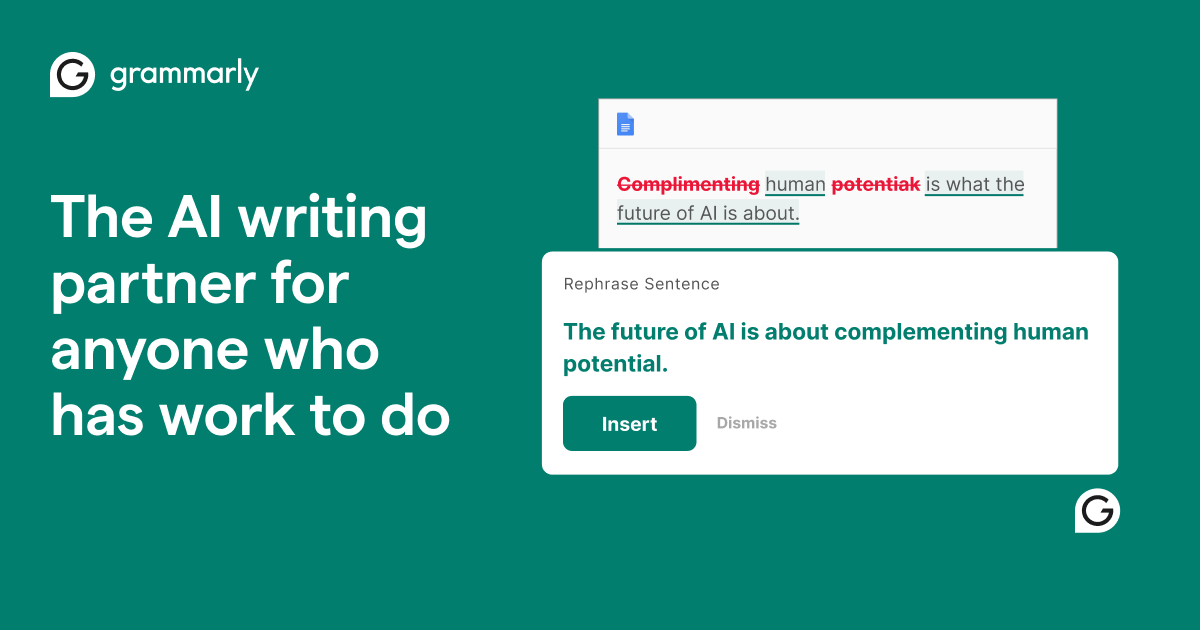
Grammarly’s Proofreading engine checks grammar, spelling, punctuation, and sentence structure in real time as text is typed. It flags issues inline in Google Docs, Microsoft Word, and browser text fields, offering one-click corrections instead of a separate compile-and-check step. The Free plan includes this baseline correction, so casual writers get error-catching without paying, while Pro adds full-sentence rewrites on top.
Tone Detection
Tone Detection analyzes word choice and phrasing to identify how a message will read — confident, formal, or blunt — before it is sent. Grammarly surfaces the detected tone alongside suggestions to adjust it, useful for HR teams writing job postings or sales professionals drafting outreach. Free users can see their tone; adjusting it requires the Pro plan.
AI Detector
The AI Detector agent scans text and flags passages likely generated by AI, marking areas to revise before submission. Paired with the Humanizer agent, Grammarly rewrites flagged sentences with more natural phrasing and structure. Students and content teams use this pairing to check drafts before submitting, though Grammarly publishes no accuracy percentage for its detector.
Integrations
Grammarly integrates with Google Docs, Microsoft Office, Slack, Salesforce, HubSpot, and the Chrome, Safari, Firefox, and Edge browsers, plus native apps for Windows, Mac, iPhone, iPad, and Android. Suggestions appear directly in whichever app a user is typing in, so a separate proofreading window is not required. Sales and HR teams draft across email, CRM notes, and chat without switching contexts.
Use Cases
-
Unified Brand Voice
Marketing teams face inconsistent messaging across blog posts, emails, and social copy. Grammarly’s Style Guide and brand tones apply the same terminology and voice rules to every writer’s draft, keeping content consistent without a manual review pass.
-
Enterprise Communication
Enterprise Communication lets IT teams roll out Grammarly across an organization to standardize writing and enforce data privacy compliance. SSO, data loss prevention, and custom roles manage access and security at scale, so IT enforces rules from one dashboard.
-
Professional Writing
Students use Grammarly to catch grammar errors and improve clarity in essays and research papers. Proofreading and citation-consistency checks run inline as the paper is drafted, flagging issues before submission and giving students a self-review pass first.
Best For / Not For
Grammarly is built for people who write daily inside existing apps rather than a dedicated editor. Marketing teams use it to keep brand voice consistent; IT teams deploy it organization-wide for compliance and security controls; sales teams and students use it for clear outreach and academic writing. Grammarly limits AI prompt generation to 100 per month on Free and 2,000 per member on Pro, so heavy AI-drafting workflows on Free hit that ceiling fast — teams needing unlimited generation should budget for Pro or Enterprise instead.
Pricing
Grammarly’s Free plan costs Free with 100 AI prompts per month, while Pro costs $12 / month, billed monthly, adding unlimited personalized suggestions and plagiarism detection; Enterprise pricing is available only through Contact Sales.
| Plan | Price | Included |
|---|---|---|
| Free | Free | Basic mistake correction, tone detection, and 100 AI prompts per month |
| Pro | $12 / month, billed monthly | Everything in Free plus sentence rewrites, tone adjustment, fluency improvements, unlimited personalized suggestions, plagiarism detection, AI detection, and 2,000 AI prompts per member/month |
The table does not show that AI prompt allowances reset monthly and do not roll over, so unused prompts on either plan are lost at the next billing cycle.
Pricing checked 2026-09-13.
Quick Comparison
Originality AI is Grammarly’s main alternative for teams that need AI-content detection as a standalone check. Originality AI publishes model-specific detection scores across multiple AI writing engines, a level of transparency Grammarly’s AI Detector agent does not disclose. Grammarly pairs detection with inline proofreading and tone suggestions, so writers fix flagged text without leaving the same draft. Choose Originality AI if a standalone detection report is the deliverable. Choose Grammarly if writing, tone, and AI-detection checks need to happen inside one running document.
Verdict
Grammarly runs proofreading, tone detection, and AI-content flagging inside existing apps for $12 / month on Pro, with 2,000 AI prompts per member monthly. It fits marketing, sales, and student writers who draft daily rather than teams needing a standalone detection report.


