
DeepSwap AI for General Users: AI Face Swap Editing
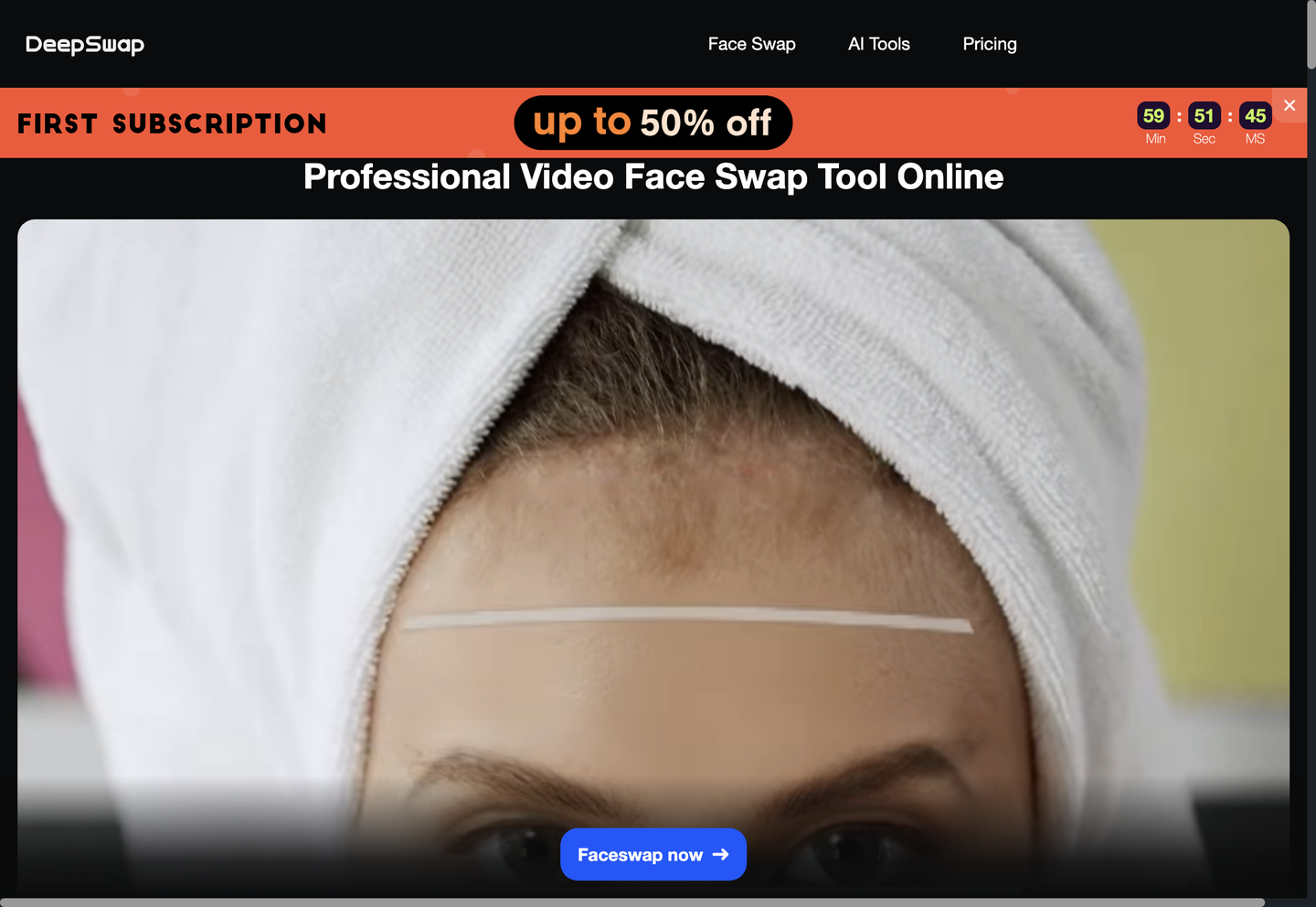
A marketing team needs a different face in a clip by morning, not after hours of manual compositing. DeepSwap AI is a browser-based face-swap workspace, a Image Editing tool, that swaps faces in photos, GIFs, and video. Particularly strong at multi-face video swaps — not built for offline or mobile editing.
- United States 18%
- Japan 8.4%
- Germany 7.3%
- Spain 5.7%
- Other 60.7%
What DeepSwap AI Does
DeepSwap AI solves the manual-compositing problem by running uploaded photos, GIFs, or video through a proprietary model that replaces one or more faces automatically. The company states its model reaches over 90% face similarity, 20% higher than open-source alternatives, with optimization across 16+ challenging scenes covering lighting, pose, and occlusion. Processing runs on GPU infrastructure, and DeepSwap AI states a one-minute video completes in about 10 seconds. Up to six faces can be swapped in a single clip, and the same account includes image-to-video, text-to-video, background removal, and cartoonization tools for broader photo and video work.
Main Features
90%+ Face Swap Similarity
DeepSwap AI runs a self-developed model that the company states achieves over 90% face similarity, 20% higher than open-source alternatives it compares against. This comes from model training rather than manual retouching, so results need less post-swap correction before a clip is ready to publish.
16+ Challenging Scenes Adaptation
DeepSwap AI applies tailored optimization across more than 16 difficult scene types, covering variations in lighting, angle, and partial occlusion. Because the model is tuned per scenario rather than applying one generic swap, footage shot outside studio conditions is less likely to produce visible seams around the face.
Multi-Face Video Face Swap
DeepSwap AI can reface up to six faces within the same video clip in a single processing pass. This removes the need to isolate and re-render each person separately, which matters for group scenes, ensemble cast tests, or multi-person social clips handled as one job instead of several.
No Privacy Concerns
DeepSwap AI states that it does not collect uploaded content, covering photos, GIFs, and video submitted for processing. For users testing likenesses they do not want retained on a third-party server, this stated no-collection policy is the relevant safeguard rather than a certification or audit trail.
Use Cases
-
Enhancing content creation
General users producing social clips and images use DeepSwap AI’s photo, GIF, and video face-swap tools to build variations of existing footage. With multi-face support and 4K output, a single upload can generate several ready-to-post versions without re-shooting.
-
Creating unique advertisements
Advertising teams testing creative concepts use DeepSwap AI to swap faces into campaign footage or images before committing to a shoot. The 16+ scene adaptation helps the swap hold up across varied lighting setups common in ad creative.
-
Innovative film production techniques
Film creators use DeepSwap AI’s face-swap tools to visualize alternate casting choices directly on existing footage. Processing a one-minute clip in roughly 10 seconds, per the company, lets a team review several casting options in one working session.
Best For / Not For
DeepSwap AI is built for people who need fast face replacement in existing photo and video assets rather than from-scratch video generation. General Users making social clips, Advertising Teams prototyping campaign visuals, and Film Creators testing casting choices before production get direct use from its multi-face and 4K swap tools, since each group starts from existing footage. DeepSwap AI does not publicly document integrations with third-party editing or asset-management software, so teams needing a connected production pipeline should look elsewhere, and regular video swapping effectively requires a paid plan since free use is limited.
Pricing
DeepSwap AI charges $19.99 per user per month, billed monthly, for 1-Month Access with 20 credits, or $49.99 per user per year, billed annually, for 12-Month Access with 240 credits total.
| Plan | Price | Included |
|---|---|---|
| 1-Month Access | $19.99 / user/month, billed monthly | 20 credits |
| 12-Month Access | $49.99 / user/year, billed annually | 240 credits total |
Credits are spent per task rather than per plan: video face swaps cost 1 credit per 15 seconds, photo swaps cost 0.1 credit each, GIF swaps cost 1 credit, and tools like background erasing or image enhancement cost 0.1 credit per photo, so usage beyond the monthly allotment requires an upgrade or additional credit purchase. The entry-level plan suits occasional swaps, while the annual plan’s 240 credits better fit regular video output across multiple clips per month.
Pricing checked 2026-11-09.
Quick Comparison
Super Resolution is DeepSwap AI’s main alternative for upscaling and sharpening existing photo or video output. Super Resolution focuses specifically on resolution enhancement rather than identity replacement in footage. DeepSwap AI instead swaps faces across photos, GIFs, and video with multi-face support for up to six people. Choose Super Resolution if the job is sharpening low-resolution images. Choose DeepSwap AI if the job is replacing faces in video or photo content.
Verdict
DeepSwap AI processes face swaps across photo, GIF, and video for up to six faces per clip, starting at $19.99 per month for 20 credits. The tool suits social creators and film teams testing visuals pre-production, not teams needing software integrations or offline access.


