CoSchedule for Agencies: Social Media Calendar Planning
A client’s Instagram post ships late because three team members edited three different spreadsheets overnight. CoSchedule is a marketing calendar, a Social Media tool, that schedules posts, drafts copy with AI, and reports results from one shared view. Particularly strong at centralizing social publishing and client calendars — not built for deep general project management.
- United States 68.9%
- India 5.9%
- Philippines 2%
- United Kingdom 1.8%
- Other 21.4%
What CoSchedule Does
CoSchedule solves the scattered-calendar problem by putting every social post, deadline, and client campaign on one drag-and-drop schedule.
CoSchedule combines a Social Calendar, a Social Inbox, and an AI Campaign Assistant so a marketer can plan a campaign, generate draft posts, schedule them across networks, and reply to comments without switching tools. ReQueue fills gaps in the posting cadence by reshuffling evergreen content automatically. Analytics dashboards cover Instagram, TikTok, and LinkedIn, so performance data sits next to the content that produced it instead of in a separate export.
Main Features
Social Calendar
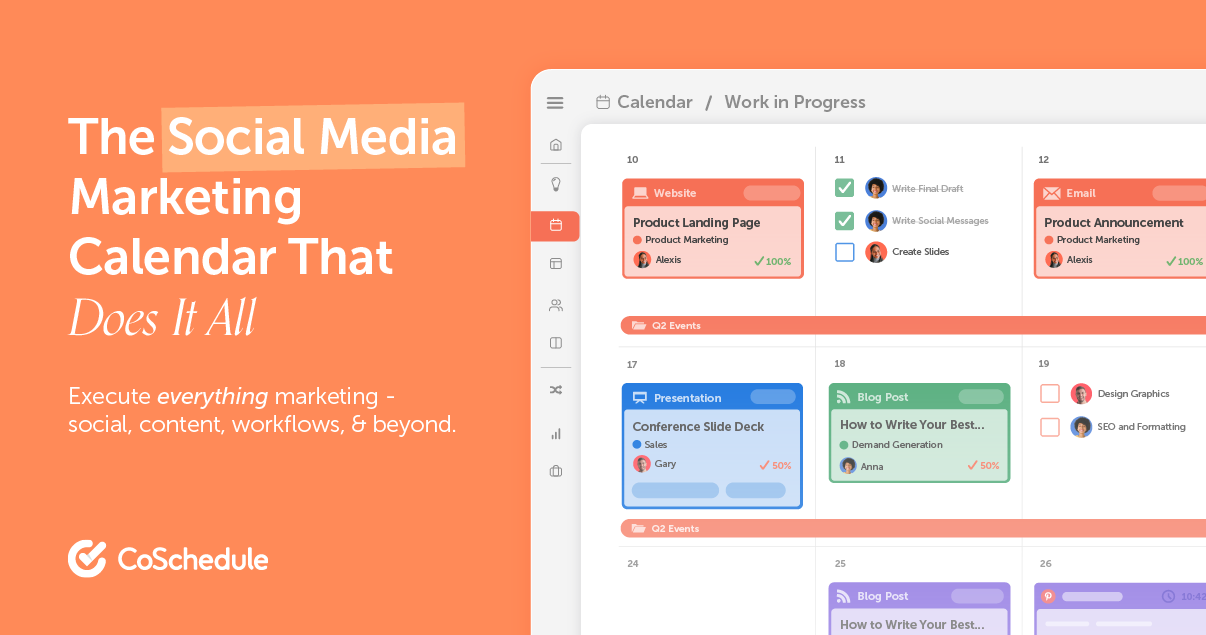
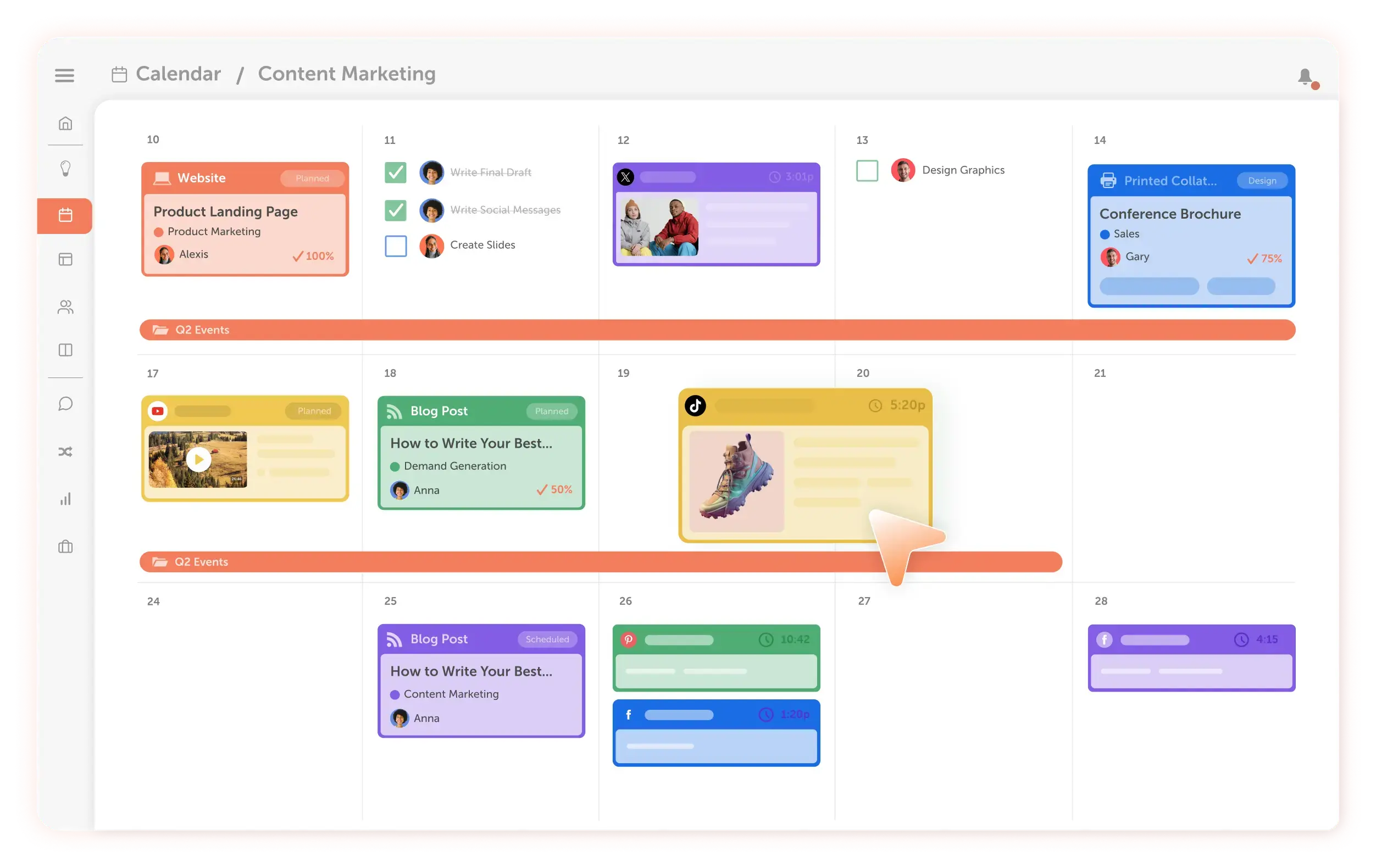
CoSchedule lays out every social profile and network on one drag-and-drop calendar, so a scheduled post can be moved by dragging it to a new date instead of re-entering it in a different tool. Teams see campaign and publishing dates side by side, which cuts the chance that two people schedule conflicting content for the same slot.
AI Campaign Assistant
A user describes what they’re promoting, and CoSchedule drafts the posts, spaces them across the calendar, and adds images for review. It generates the first version rather than a final one, so a human still approves copy and imagery before anything publishes, which keeps brand voice under manual control.
Social Inbox
CoSchedule consolidates comments and messages from connected profiles into one inbox, so replies happen without logging into each network separately. This matters most for teams managing several client accounts, where missed replies on one platform are easy to lose track of across logins.
ReQueue
A user picks evergreen posts once, and ReQueue reshares them automatically to fill quiet days on the calendar. This keeps a profile active without new content being drafted daily, though it depends on having existing posts worth recycling in the first place.
Use Cases
-
Manage Multiple Clients
Agencies bring several client accounts that each need separate visibility. CoSchedule’s calendar and client-specific sharing keep each account’s schedule distinct from the others. This reduces the chance that one client’s draft post is scheduled under the wrong profile.
-
Coordinate Blog Posts
Teams bring a blog publishing schedule alongside social promotion. CoSchedule’s Social Calendar places blog deadlines and the social posts promoting them on the same view. This helps maintain a consistent publishing cadence across both channels.
-
Execute Social Campaigns
Marketing teams bring a campaign with a launch date and multiple posts to sequence. CoSchedule’s AI Campaign Assistant drafts and spaces the posts, while Analytics tracks how each one performs. Teams can then adjust timing or copy based on what the dashboard shows.
Best For / Not For
CoSchedule is built for people coordinating social content across multiple accounts or departments rather than managing a single feed alone.
Agency teams running several client calendars and Social Media managers coordinating blog and campaign publishing fit the core use case. A one-person marketing department also fits, scheduling content without a dedicated social hire.
Reviewers report a learning curve and an occasionally overwhelming interface, so CoSchedule is a poor fit for a solo creator who only needs to queue a handful of posts a week.
Pricing
CoSchedule’s free plan costs $0 and schedules up to 15 posts on one profile, while the Starter plan runs $29 per user/month billed annually.
| Plan | Price | Included |
|---|---|---|
| Free | Free | Schedule up to 15 posts at a time on 1 profile. |
| Starter | $29 / user/month, billed annually | |
| Professional | $49 / user/month, billed annually |
Monthly billing raises both paid tiers above the annual rate, and a Suite plan above Professional is priced on request rather than listed publicly.
Pricing checked 2026-10-25.
Quick Comparison
ContentStudio is CoSchedule’s main alternative for agencies planning content across multiple social and blog channels. ContentStudio covers content discovery and curation feeds alongside scheduling, which CoSchedule does not list as a feature. CoSchedule counters with its AI Campaign Assistant, which drafts and spaces a full campaign’s posts in one pass. Choose ContentStudio if content discovery across topics matters more than campaign planning. Choose CoSchedule if the priority is a shared calendar for coordinating blog and social deadlines together.
Verdict
CoSchedule schedules posts across 11 social networks and drafts campaign content with its AI Campaign Assistant starting at $29 per user/month. It fits agencies and marketing teams coordinating blog and social schedules across multiple accounts. It is not built as a lightweight single-profile scheduler.