Copper: Streamline Sales with AI-Powered CRM
Copper is a customer relationship management (CRM) system designed especially for Google Workspace users. For example, a sales team can automatically track emails and meetings without manual entry, saving hours and improving follow-up precision. In particular, account managers in tech firms use Copper to identify upcoming contract renewals early and support upselling efforts efficiently.
- United States 71.3%
- Australia 6.6%
- United Kingdom 2.9%
- Germany 2.3%
- Other 16.9%
About Copper
Copper is a cloud-based CRM that solves the challenge of managing complex customer data and sales pipelines. It automates data capture from Gmail and Google Calendar to eliminate manual entry. As a result, users can focus more on building relationships and closing deals rather than on administrative tasks. The tool is ideal for sales professionals, account managers, and small to medium-sized businesses that rely heavily on Google Workspace.
Moreover, Copper integrates smoothly with Google Drive, offering seamless document management and collaboration. Its intuitive interface enables users to visualize sales pipelines through drag-and-drop functionality, complemented by AI-powered alerts that flag important actions. For instance, marketing teams use Copper to automate drip email campaigns and score leads, enhancing campaign efficiency with minimal effort.
Additionally, Copper supports project management by allowing teams to group and filter tasks, reorder pipelines, and automate subtasks within workflows. This helps customer success managers and project leads track progress and coordinate efforts without switching between multiple tools. Leveraging AI and cloud technology, Copper centralizes communication, tasks, and sales data in one platform, streamlining workflows from lead generation to closing deals.
Features of Copper
Next, let’s explore the key features that make Copper an effective AI-driven CRM and digital storytelling tool.
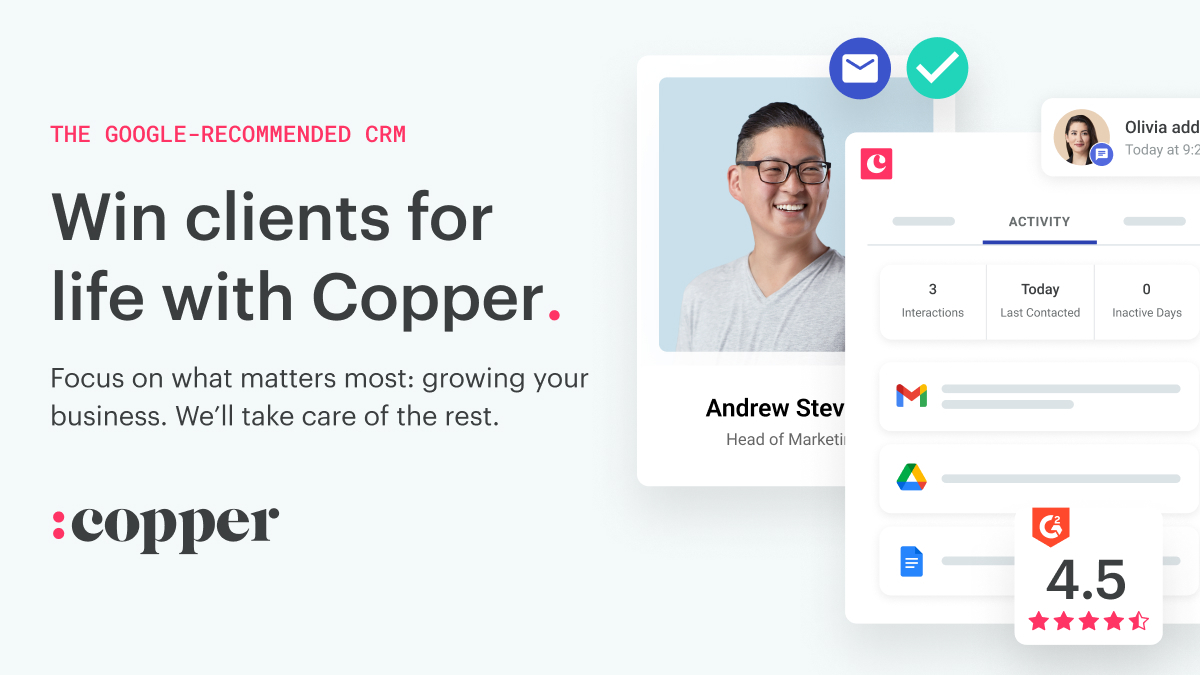
- Google Workspace Integration: Seamlessly connect Gmail, Calendar, and Drive to sync emails, meetings, and files automatically, reducing manual data entry.
- Automated Data Capture: Automatically logs communication and contact details from Gmail, saving hours of administrative work and maintaining accurate records.
- Visual Sales Pipeline: Drag-and-drop pipeline management with AI flags highlights lead status and sales bottlenecks to boost deal closure rates.
- Email Automation: Send triggered emails and sequence campaigns directly from the CRM, helping nurture leads without extra effort.
- Project and Task Management: Group and filter tasks with subtasks and workflow automations for seamless team collaboration and improved project delivery.
- Custom Reporting: Generate tailored reports with insights on revenue projections, customer trends, and team activity using Google Sheets integration.
- Mobile App: Manage contacts and advance deals on the go with a fully featured mobile app synced to your main workspace.
- Integration with Sales Tools: Connect with PandaDoc, DocuSign, and QuickBooks to streamline contracts, proposals, and billing processes.
Furthermore, Copper offers different pricing tiers to suit business needs, including a powerful API for custom integrations. Teams benefit from built-in collaboration tools and a rich set of integrations designed to fit perfectly within a Google-centric workflow. Additionally, free credits and trial options make it easy to start testing its AI-enhanced features.
Ultimately, Copper provides a robust AI CRM solution tailored to Google Workspace users who want to automate sales workflows and improve customer engagement. By combining automated data capture with project management and seamless integration, Copper empowers teams to sustain growth and deliver personalized customer experiences efficiently.