Discover Clipchamp: The Ultimate AI-Powered Video Editing Tool
Creating stunning videos has never been easier with Clipchamp, an AI-powered video editor that combines simplicity and powerful features. Whether you’re a beginner or a seasoned creator, Clipchamp offers smart tools designed to speed up your workflow while producing impressive results. In this blog, we’ll explore what makes Clipchamp a must-have tool for your video editing needs.
- United States 15.6%
- India 8.4%
- Brazil 7.2%
- Japan 5.6%
- Other 63.2%
About mentioned tool
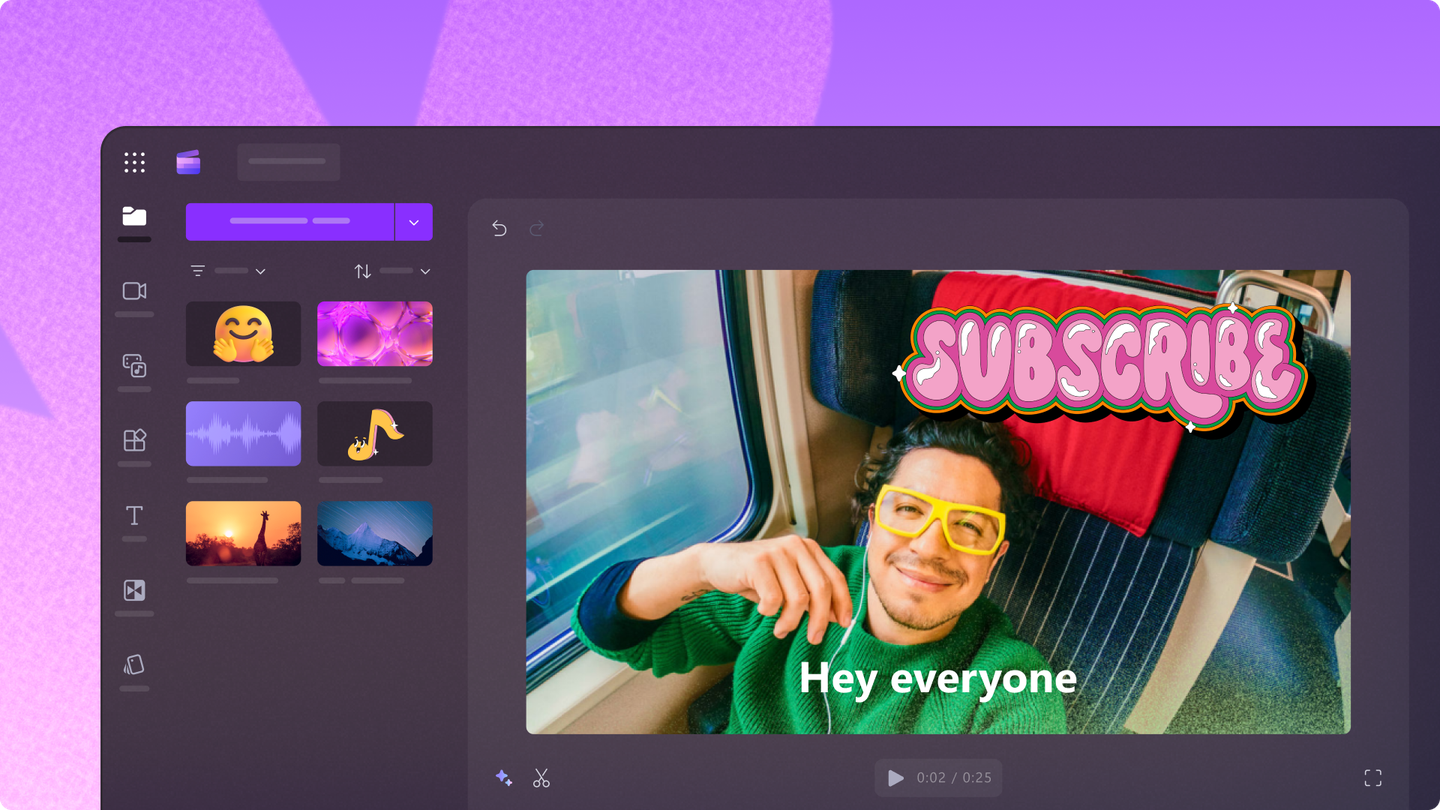
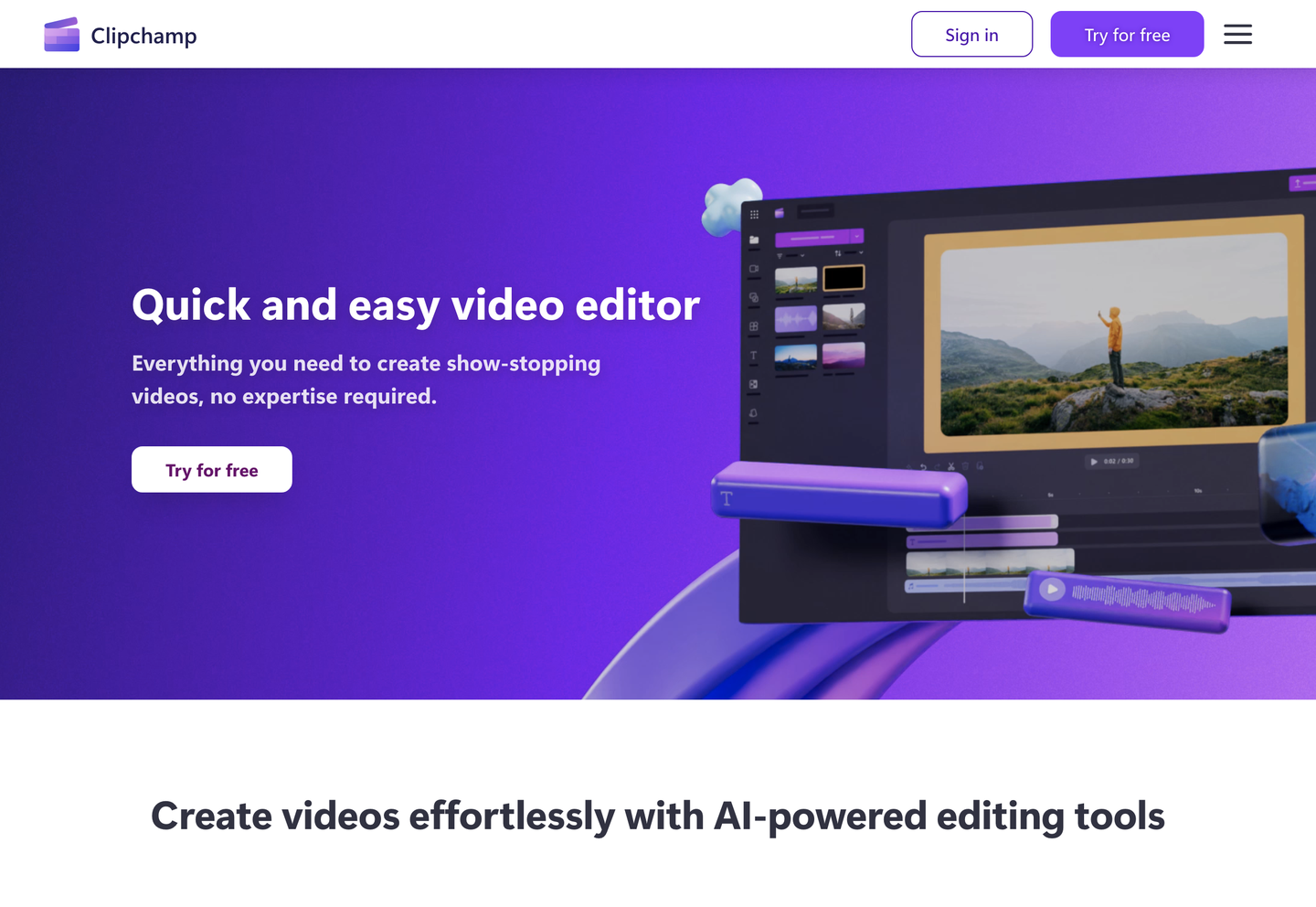
Clipchamp is an online video editing platform that leverages advanced artificial intelligence to simplify the process of making professional-quality videos. It allows users to create, edit, and enhance videos effortlessly, directly from their browsers or through its Windows desktop app. No experience is needed, as Clipchamp’s intuitive interface guides users through editing tasks with ease.
Since being acquired by Microsoft, Clipchamp has integrated deeply into the Microsoft 365 ecosystem, making it ideal for both personal and professional use. The tool supports a wide range of video projects, from social media clips and marketing promos to training and educational videos. Its cloud-based nature means you can access your projects anytime, anywhere.
What sets Clipchamp apart is its suite of AI features that streamline tedious editing steps. From auto-generating polished videos to creating realistic voiceovers and removing unwanted audio noise, Clipchamp offers unique automation that boosts creativity without sacrificing quality. It supports over 400 AI voices in multiple languages, making it perfect for global content creators and businesses alike.
Features of mentioned tool
Clipchamp comes packed with several innovative features that harness AI to enhance video editing. Here are some of its key highlights:
- AI Video Editor: Automatically arranges your clips and images into engaging videos based on your chosen style, saving time while producing social media-ready content.
- AI Voiceover Generator: Converts text to speech with over 400 voices in multiple languages, customizable by pitch and pace for natural narration.
- AI Silence Removal: Detects and removes long silences from recordings, speeding up edits for podcasts and presentations.
- AI Speaker Coach: Provides real-time feedback on speaking pace, filler words, and engagement, helping you improve video presentations.
- AI Subtitle Generator: Creates accurate, editable subtitles in 80+ languages automatically to boost accessibility and viewer retention.
- Noise Suppression: Removes background noise like wind and traffic, enhancing audio clarity without expensive equipment.
- Image Background Removal: Quickly removes backgrounds from images for cleaner visuals and customizable video compositions.
- Batch Video Creation: Allows users to create multiple slideshow or promo videos at once, ideal for marketing campaigns.
In addition to these features, Clipchamp offers tools like text layouts, transitions, stock videos, and music to enrich your video projects. Users can edit videos stored on cloud sources like OneDrive or Microsoft Stream, making it easy to repurpose content. The platform supports cutting, trimming, and layering multiple video and audio elements in a user-friendly timeline editor. Clipchamp’s continuous AI enhancements aim to empower creators to produce high-quality content faster and with less effort.
Overall, Clipchamp stands out as a versatile AI-powered video editor that fits creators of all skill levels. Its range of smart tools, seamless Microsoft integration, and free access to powerful AI features make it an excellent choice for anyone looking to create engaging videos quickly. Whether for personal storytelling or professional communication, Clipchamp helps you bring your vision to life with ease and efficiency.